Creating and Publishing Integration Business Services
BEA WebLogic Adapter for SAP User’s Guide 4-11
Generating WSDL From a Web Service
Generating WSDL (Web Services Description Language) from a Web service enables you to
make the Web service available to other services within a host server such as the BEA
WebLogic Server.
Procedure: How to Generate WSDL From a Web Service
To generate WSDL from a Web service:
1. Click the Integration Business Services tab.
2. To view the service for which you want to generate WSDL, in the left pane, expand the
list of services.
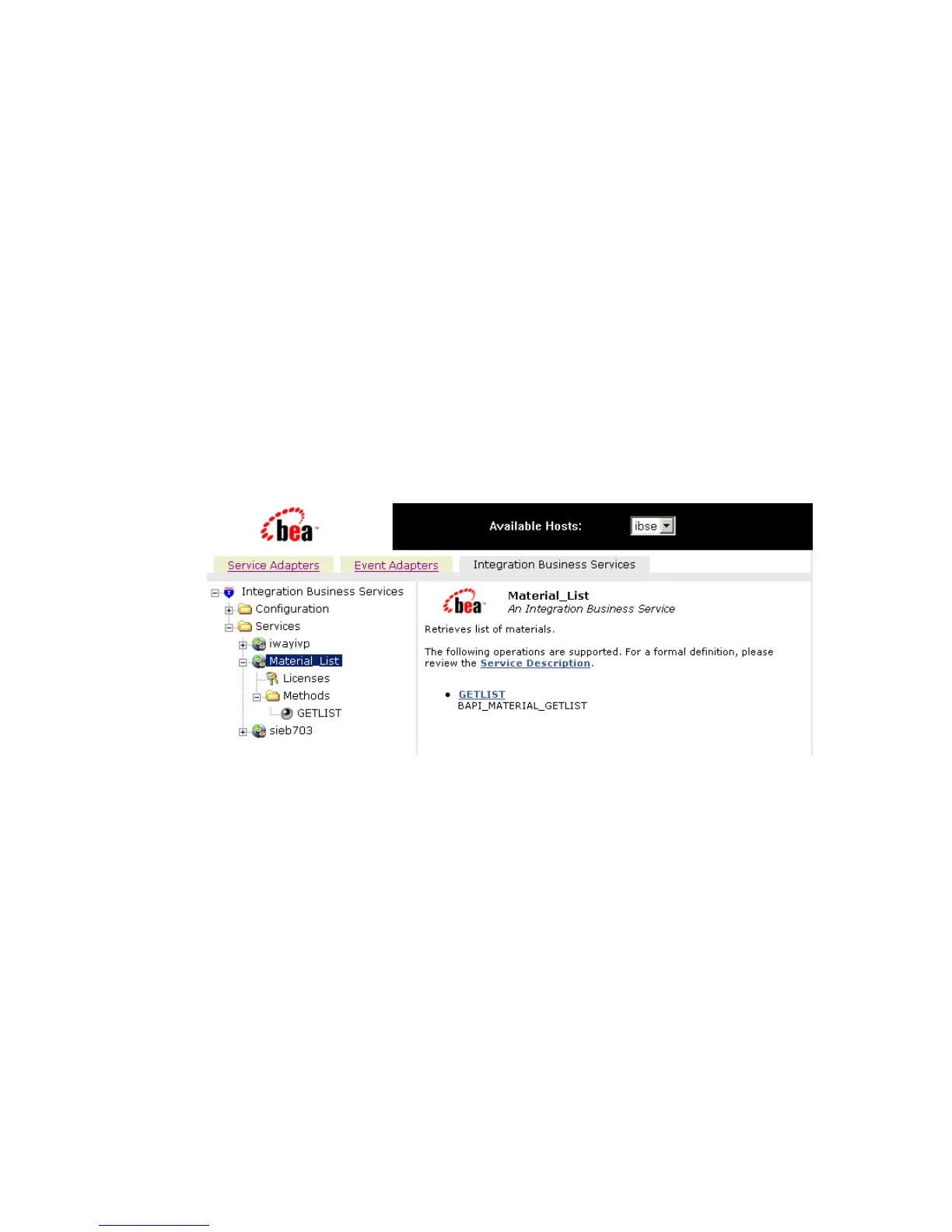
3. Select the service, for example, Material_List.
The following image shows Material_List service selected in the left pane. The link for
the service appears in the right pane.
a. Right-click the Service Description link.
b. Select Save Target As.
4. Choose a location for the file and add a .wsdl file extension.
5. Click Save.
For example, saving a Web service called Material_List for an SAP R/3 creates a file
named Material_List.wsdl.
Note: The file extension must be .wsdl.



 To Next Page