Viewing an Application System Object and Creating an XML Schema
A-12 BEA Systems, Inc.
Procedure How to Delete a Target
To delete a target:
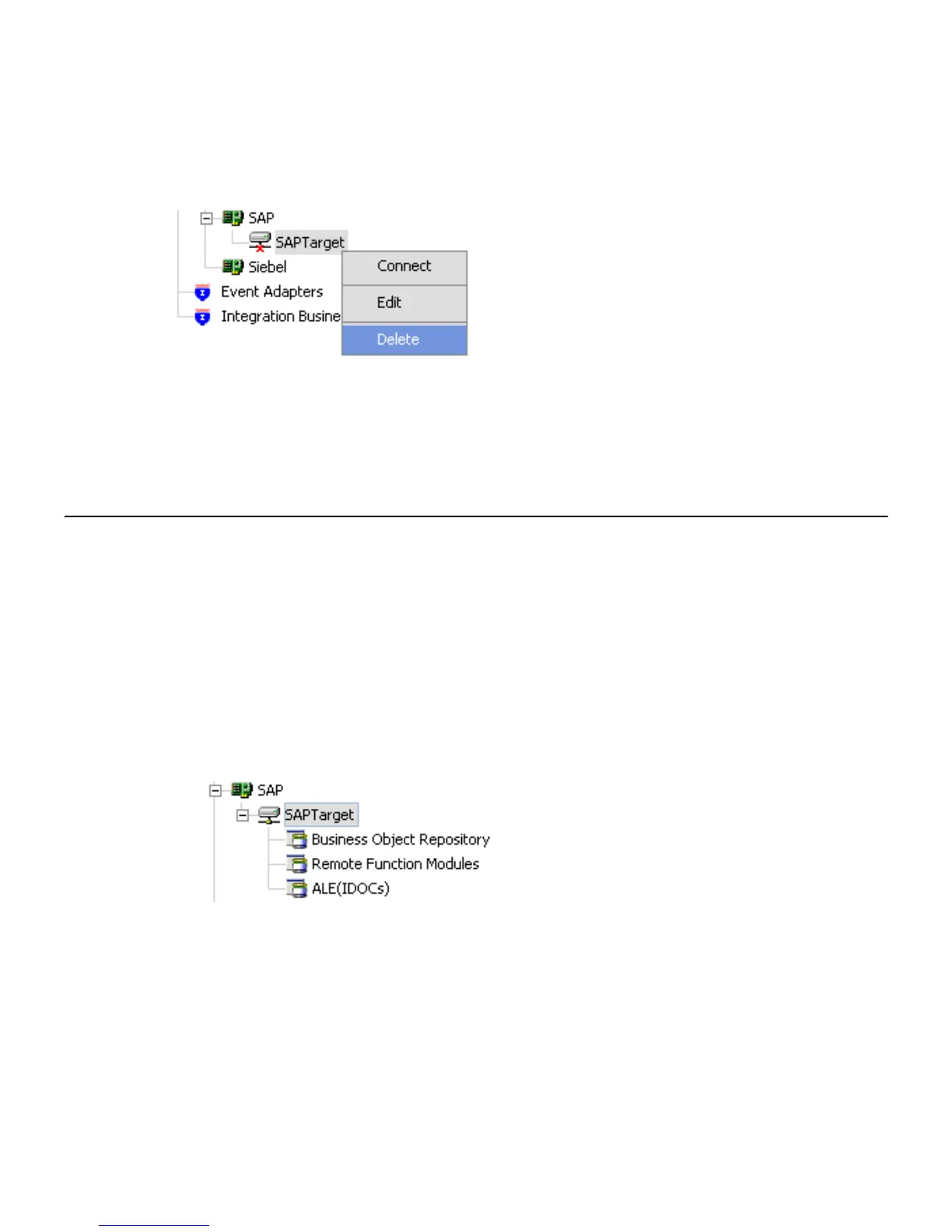
1. In the left pane, right-click the target, for example, SAPTarget.
2. Select Delete.
The SAPTarget node disappears from the left pane.
Viewing an Application System Object and Creating an XML Schema
After you create a new configuration and connect to SAP, Application Explorer enables you
to explore and browse business object metadata. For example, Application Explorer
enables you to view BAPI, RFC, and iDOC metadata stored in the SAP Business Object
repository.
Procedure How to View an SAP System Object
To view an application system object:
1. Click the icon to the left of the target name, for example, SAPTarget.
The available system objects appear.
Figure 0 -1 Expand ed Connecti on Node
2. To expand the SAP repository node you want to explore, click the icon to the left of the
repository name, for example, Business Object Repository.



 To Next Page