Using Application Explorer in BEA WebLogic Workshop to Create XML Schemas and Web Services
BEA WebLogic Adapter for SAP User’s Guide A-11
Procedure How to Edit a Target
To edit a target:
1. Ensure that the target you want to edit is disconnected.
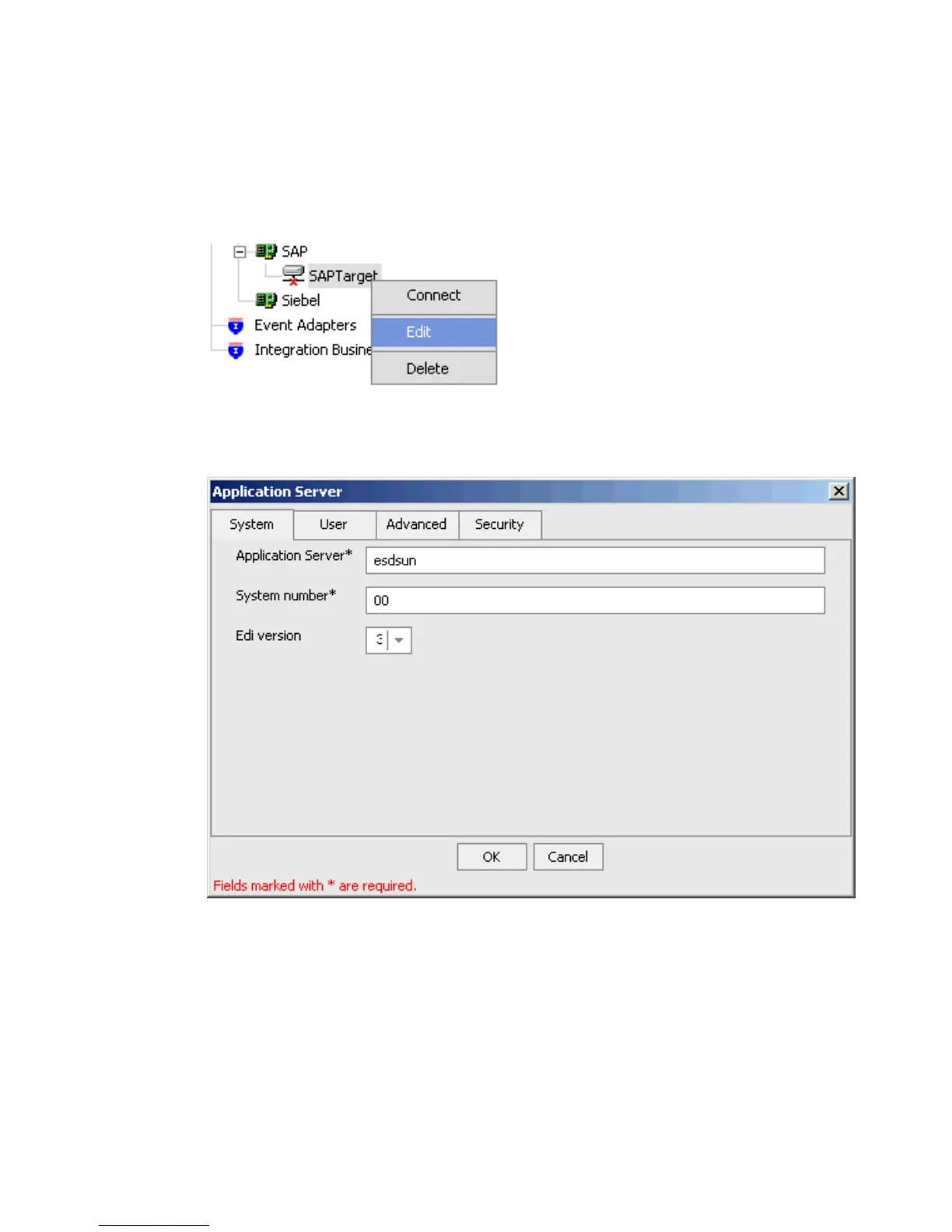
2. In the left pane, right-click the target and select Edit.
The Application Server dialog box opens.
3. Change the properties in the dialog box as required and click OK.



 To Next Page