Creating XML Schemas for SAP
BEA WebLogic Adapter for SAP User’s Guide 3-11
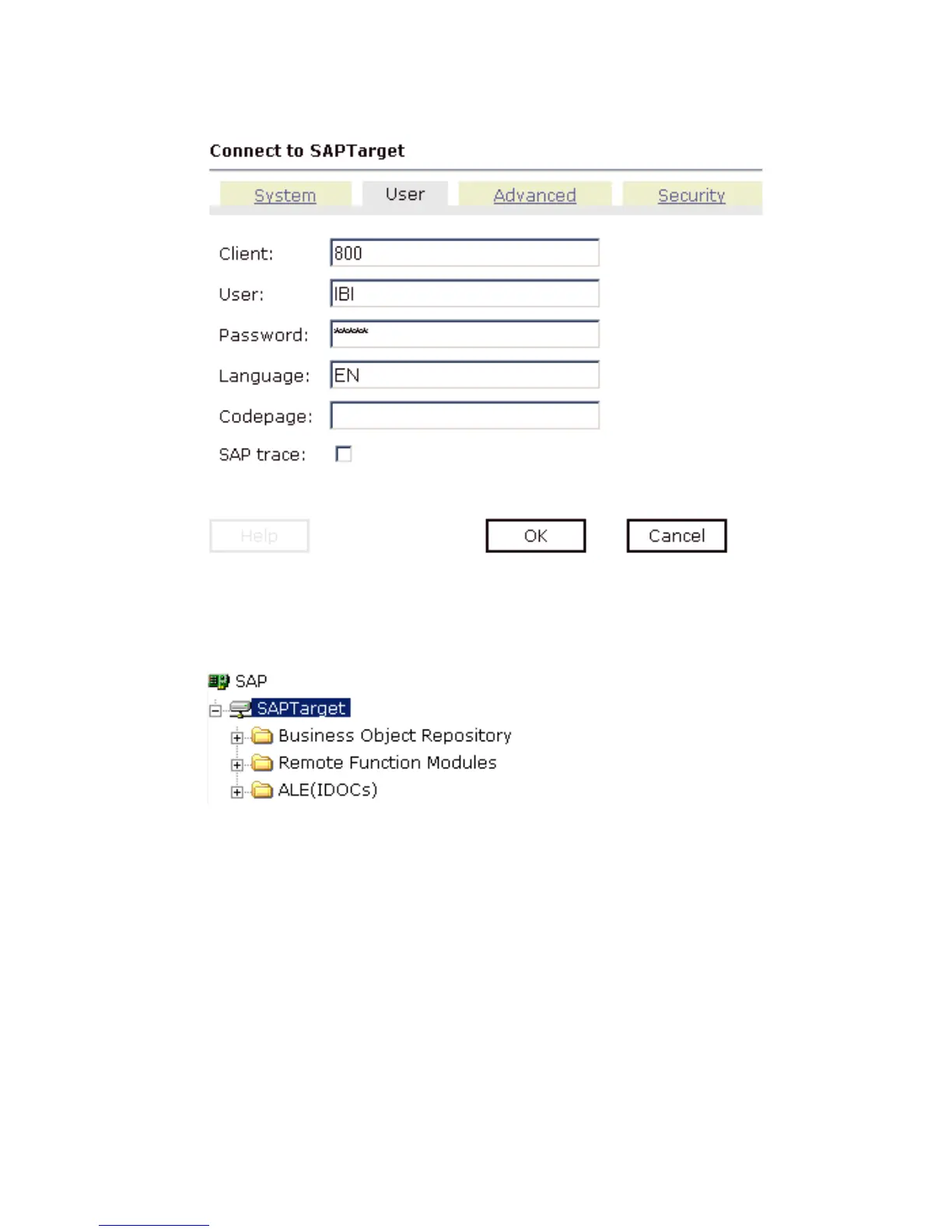
4. In the Password field, type a valid password and click OK.
The SAPTarget node in the left pane changes (the red ‘x’ disappears) to reflect that a
connection was made as shown in the following image.
5. Expand the SAPTarget node.
The following SAP business objects appear:
•Business Object Repository
• Remote Function Modules
•ALE (IDocs)
Disconnecting From a Target
Although you can maintain multiple open connections to different application systems, it is
a good practice to close connections when you are not using them.



 To Next Page