Using WebLogic Workshop to Access an SAP BAPI or an SAP RFC
C-4 BEA Systems, Inc.
Calling a New Web Service for a BAPI
The code for a Web service is contained within a JWS (Java™ Web Service) file. A JWS file is a
JAVA file in that it contains code for a Java class. However, because a file with a JWS
extension contains the implementation code intended specifically for a Web service class,
the extension gives it special meaning in the context of the WebLogic Server.
After you access the Business Application Programming Interface (BAPI), the New Web
Service dialog box opens, and you can continue and call a Web service.
Procedure How to Call a New Web Service
To call a new Web service:
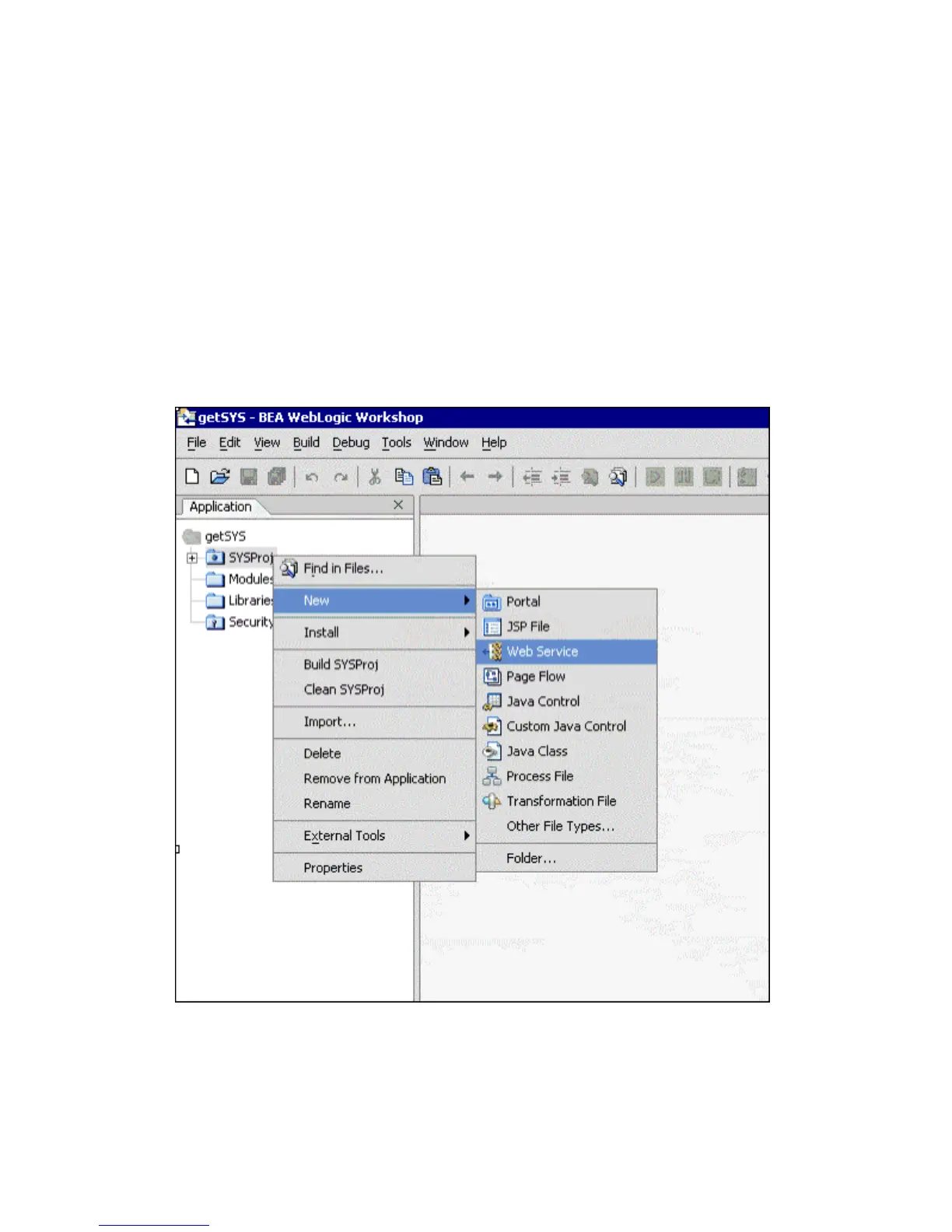
1. In the Application tab, right-click the BAPIProj folder and select New.
2. Select Web Service.



 To Next Page