Using WebLogic Workshop to Access Web Services
BEA WebLogic Adapter for SAP User’s Guide C-5
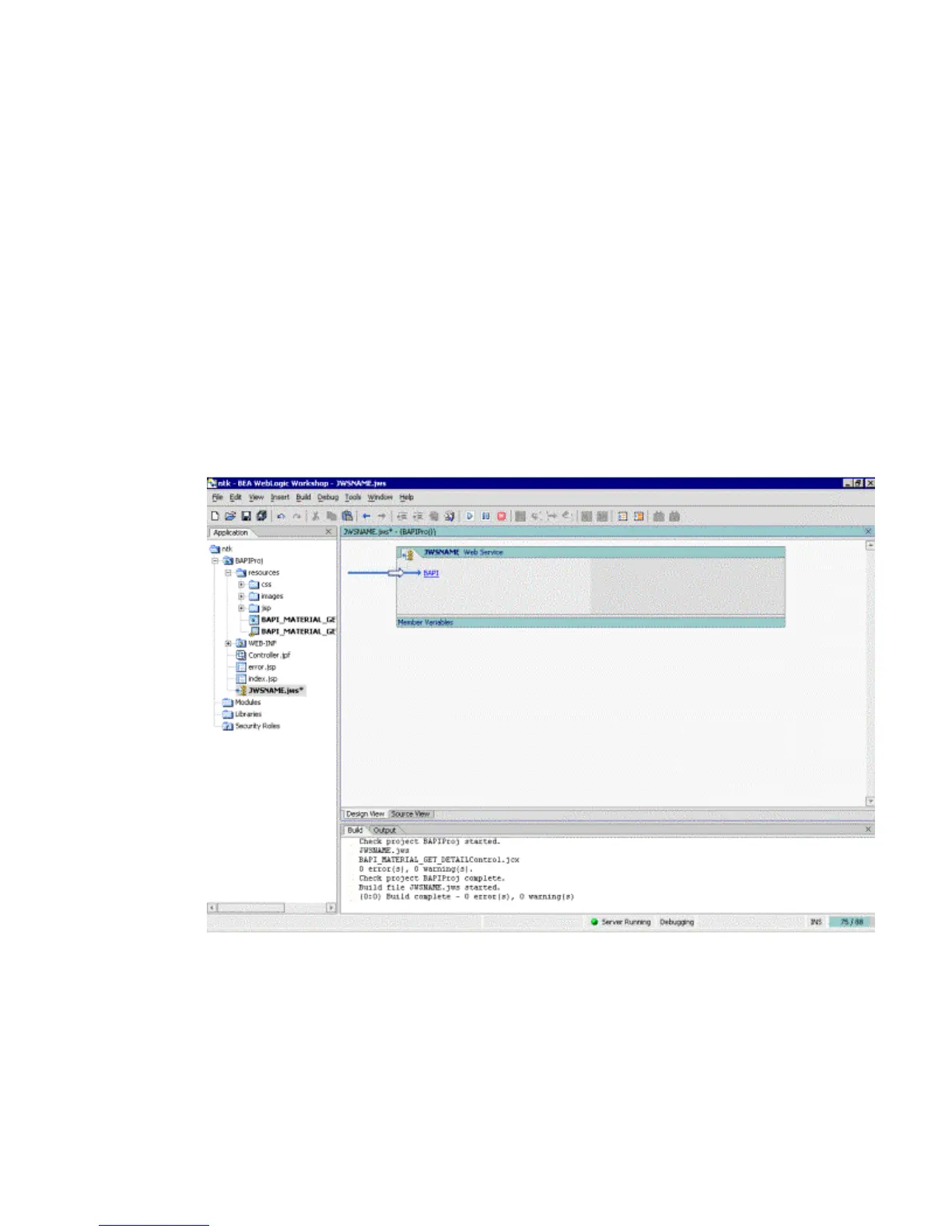
3. In the upper-left pane, select all and then, select Web Service in the right pane.
a. In the name field, type JWSNAME.jws.
b. Click Create.
The design view window opens.
Web services expose their functionality through methods that clients invoke when
they want to request something from the Web service. In this case, clients invoke a
method to call the BAPI_MATERIAL_GET_DETAIL Control that is exposed later in
this procedure.
4. If it is not selected already, click the Design View tab.
a. From the Insert menu, select Method.
b. In the space provided, replace method1 with BAPI, and press Enter.
5. Right-click the resources sub-folder project and select Import.
6. Import BAPI_MATERIAL_GET_DETAIL.WSDL .
For more information on creating a WSDL file, see Chapter 4, Creating and Publishing
Integration Business Services.



 To Next Page