Managing and Monitoring Services and Events Using the JCA Test Tool
7-16 BEA Systems, Inc.
Managing and Monitoring Services and Events Using the JCA Test Tool
The JCA Test Tool, which is also known as the JCA Installation Verification Program (IVP),
provides a console to manage and monitor services and events currently in use. The
console also displays resource usage and invocation statistics. These indicators can help
you adjust your environment for optimum efficiency.
Procedure: How to Manage and Monitor Services Using the JCA Test Tool
To manage and monitor services using the JCA Test Tool:
1. Open a Web browser to:
http://hostname:port/iwjcaivp
where:
hostname
Is the name of the machine where your application server is running.
port
Is the port for the domain you are using. The port for the default domain is 7001, for
example:
http://localhost:7001/iwjcaivp
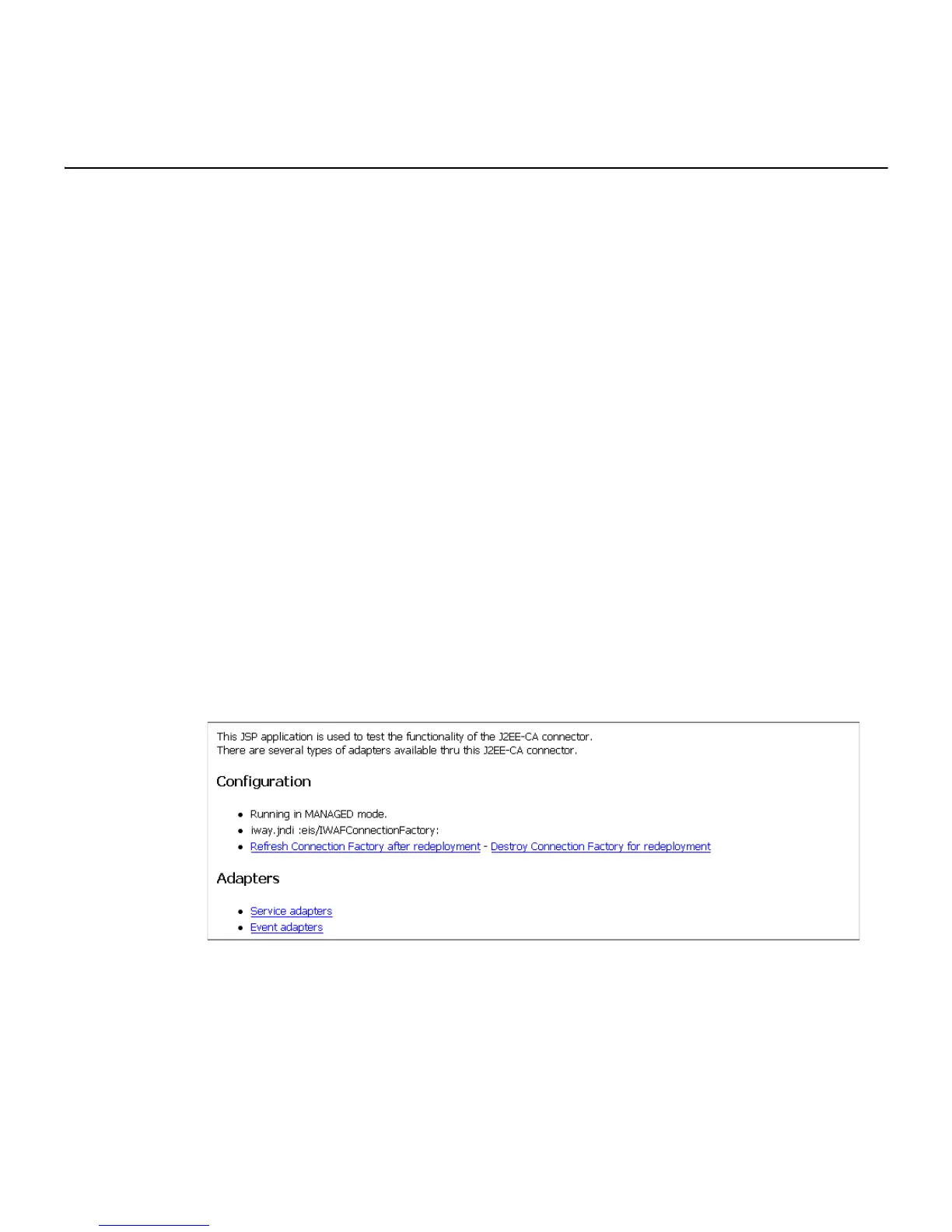
The following image shows the JCA Test Tool pane that opens. The pane contains a
description of the function of the tool and configuration information, including options
to change your connection settings. It also provides options for viewing service or
event adapters.
The JCA Test Tool runs in managed mode by default.



 To Next Page