Management and Monitoring
BEA WebLogic Adapter for SAP User’s Guide 7-15
6. For more information about a successful event and its port, select an event based on its
correlation ID from the Successful Events drop-down list.
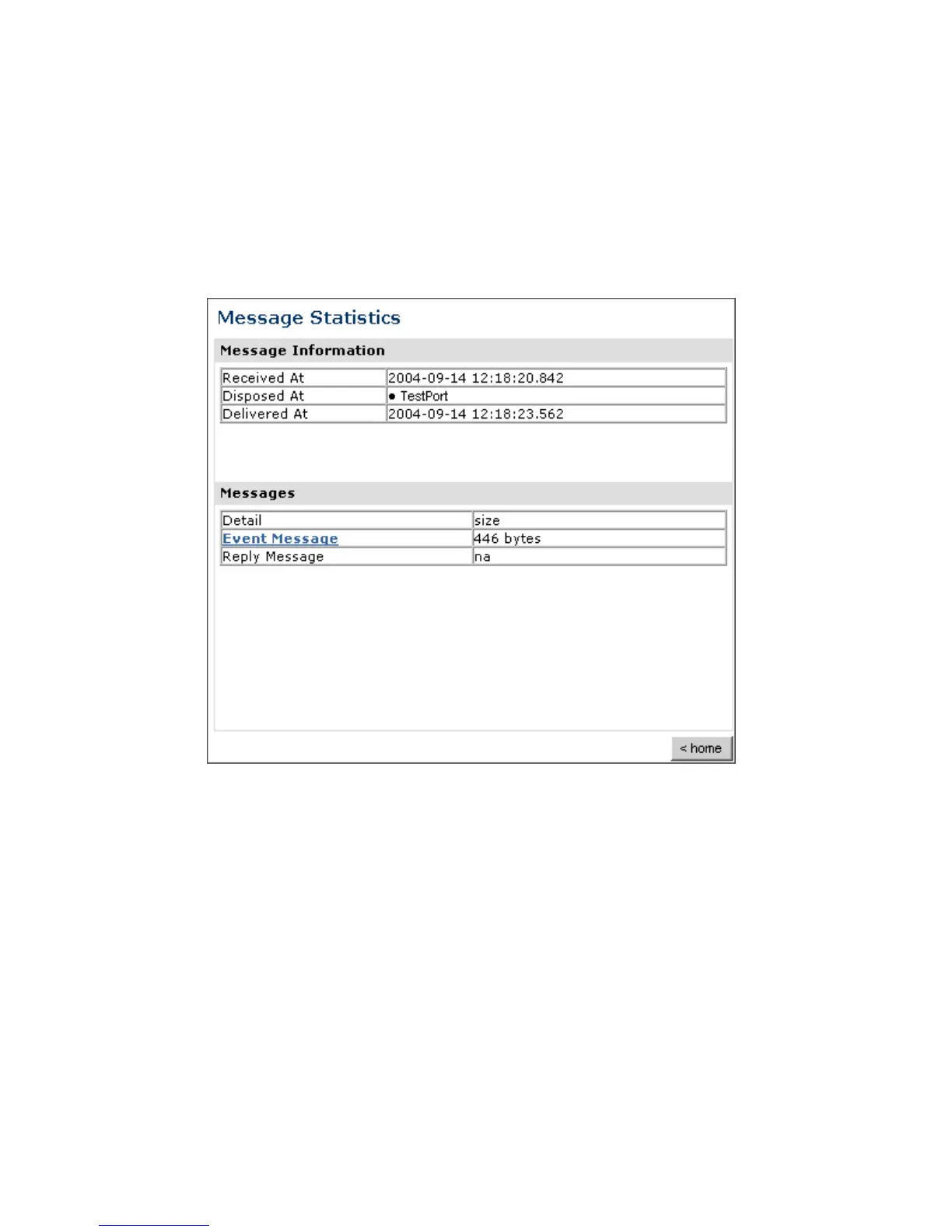
The Event Level Statistics (Message Statistics) window opens as shown in the following
image. The Message Information pane contains a table of information pertaining to the
event message. The Messages pane contains a table that shows the size of the event
and reply messages.
a. To view the XML event document in your Web browser, click Event Message.
b. To return to the iBSE Monitoring Settings window, click home.



 To Next Page