Modifying a Channel
B-22 BEA Systems, Inc.
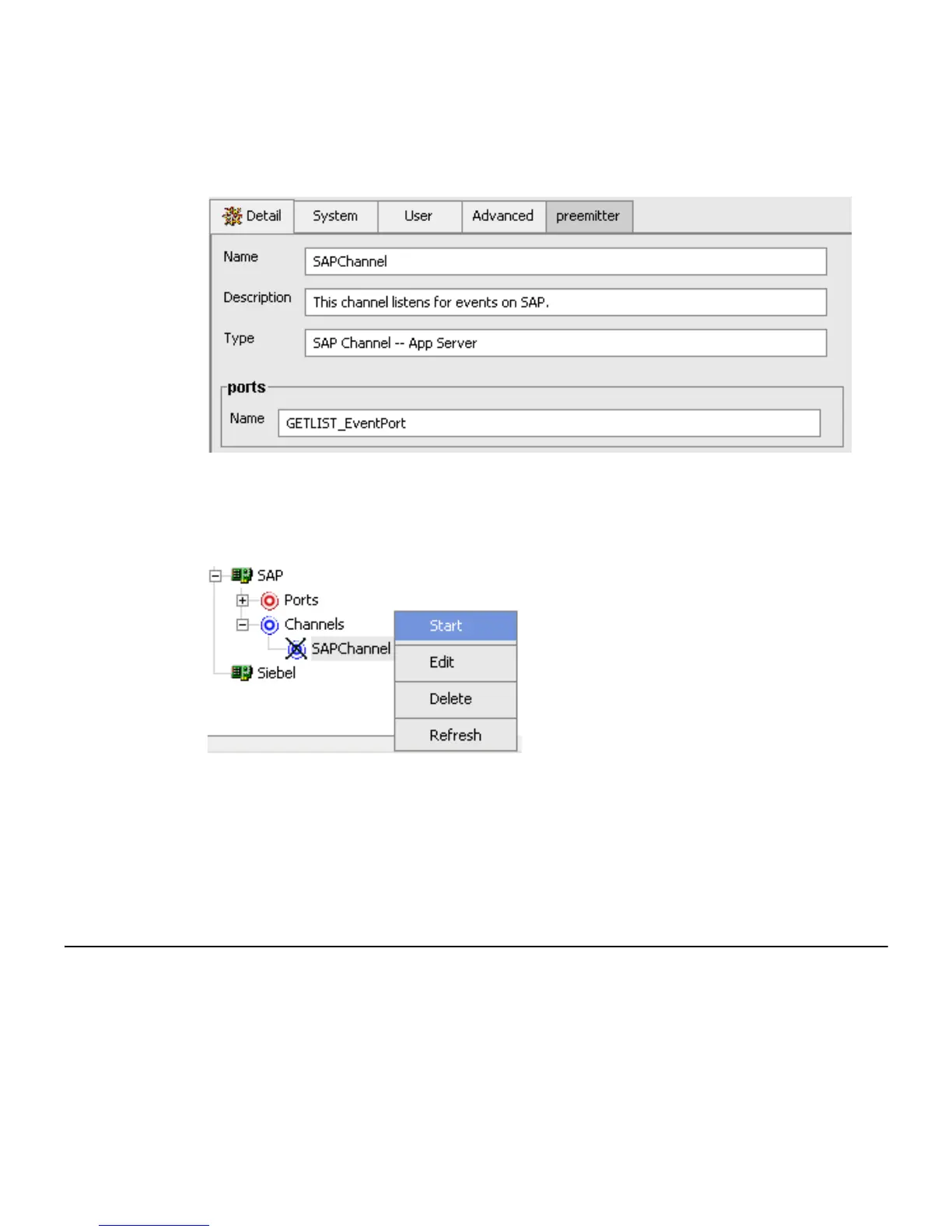
When you select the channel, a table in the right pane summarizes all the information
associated with the channel you created.
A Ports area appears on the Details tab that lists the event port you assigned to this
channel.
You are ready to start your channel to listen for events.
6. In the left pane, right-click the channel, for example, SAPChannel, and select Start.
The channel you created is now active.
a. To stop the channel, right-click the channel.
b. Select Stop.
Modifying a Channel
The following procedures describe how to edit and delete a channel using Application
Explorer. To review the channel settings, you select the channel name. In the right pane, a
table appears that summarizes the information associated with the channel you created.



 To Next Page