Using Application Explorer in BEA WebLogic Workshop for Event Handling
BEA WebLogic Adapter for SAP User’s Guide B-23
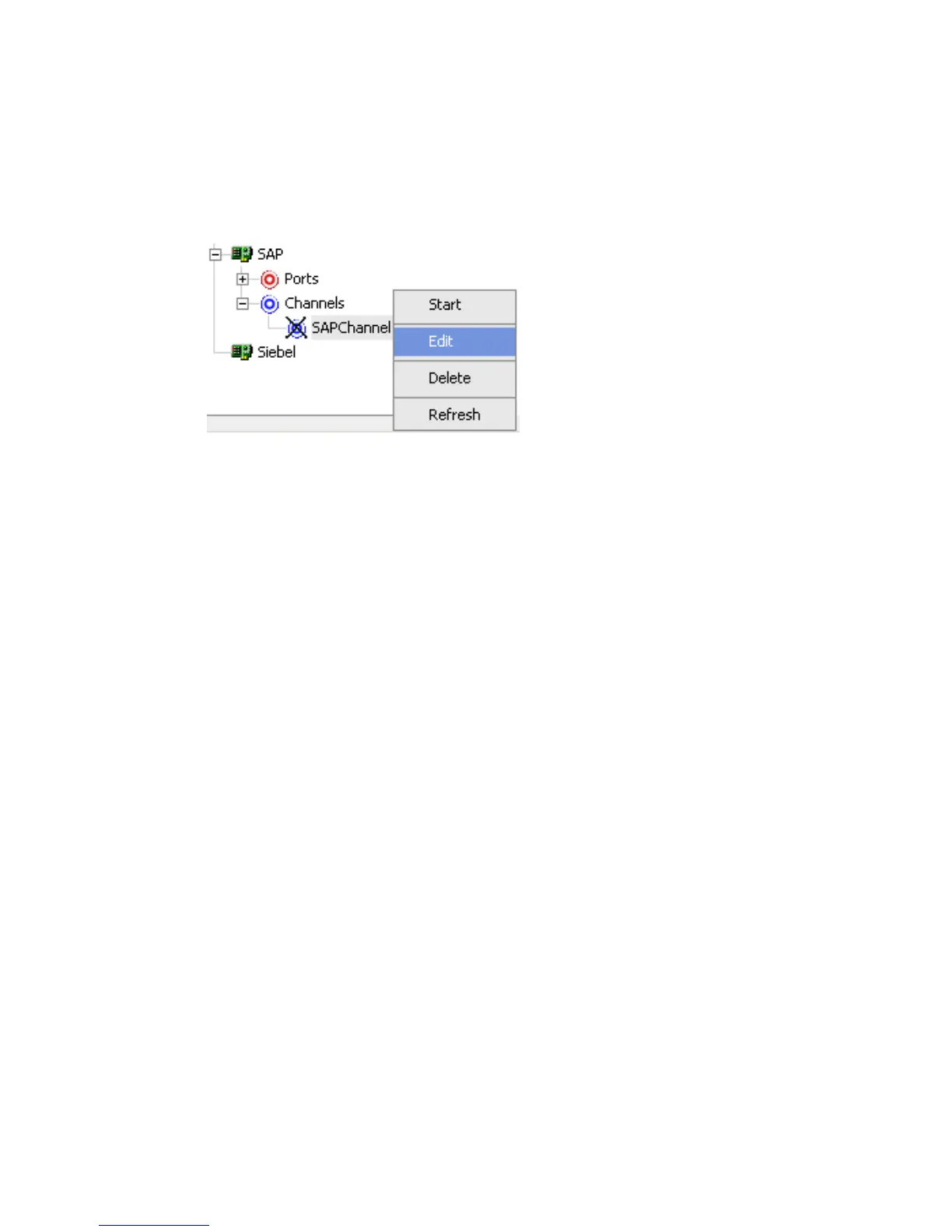
Procedure How to Edit a Channel
To edit an existing channel:
1. To view the available channels, click the Channels node in the left pane.
2. Right-click the channel you want to edit, for example, SAPChannel, and select Edit.



 To Next Page