Using WebLogic Workshop to Access Web Services
BEA WebLogic Adapter for SAP User’s Guide C-3
BEA WebLogic Workshop opens.
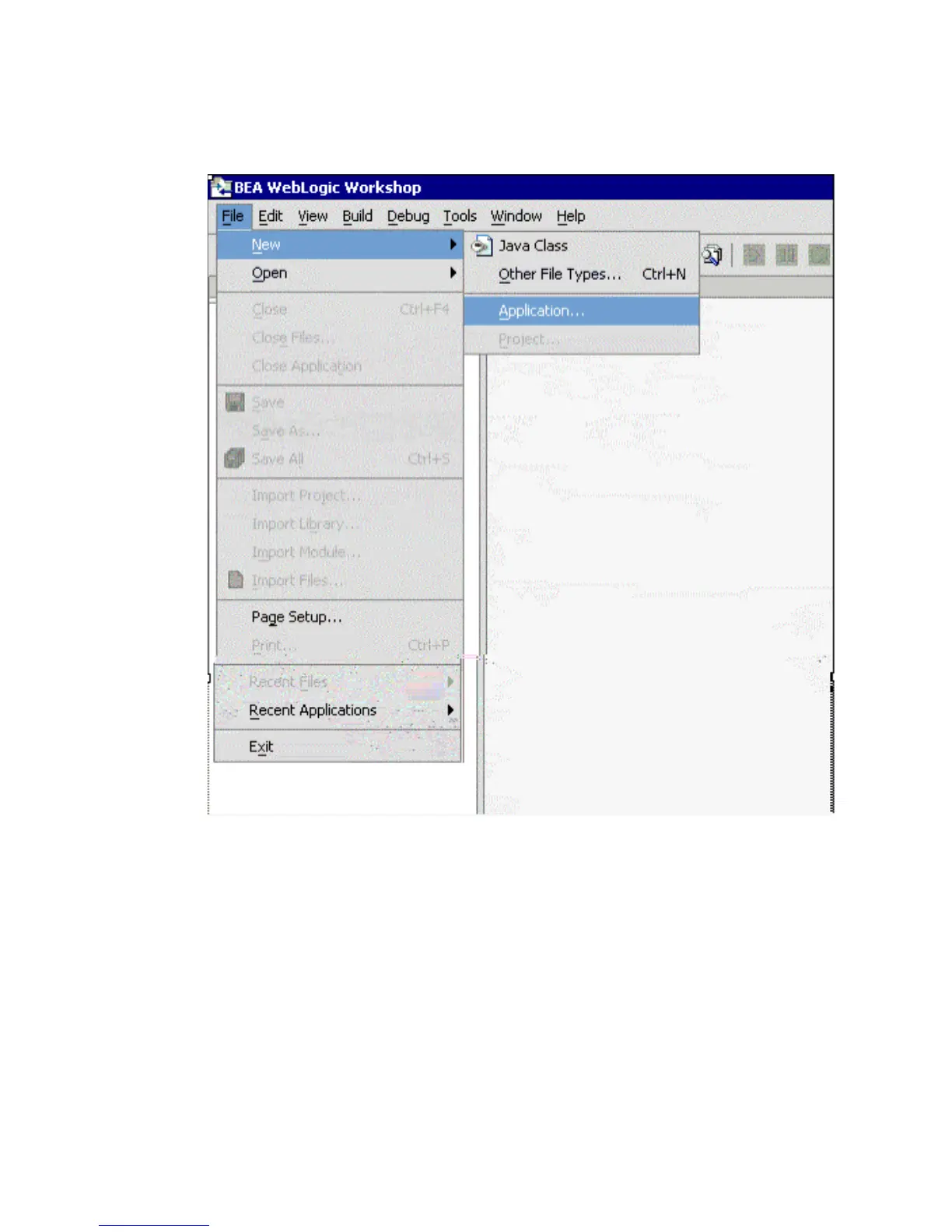
2. Create a new application.
a. From the File menu, select New and then, Application.
b. In the upper-left pane, select all and then, select Empty Application.
c. In the directory field, type C:\IWAYSRV.
d. Click Create.
3. In the Application tab, right-click the IWAYSRV folder and select New Project.
4. In the upper-left pane, select all and then, select Web Project.
5. In the name field, type BAPIProj and click Create.



 To Next Page