Using Application Explorer in BEA WebLogic Workshop to Create XML Schemas and Web Services
BEA WebLogic Adapter for SAP User’s Guide A-13
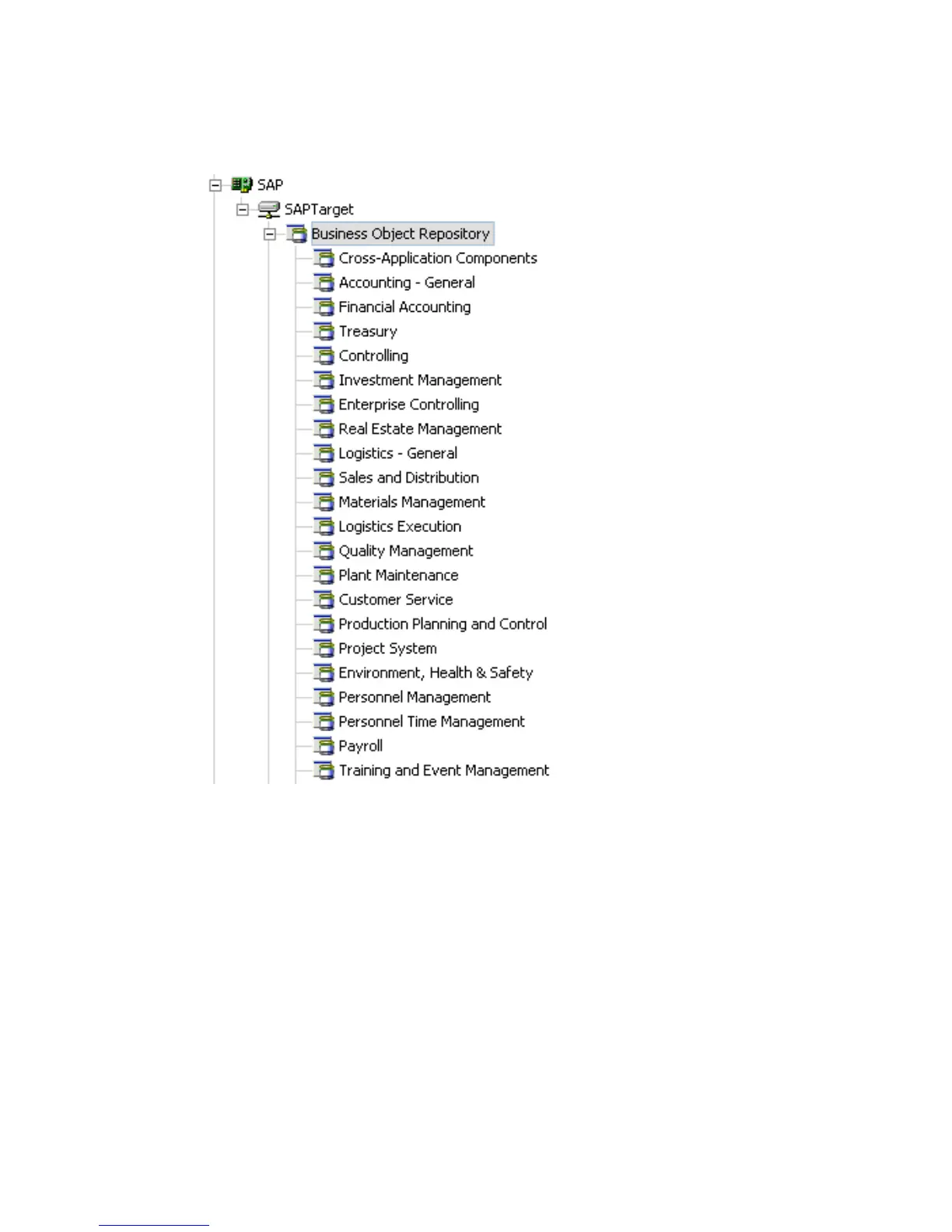
A list of business object groups appears.
3. Expand the Financial Accounting group.
A list of business objects related to Financial Accounting appears.
4. Scroll down and click the Company business object.



 To Next Page