Understanding SAP Events
BEA WebLogic Adapter for SAP User’s Guide 8-5
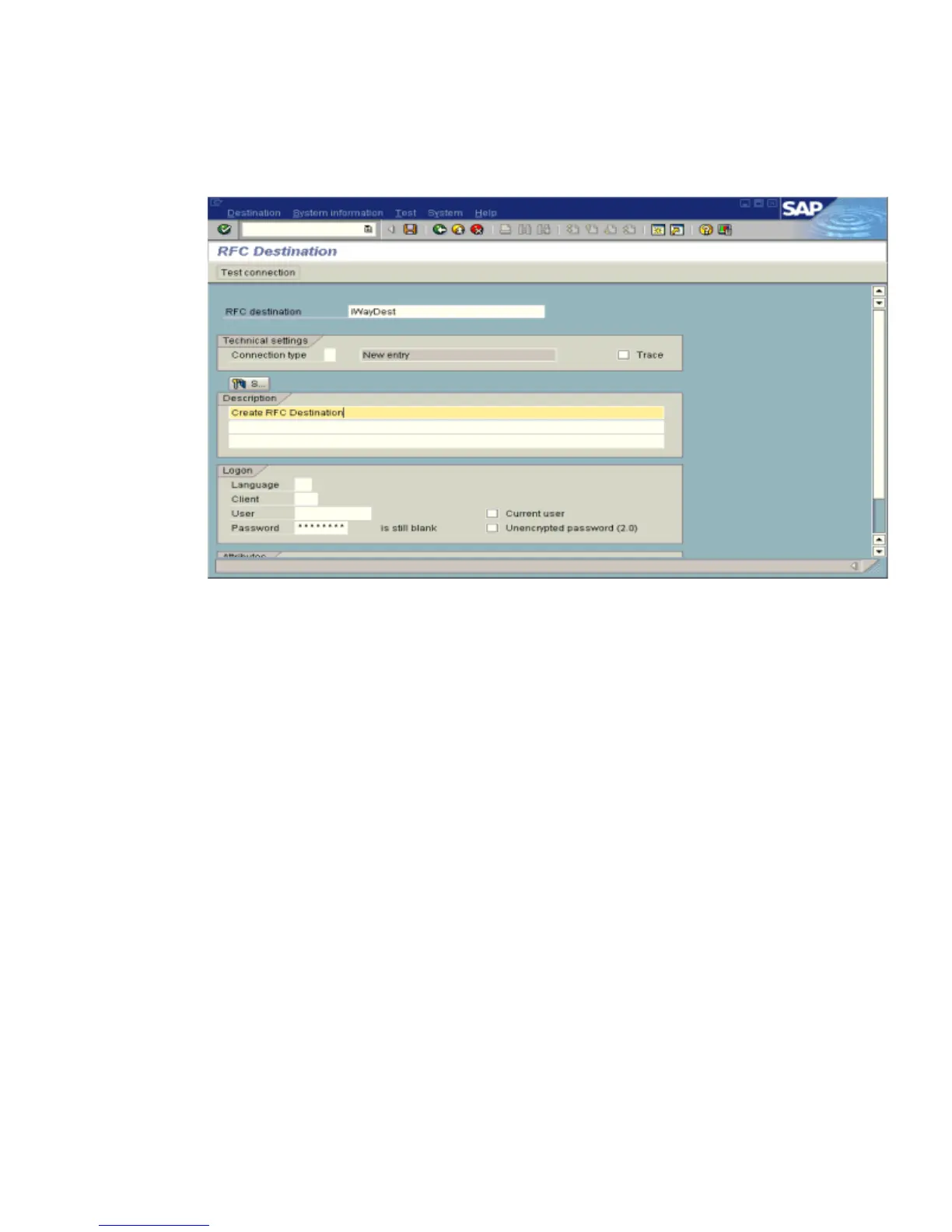
The RFC Destination window opens and displays fields where you provide information
about the RFC destination as shown in the following image.
a. In the RFC destination field, type a name, for example, IWAYDEST.
The value you type in this field is case-sensitive.
b. In the Connection type field, type T (for destination type, TCP/IP).
c. In the Description field, type a brief description.
6. Click Save from the tool bar or select Save from the Destination menu.



 To Next Page