Configuring a Logical System
2-4 BEA Systems, Inc.
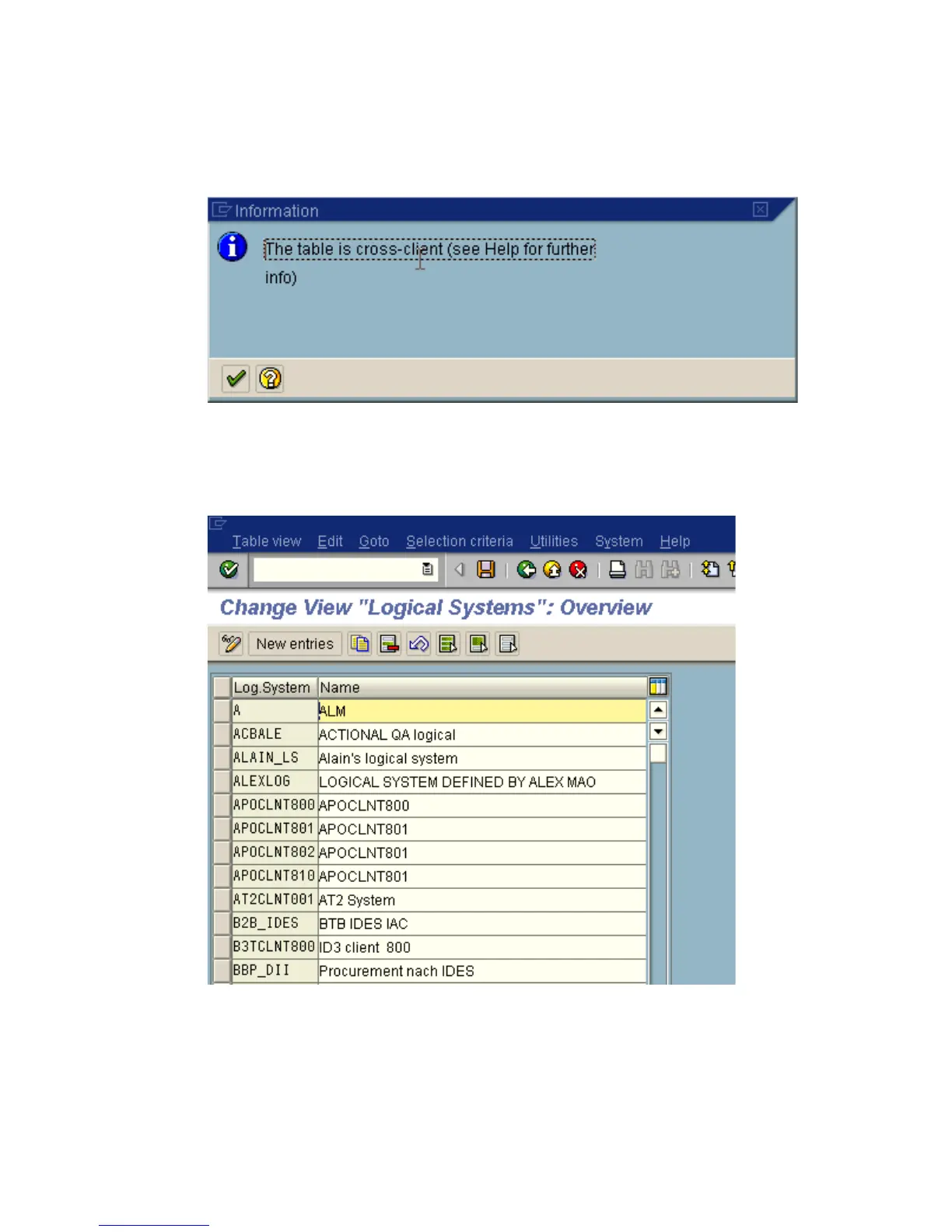
An information window appears that informs you that the table is cross-client as shown
in the following image.
3. To continue, click the checkmark icon.
The Change View “Logical Systems” window opens with a list of logical systems and
their names as shown in the following image.
4. Click the New entries button.



 To Next Page