Understanding SAP Events
BEA WebLogic Adapter for SAP User’s Guide 8-15
In this case, the sender is an SAP 4.6B system.
b. In the Receiver field, provide the logical system, for example, IWAYLOG.
c. In the Message type field, provide the type of IDoc, for example, DEBMAS.
7. Click the check mark icon.
8. Click the Save button.
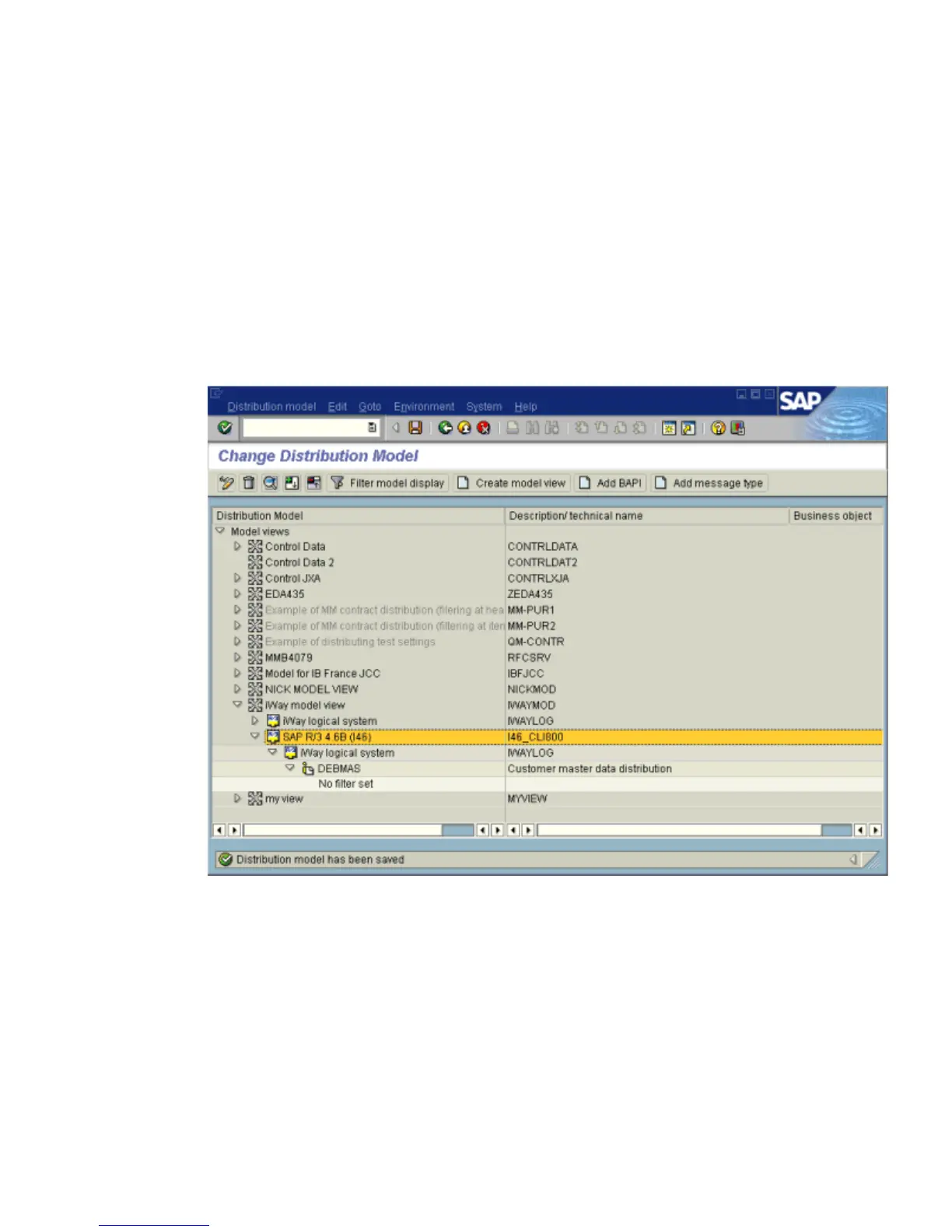
The Change Distribution Model window opens and displays the new model view to use
to send message type, DEBMAS, from the I46_CLI800 SAP system to the IWAYLOG
logical system, as shown in the following image.
You are now ready to test the connection to the logical system.



 To Next Page