Using Application Explorer in BEA WebLogic Workshop for Event Handling
BEA WebLogic Adapter for SAP User’s Guide B-17
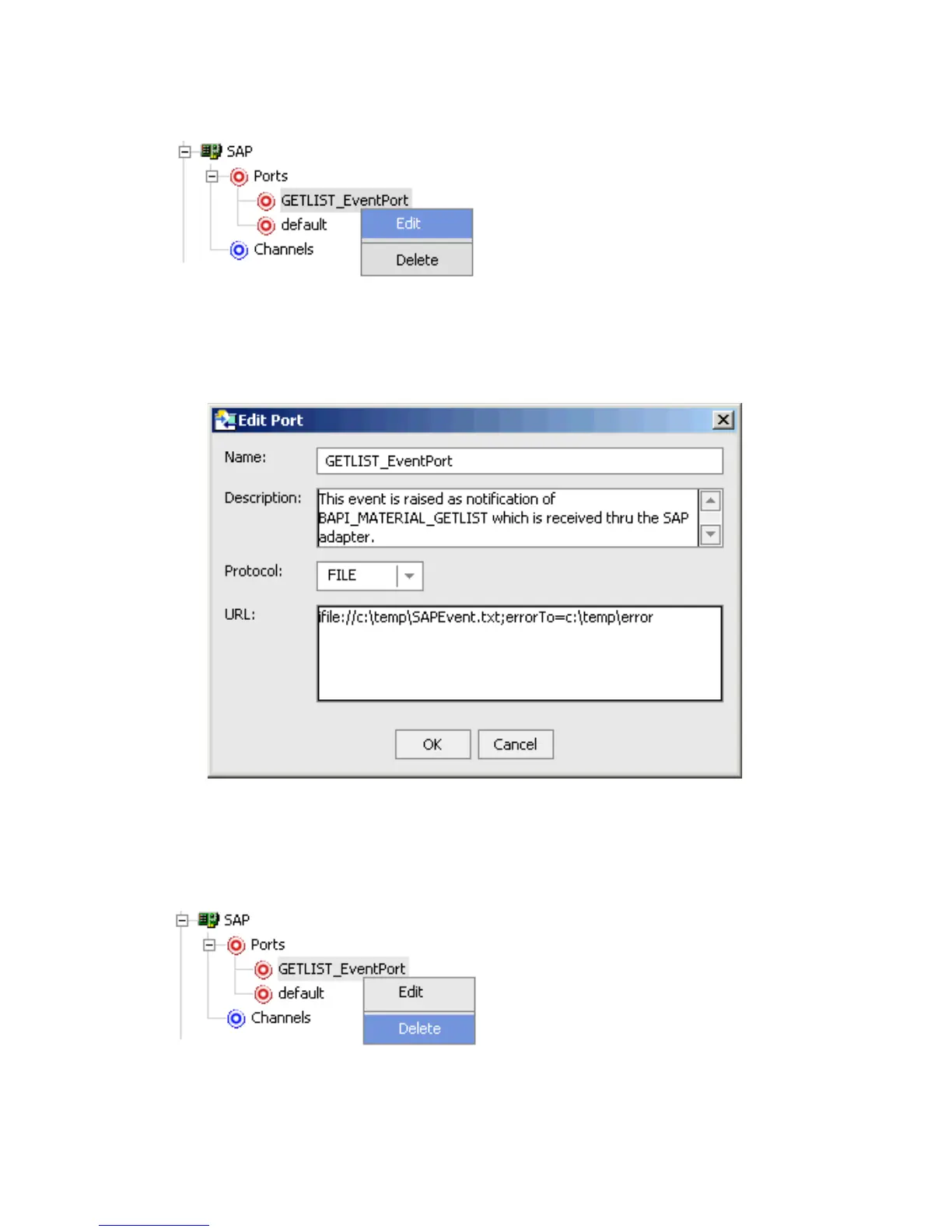
1. To view the available ports, click the Ports node in the left pane.
2. Right-click the event port you want to edit and select Edit.
The Edit Port dialog box opens.
3. Make the required changes and click OK.
Procedure How to Delete an Event Port
To delete an existing event port:
1. To view the available ports, click the Ports node in the left pane.



 To Next Page