Management and Monitoring
BEA WebLogic Adapter for SAP User’s Guide 7-25
3. From the SOAP menu, select Create new SOAP request.
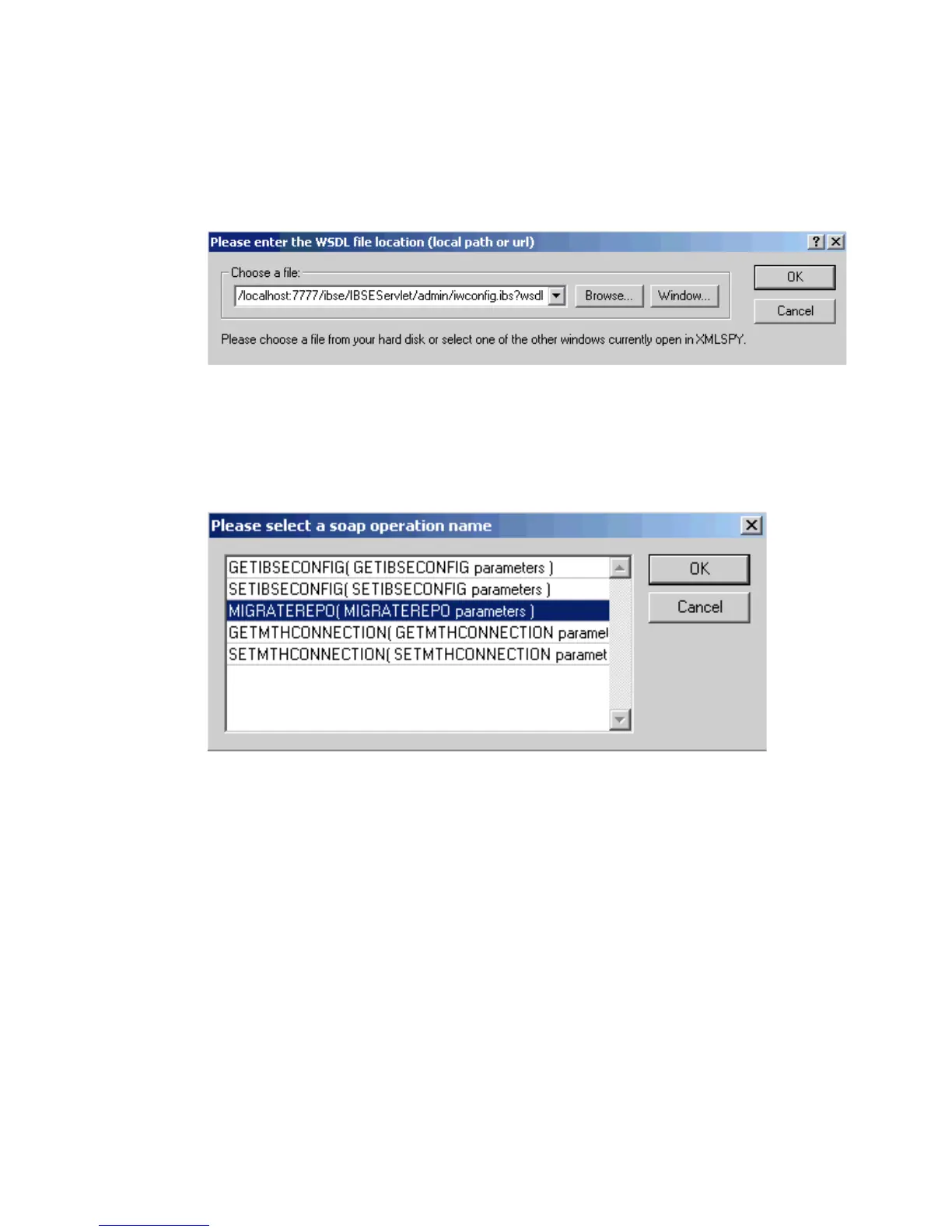
The WSDL file location dialog box opens as shown in the following image, where you
enter a local path or URL. The dialog includes Browse, Window, OK, and Cancel buttons.
4. In the Choose a file field, paste the iBSE configuration service URL.
5. Click OK.
The following image shows the soap operation name dialog box that opens with a list
of available control methods.



 To Next Page