Creating an Integration Business Service
A-22 BEA Systems, Inc.
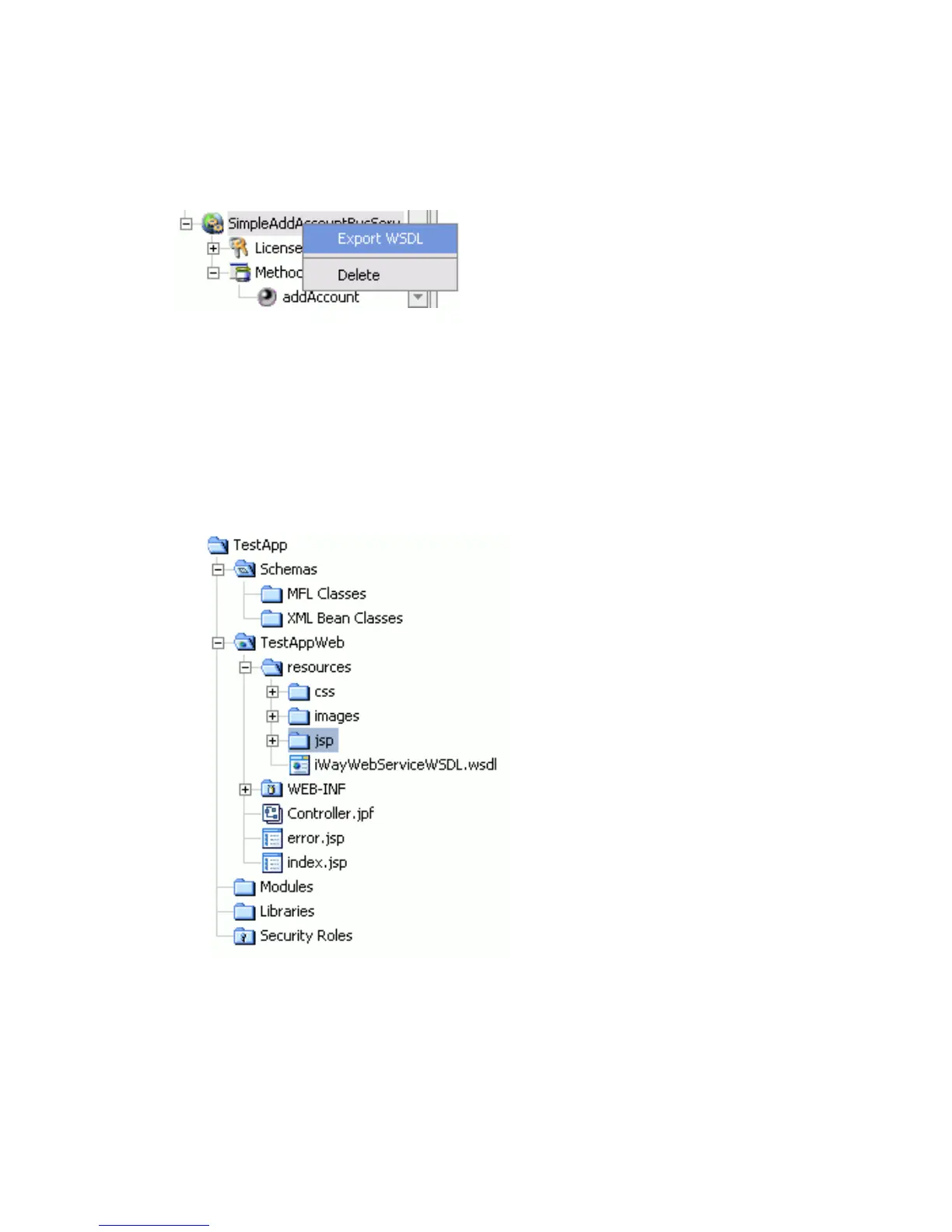
Procedure How to Export WSDL for Use in BEA WebLogic Workshop Workflows
To export WSDL to a directory accessible to BEA WebLogic Workshop:
1. After you create the Web service, right-click the Web service name and select Export
WSDL.
The Save dialog box appears.
2. Save the WSDL to a directory that is accessible to BEA WebLogic Workshop, for
example, the \resources directory in your BEA WebLogic Workshop Web application
directory structure.
The WSDL file appears under the resources folder of your Web application.



 To Next Page