Extensible CCI Control
A-28 BEA Systems, Inc.
Example Defining a Control Using the Extensible CCI Control
The following sample JCX demonstrates how to define a control that uses the SAP
BAPI_MATERIAL_GET_DATA method using the extensible CCI control in BEA WebLogic
Workshop.
1. Start BEA WebLogic Workshop and create a new project.
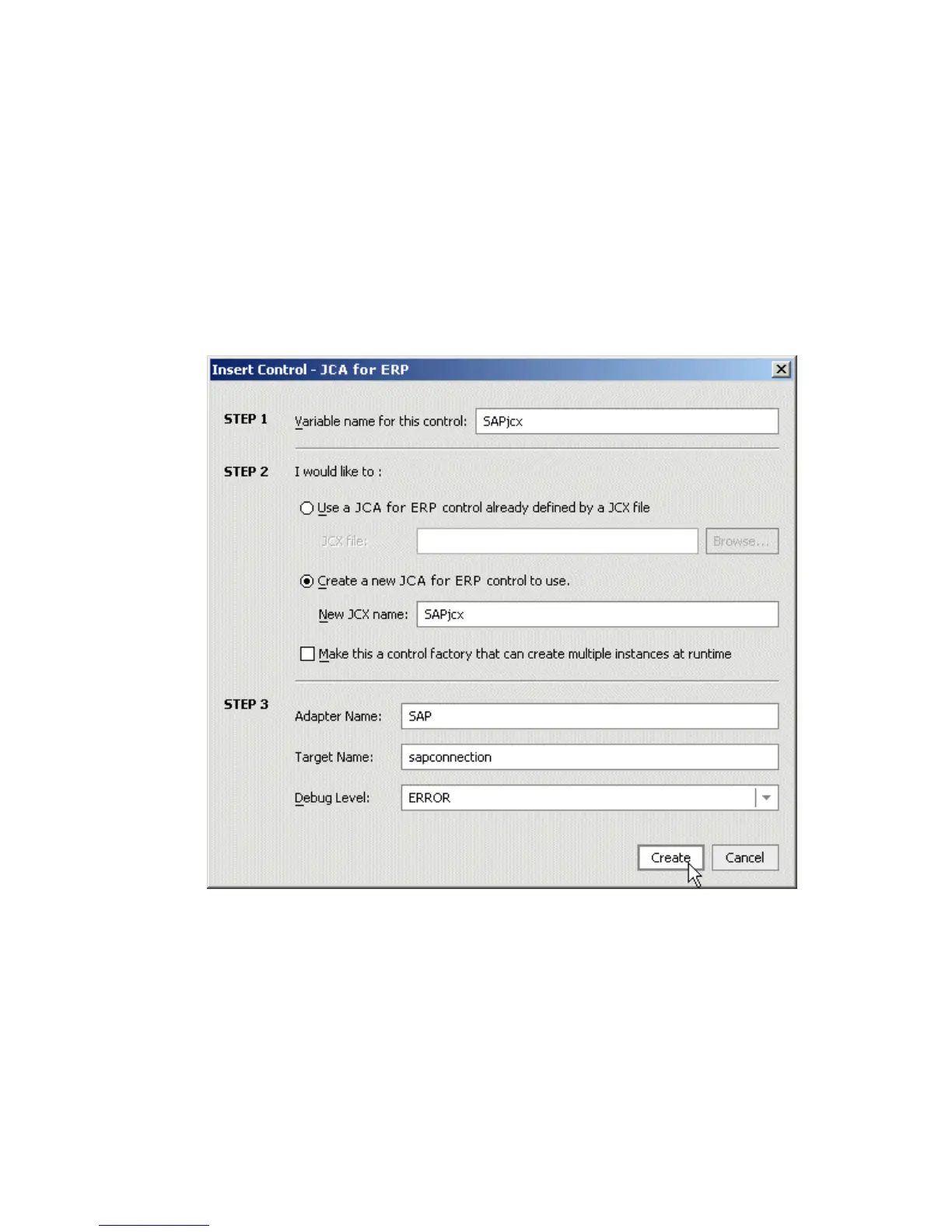
2. Click Integration Controls and select JCA for ERP.
The Insert Control - JCA for ERP dialog box opens.
3. Perform the following steps:
a. Provide a variable name for this control.
b. Click Create a new JCA for ERP control to use and provide a new JCX name.
c. Enter the adapter name, target name, and select a debug level from the drop-down
list.
4. Click Create.



 To Next Page