Using Application Explorer in BEA WebLogic Workshop for Event Handling
BEA WebLogic Adapter for SAP User’s Guide B-31
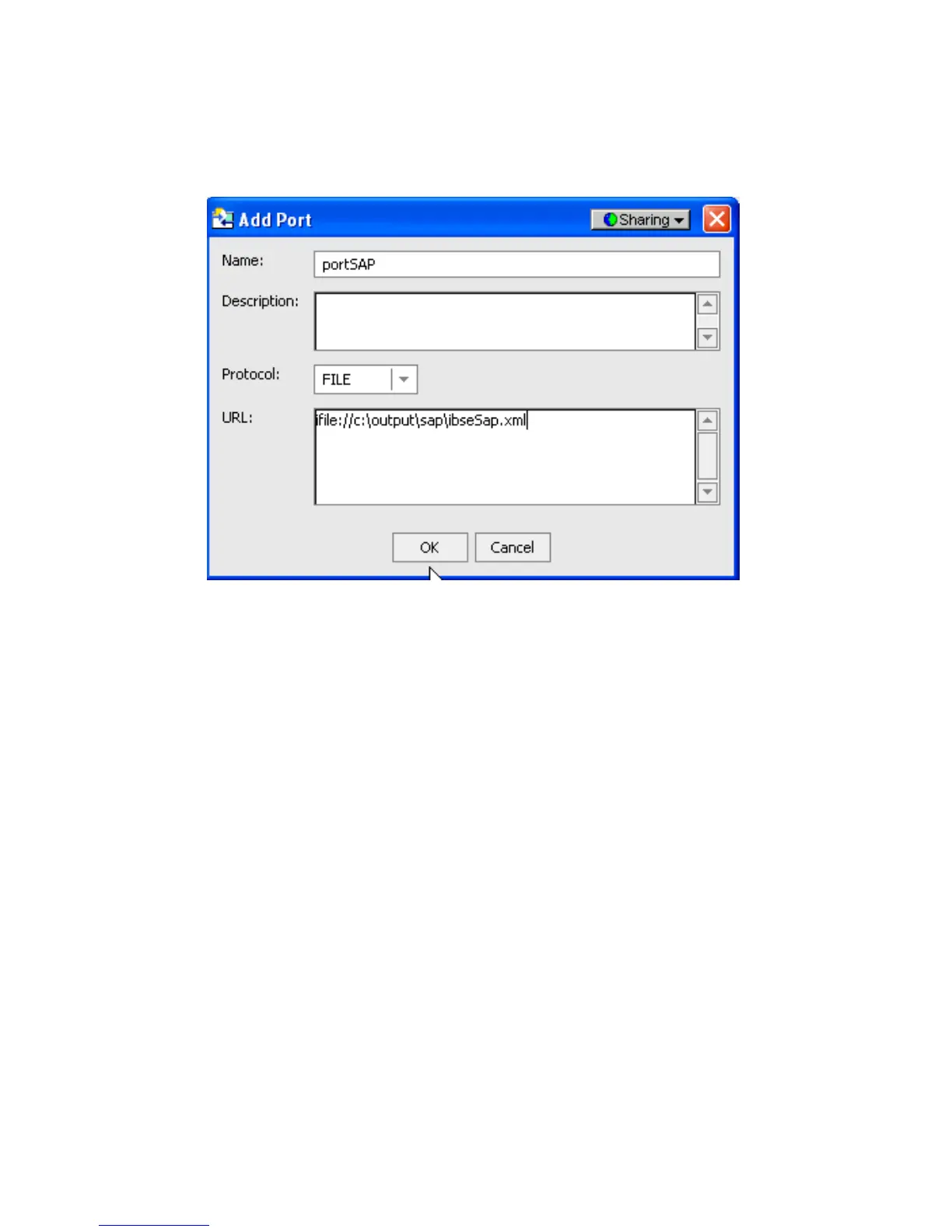
4. Select an adapter from the adapter list (in this example, SAP) and add a new port. For
more information, see Creating an Event Port on page B-3.
5. Create a channel and add the port you created. For more information, see Creating a
Channel on page B-18.
6. Click Next and enter the application server parameters.
7. Start the channel.
8. Create a new configuration and connect to the second iBSE instance.
The connection to iBSE must be configured to each instance of the managed server.



 To Next Page