Using WebLogic Workshop to Access Web Services
BEA WebLogic Adapter for SAP User’s Guide C-19
Procedure How to Run the JWSNAME Web Service for an RFC
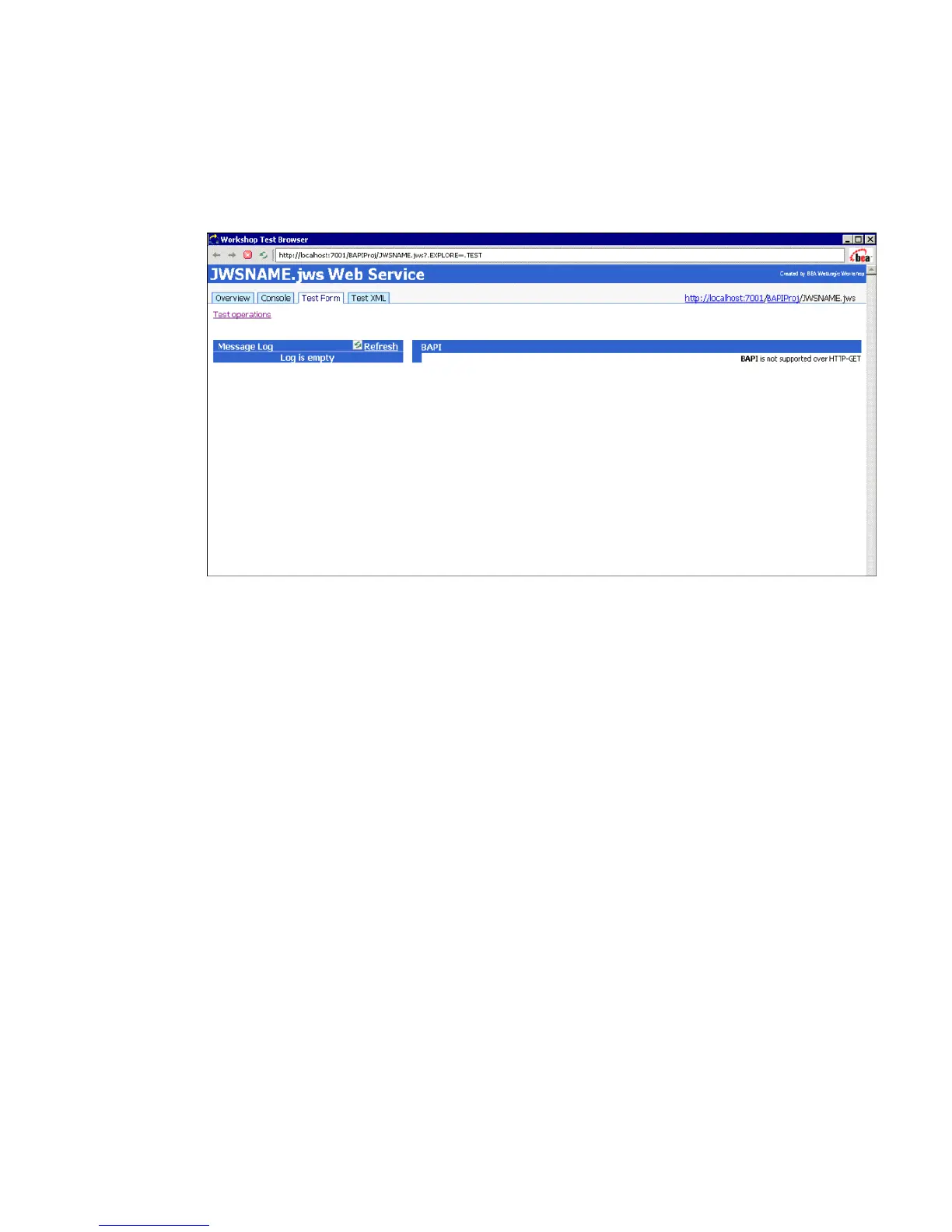
After you click the Start button on the tool bar to start the application, the following test
window opens.
1. Click the Test XML tab to enter and test the XML stream to be passed to the Web service.
2. Replace the string XML input with the following:
<RFC_CUSTOMER_GET xmlns="http://www.openuri.org/">
<input>
<KUNNR>0000401026</KUNNR>
<NAME1></NAME1>
</input>
</RFC_CUSTOMER_GET>
3. Click the RFC_CUSTOMER_GET button to submit the request.



 To Next Page