Configuring the Event Adapter for SAP
BEA WebLogic Adapter for SAP User’s Guide 5-15
5. Click OK.
The port appears under the ports node in the left pane. In the right pane, a summary of
the information associated with the port appears.
Procedure: How to Edit an Event Port
To edit an event port:
1. Select the event port you want to edit.
2. In the right pane, move the pointer over Operations and select Edit.
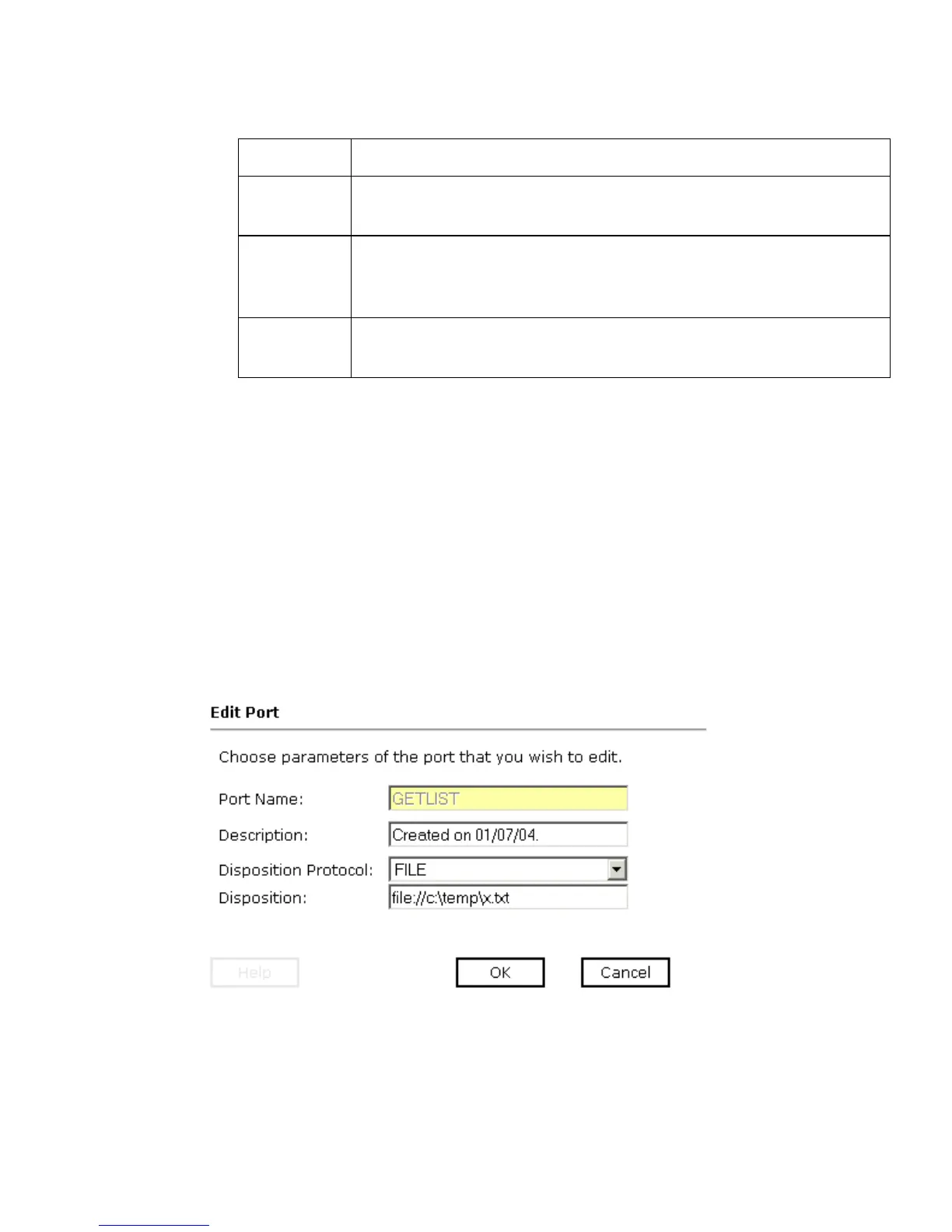
The Edit Port pane opens on the right, with fields where you can modify the
description, disposition protocol, and disposition of the port as shown in the following
image. You cannot change the port name.
3. Make the required changes to the event port configuration fields and click OK.
port Number to connect to an MQ Server queue manager (MQ client
only).
channel Case-sensitive name of the channel that connects with the remote
MQ Server queue manager (MQ client only). The default channel
name for MQSeries is SYSTEM.DEF.SVRCONN.
errorTo Location where error documents are sent. This can be a
predefined port name or another full URL. Optional.
Parameter Description



 To Next Page