4.2 Functions
Device description
5290 / 06/2023 enBENNING PV 1-1+18
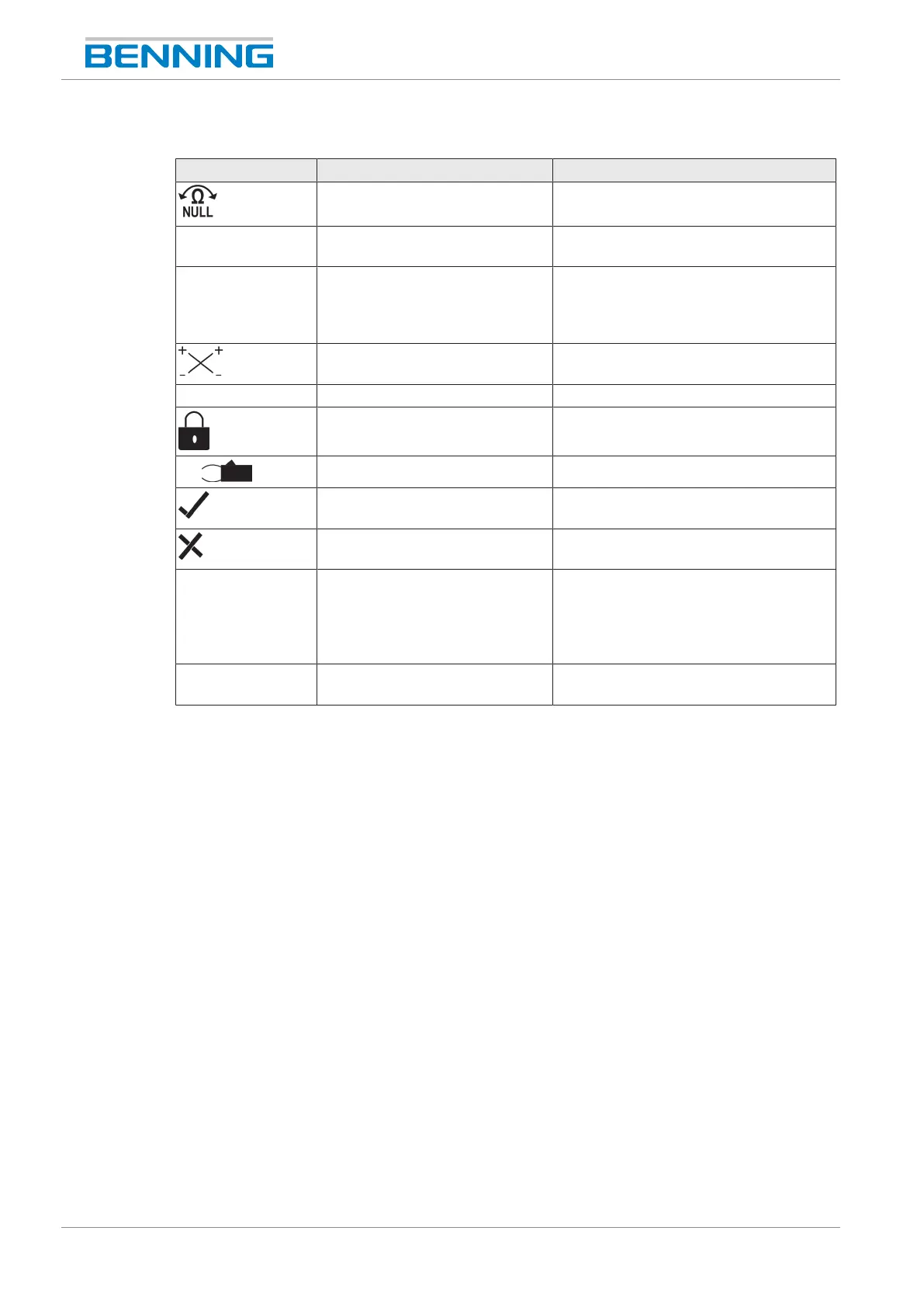
Description of the measuring functions:
Symbol Designation Function
Null balance Null balance enabled
R
PE
Protective conductor resistance
measurement
Protective conductor resistance
measurement enabled
+/- Polarity indication Indicates reverse polarity of the
DCvoltage at the 4mm test sockets.
For ACvoltage, “+” and “-” are
displayed alternately.
Polarity indication PV Indicates reverse polarity of the
DCvoltage at the PVtest sockets.
V Voltage measurement Voltage measurement enabled
R
PE
LOCK Continuous protective conductor
resistance measurement enabled
I
S/C
Current clamp measurement Current clamp measurement enabled
R
ISO
Positive result of insulating
resistance measurement
The measured insulating resistance is
within the preset limits.
R
ISO
Negative result of insulating
resistance measurement
The measured insulating resistance is
outside the preset limits.
5% 5% deviation Indicates a deviation of the displayed
measured value (open-circuit voltage or
short-circuit current) by more than 5%
from the average value of the stored
measured values.
> / < Outside measuring range The measured value is outside the
measuring range [}page22].
Table5: Symbols (measuring functions) on the digital display
4.2 Functions
Switching the device ON/OFF
Press the “R
PE
“ and “Auto”keys to switch the device on or off (press and hold both keys
simultaneously for approx. 2seconds). The device confirms each switch-on or switch-off with an
acoustic signal.
The device switches off automatically after the set switch-off time (APO, Auto-Power-Off),
factory setting: 1minute) [}page26].
Date and time
The device is equipped with an integrated real-time clock which automatically adds a date and
time stamp to each storage processes or storage location.
You can set the date and time manually [}page26] or the values of the BENNINGSUN2 are
optionally taken over automatically.



 To Next Page