Operation
5.9 BENNINGSUN2 (optional)
5290 / 06/2023 en BENNING PV 1-1+ 37
5.9.3 Enabling/ disabling the radio transmission of the
BENNINGSUN2
Requirements
• Paired BENNINGSUN2 (optional accessories) [}page35]
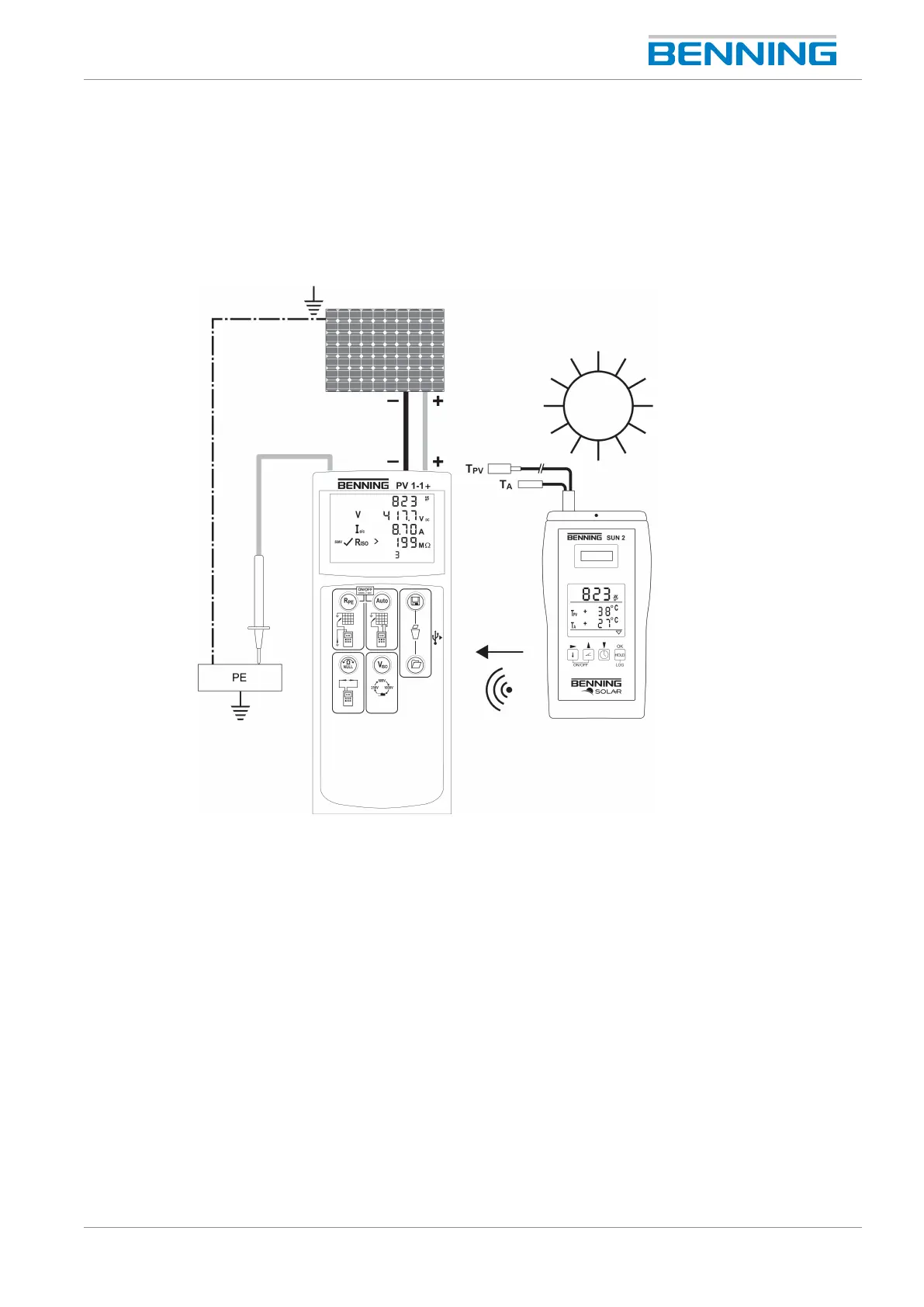
Figure9: Radio connection to the BENNING SUN 2
Procedure
Simultaneously press and hold the two keys “Temperature” and “HOLD” of the
BENNINGSUN2 until the radio transmission is enabled or disabled, respectively.
A flashing triangle on the digital display of the BENNINGSUN2 indicates that the radio
transmission is enabled.



 To Next Page