30 Operation
7. Enter the current password to enable the function.
8. Press to save your changes and exit.
If you forget the password
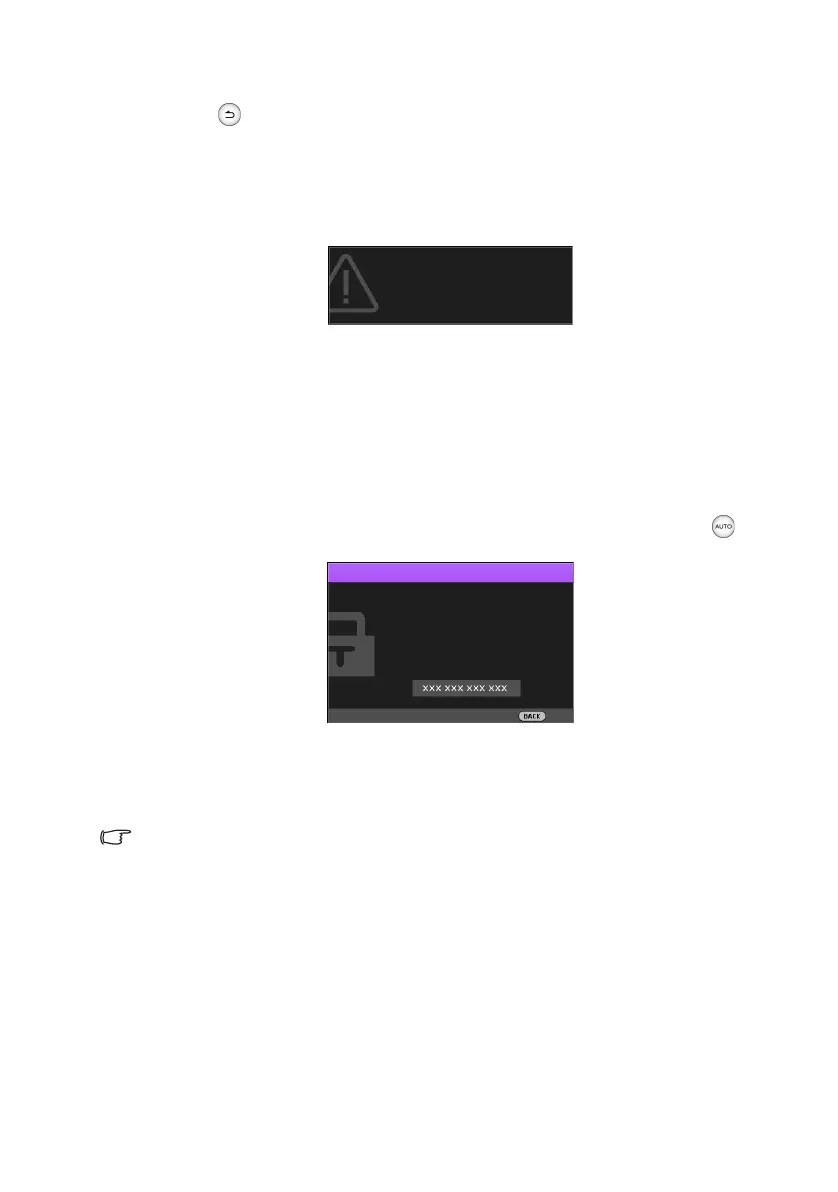
If you enable the password function, you’ll have to enter your password each time you turn
on the projector. Once you enter an incorrect password, the error message displays, and
the Input Current Password window follows.
You can retry by entering another six-digit password, or if you absolutely do not remember
it, use the password recall procedure. See "Entering the password recall procedure" on page
30 for details.
If you have entered an incorrect password 5 times in succession, the projector will
automatically shut down in a short time.
Entering the password recall procedure
1. Make sure the Password window displays on the screen, then press and hold for
3 seconds. The projector will display a coded number on the screen.
2. Write down the number and turn off the projector.
3. Seek help from your local BenQ customer service center to decode the number. You
may be required to provide proof of purchase documentation to verify that you are an
authorized user of the projector.
The “XXX” shown in the above messages are numbers that vary depending on different models.
Changing the password
To do this, first and foremost, you have to access the Advanced OSD menu (see page 37
for details).
1. Go to the System Setup : Advanced > Password menu to display the Password
window.
Password Error
Please try again.
Please write down the recall code,
and contact BenQ
Customer Center.
Recall Password
Exit
Recall Code
CH100_EN.book Page 30 Wednesday, March 2, 2016 11:54 AM










 To Next Page