26 Operation
Operation
Starting up the projector
1. Make sure you have connected the projector to power correctly. See "Connecting the
power" on page 16 for details.
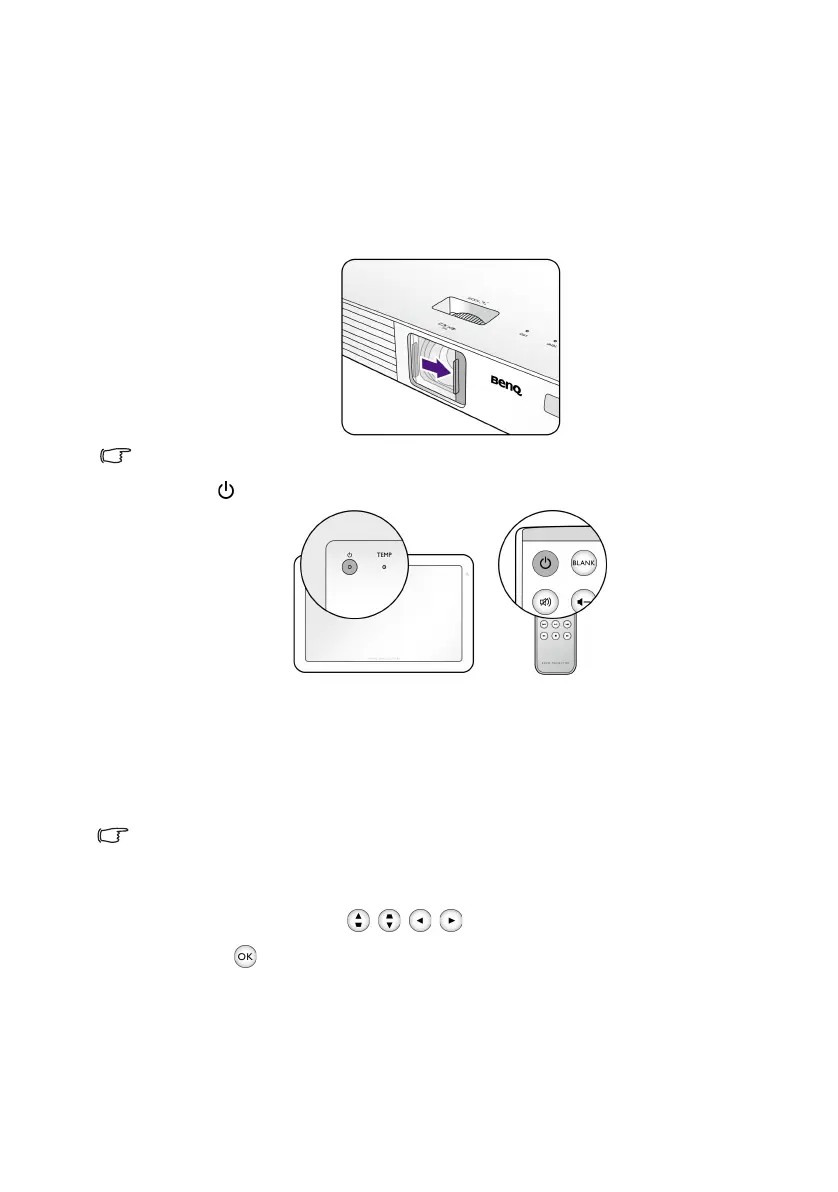
2. Slide the lens cover open before turning on the projector.
Make sure the lens cover is always open when the projector lamp is on.
3. Press to start the projector.
The POWER indicator flashes in green, and the fans start operating.
The lamp will light up and a start-up image displays on the screen while the projector
warms up. The projector doesn’t respond to further commands while it is warming
up.
A Power On Ring Tone will be heard and the POWER indicator turns into solid green
when the projector is turned on.
To turn off the ring tone, see "Power On/Off Ring Tone" on page 51 for details.
4. If this is the first time you turn on the projector, the setup wizard appears to guide
you through setting up the projector. If you have already done this, skip this step.
• Use the arrow keys ( / / / ) to move through the menu items.
• Use to confirm the selected menu item.
CH100_EN.book Page 26 Wednesday, March 2, 2016 11:54 AM










 To Next Page