34 Operation
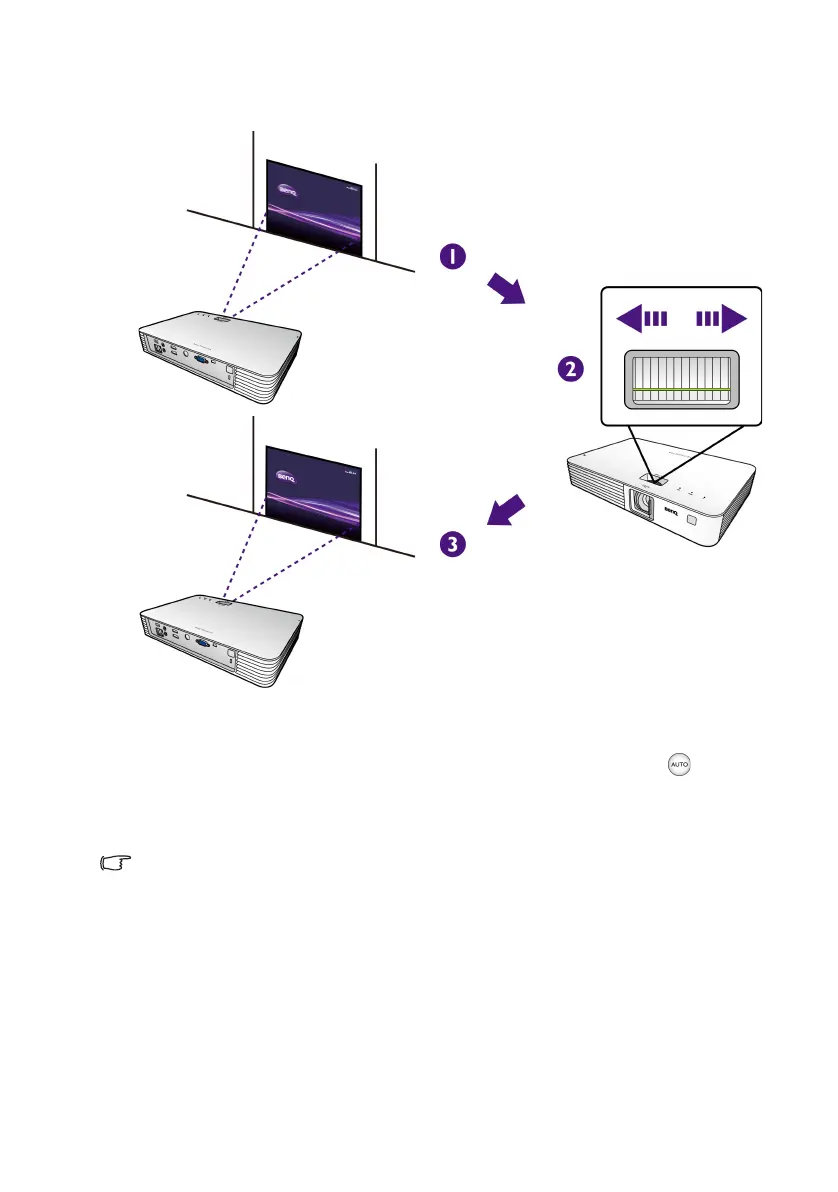
Fine-tuning the image clarity
Rotate the focus ring to sharpen the image.
Auto-adjusting the image
In some cases, you may need to optimize the picture quality. To do this, press . Within 3
seconds, the built-in Intelligent Auto Adjustment function will re-adjust the values of
Frequency and Clock to provide the best picture quality. The current source information
will be displayed on the upper left corner of the screen for 3 seconds.
This function is only available when PC signal (analog RGB) is selected.
CH100_EN.book Page 34 Wednesday, March 2, 2016 11:54 AM










 To Next Page