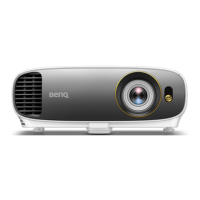
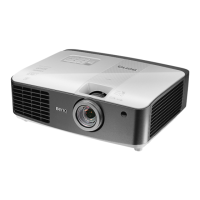
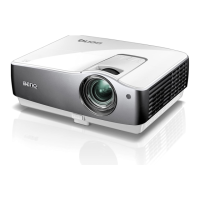
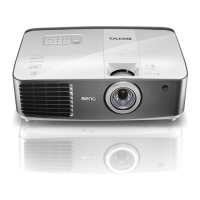
Projector features12
Remote control
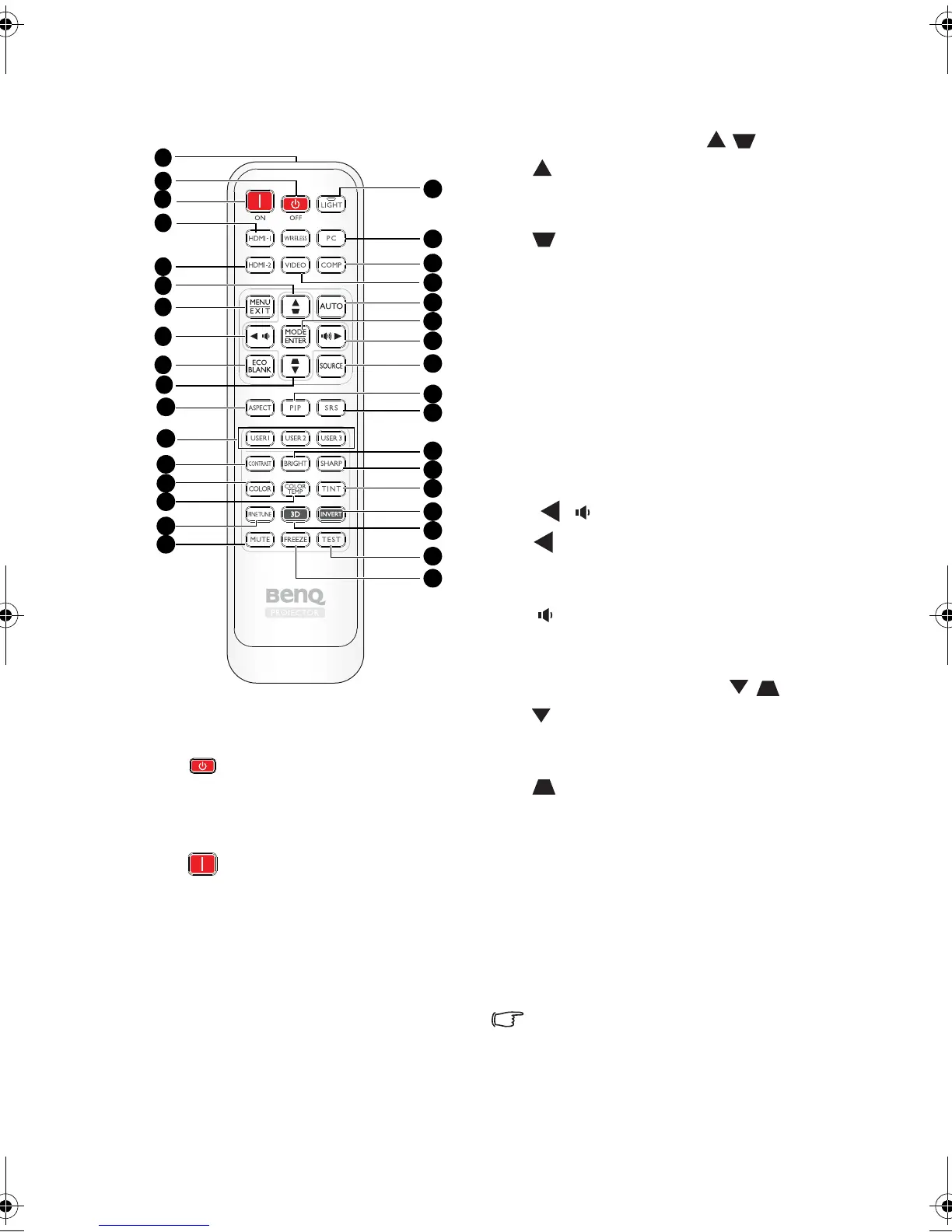
1. IR transmitter
Transmits signal to projector.
2. POWER OFF
Turns off the projector. See "Shutting
down the projector" on page 47 for
details.
3. POWER ON
Turns on the projector. See "Starting up
the projector" on page 28 for details.
4. HDMI 1
Displays the HDMI 1 source selection.
See "Switching input signal" on page 35
for details.
5. HDMI 2
Displays the HDMI 2 source selection.
See "Switching input signal" on page 35
for details.
6. Up cursor/Keystone ( / )
: Navigates and changes settings in the
OSD. See "Using the menus" on page 31
for details.
: Manually corrects distorted images
resulting from an angled projection. See
"Correcting keystone" on page 30 for
details.
7. MENU/ EXIT
MENU: Turns on the On-Screen Display
(OSD) menu.
EXIT: Goes back to previous OSD menu,
exits and saves menu settings.
See "Using the menus" on page 31 for
details.
8. Left cursor/Decrease volume level
(/ )
: Navigates and changes settings in
the OSD. See "Using the menus" on page
31 for details.
: Decreases volume.
9. ECO BLANK
Hides the screen picture.
10. Down cursor/Keystone ( / )
: Navigates and changes settings in the
OSD. See "Using the menus" on page 31
for details.
: Manually corrects distorted images
resulting from an angled projection. See
"Correcting keystone" on page 30 for
details.
11. ASPECT
Select the display aspect ratios. See
"Selecting the aspect ratio" on page 43
for details.
12. USER 1/ User 2/ User 3
Select the User memory settings.
Note: User 3 not supported for this
model.
7
8
14
21
22
24
26
31
18
2
4
5
6
1
19
13
30
20
11
12
25
27
17
16
34
33
3
10
23
28
29
15
32
9
BenQ W1300.book Page 12 Thursday, August 29, 2013 2:07 PM


 To Next Page