Operation46
Operating in a high altitude environment
We recommend you use the High Altitude Mode when your environment is
between 1500 m –
3000 m above sea level, and temperature is between 0°C–30°C.
Do not use the High Altitude Mode if your altitude is between 0 m and 1500 m and temperature
is between 0°C and 35
C. The projector will be over cooled, if you turn the mode on under such
a condition.
To activate the High Altitude Mode:
1. Press MENU/EXIT and then press
/ until the System Setup:
Advanced menu is highlighted.
2. Press to highlight High Altitude
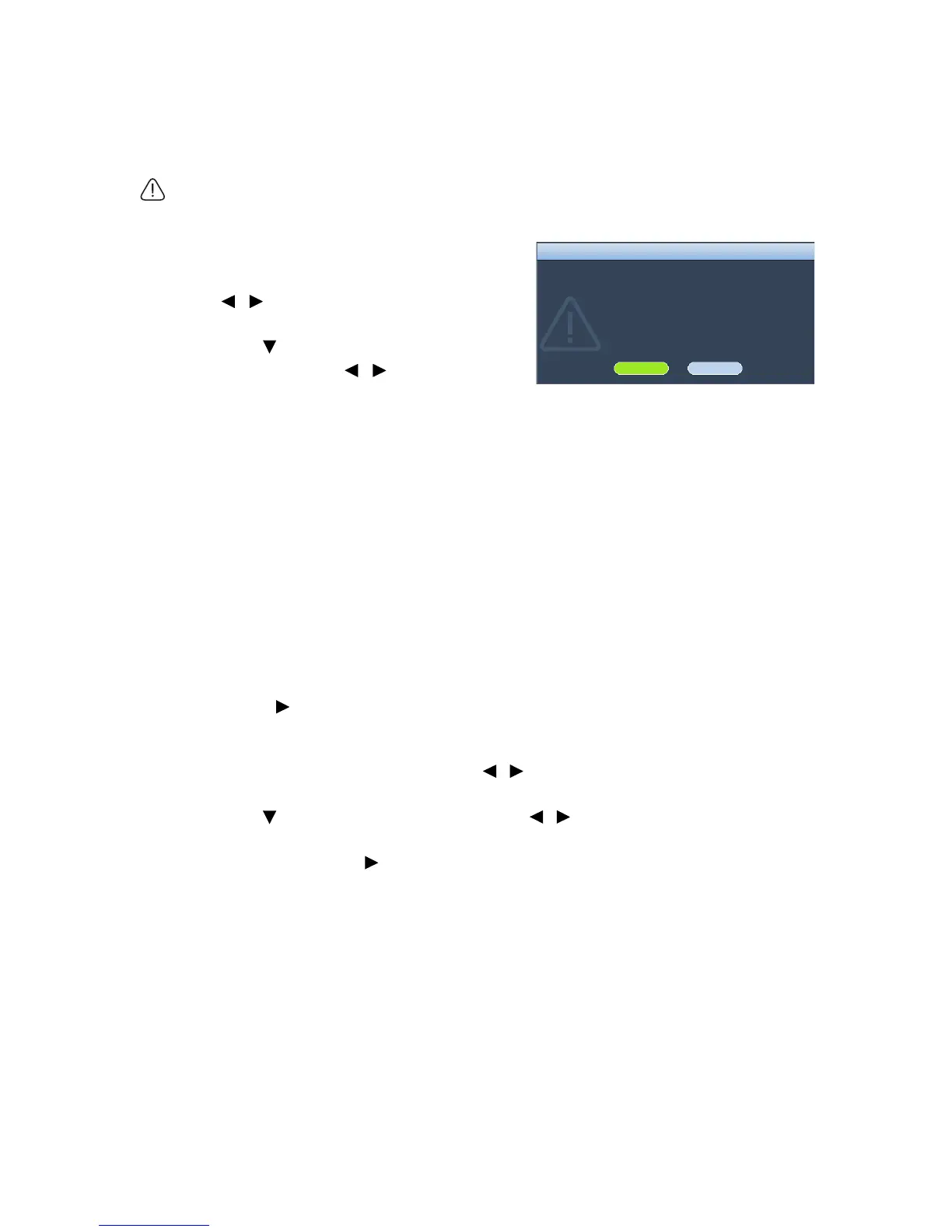
Mode and press / to select On. A
confirmation message displays.
3. Highlight Yes and press MODE/ENTER.
Operation under "High Altitude Mode" may cause a higher decibel operating noise level
because of increased fan speed necessary to improve overall system cooling and
performance.
If you use this projector under other extreme conditions excluding the above, it may
display auto shut-down symptoms, which is designed to protect your projector from over-
heating. In cases like this, you should switch to High Altitude mode to solve these
symptoms. However, this is not to state that this projector can operate under any and all
harsh or extreme conditions.
Locking control keys
With the control keys on the remote control and projector locked, you can prevent your
projector settings from being changed accidentally (by children, for example). When Key
Lock is on, no control keys on the remote control and projector will operate except
POWER and .
To lock the keys:
1. Press MENU/EXIT and then press / until the System Setup: Advanced
menu is highlighted.
2. Press to highlight Key Lock, and press / to select On. A warning message
appears. Select Yes and press MODE/ENTER. The control keys lock.
To unlock the keys, press and hold on the projector or remote control for 3 seconds.



 To Next Page