Operation38
Fine-tuning the image quality in user modes
According to the detected signal type, there are some user-definable functions available
when User 1 or User 2 mode is selected. You can make adjustments to these functions
based on your needs.
Adjusting Brightness
Highlight Brightness in the Picture menu and adjust the values by pressing / on the
projector or remote control.
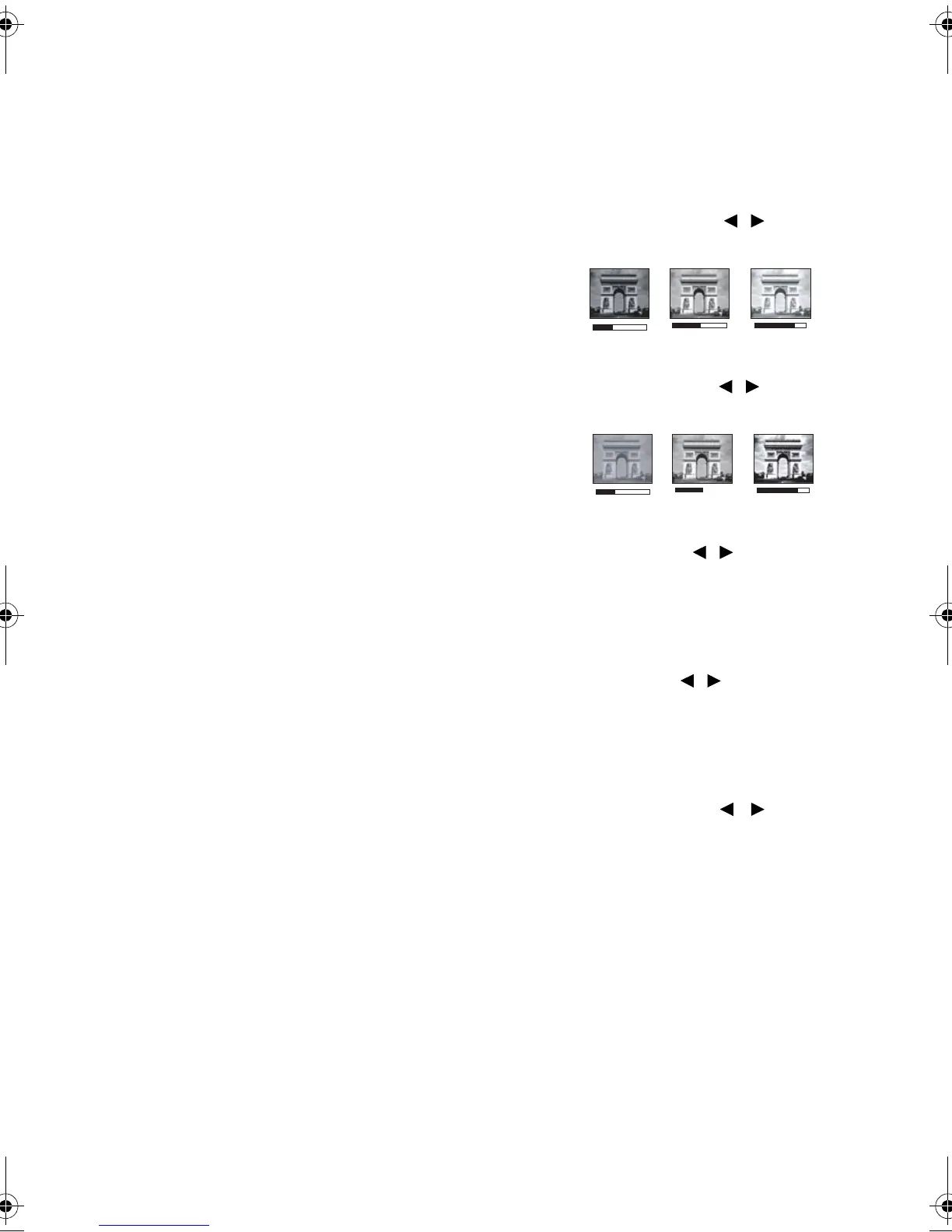
The higher the value, the brighter the image. And
lower the setting, darker the image. Adjust this control
so the black areas of the image appear just as black and
that detail in the dark areas is visible.
Adjusting Contrast
Highlight Contrast in the Picture menu and adjust the values by pressing / on the
projector or remote control.
The higher the value, the greater the contrast. Use this
to set the peak white level after you have previously
adjusted the Brightness setting to suit your selected
input and viewing environment.
Adjusting Color
Highlight Color in the Picture menu and adjust the values by pressing / on the
projector or remote control.
Lower setting produces less saturated colors. If the setting is too high, colors on the image
will be overpowering, which makes the image unrealistic.
Adjusting Tint
Highlight Tint in the Picture menu and adjust the values by pressing / on the
projector or remote control.
The higher the value, the more reddish the picture becomes. The lower the value, the
more greenish the picture becomes.
Adjusting Sharpness
Highlight Sharpness in the Picture menu and adjust the values by pressing / on the
projector or remote control.
The higher the value, the sharper the picture becomes. The lower the value, the softer the
picture becomes.
0
+30
-
BenQ W1300.book Page 38 Thursday, August 29, 2013 2:07 PM



 To Next Page