M10
Instruction Manual
44
5.8 ACCESS VIA EUROMAGLINK
5.8.1 Access via RS485
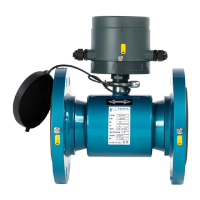
Connect the meter with RS485 to USB cable or other USB connection device
Fig. 44 RS485 cable (Part N° “CABLE001”)
Click the menu button on the top right of the screen
Select
Select
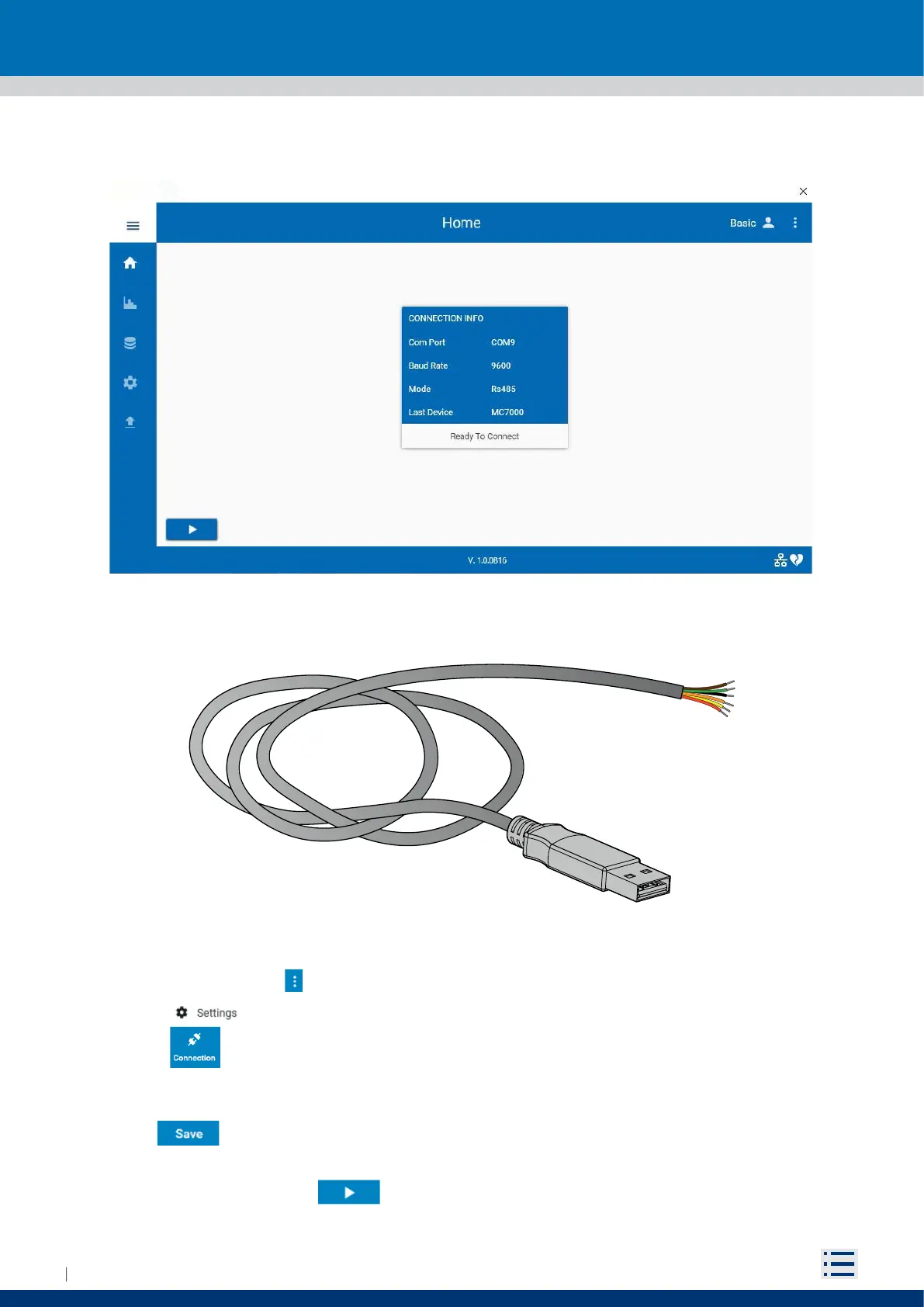
On the Connection Window, select Mode -> Rs485, correct Serial Port and the Baud Rate (for M10 default
Baud Rate is 9600)
Click button
Close the Connection and the Settings Windows
On the Home screen press to start connection


 To Next Page