Sewing preparation
28
2020-02 EN 5020077.20A.04
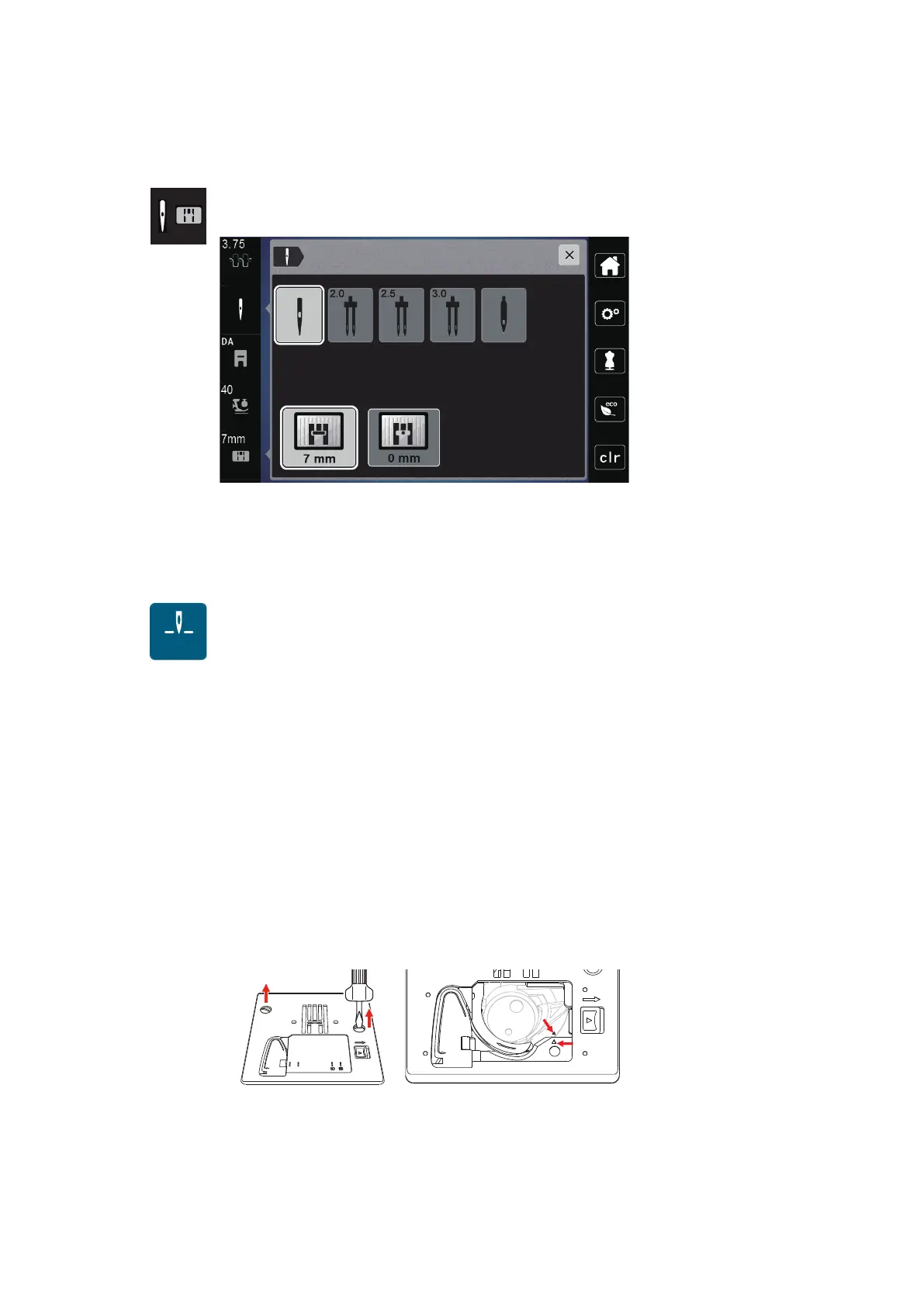
Selecting the needle in the User Interface
After changing the stitch plate, you can check whether it can be used with the selected needle.
> Touch the icon «Needle selection» or «Stitch plate selection».
> Select the attached needle.
– When the selected needle matches the selected stitch plate and the presser foot, sewing can be
started.
– If the selected needle does not match the stitch plate, a red exclamation mark appears.
Needle stop up/down (permanent)
> Touch the icon «Needle stop up/down (permanent)» to fix the needle position permanently.
– The machine stops with needle position down as soon as the foot control is released or the button
«
Start/Stop» has been pressed.
> Touch the icon «Needle stop up/down (permanent)» again.
– The machine stops with needle position up as soon as the foot control is released or the button
«
Start/Stop» has been pressed.
Changing the stitch plate
The stitch plate is marked with vertical, horizontal and diagonal lines in millimeters (mm) and inches (inch).
These markings are helpful when sewing or for precise topstitching. Please note:
The markings of the
bobbin case and the stitch plate must be aligned identically.
Prerequisite:
• The feed dog is lowered.
• The machine is switched off and disconnected from the power supply system.
• The bobbin cover, the needle and the presser foot are removed.
> Remove the screws of the stitch plate with the screwdriver.
> Remove the stitch plate.
> Position new stitch plate and tighten screws with screwdriver.



 To Next Page