Sewing preparation
29
2020-02 EN 5020077.20A.04
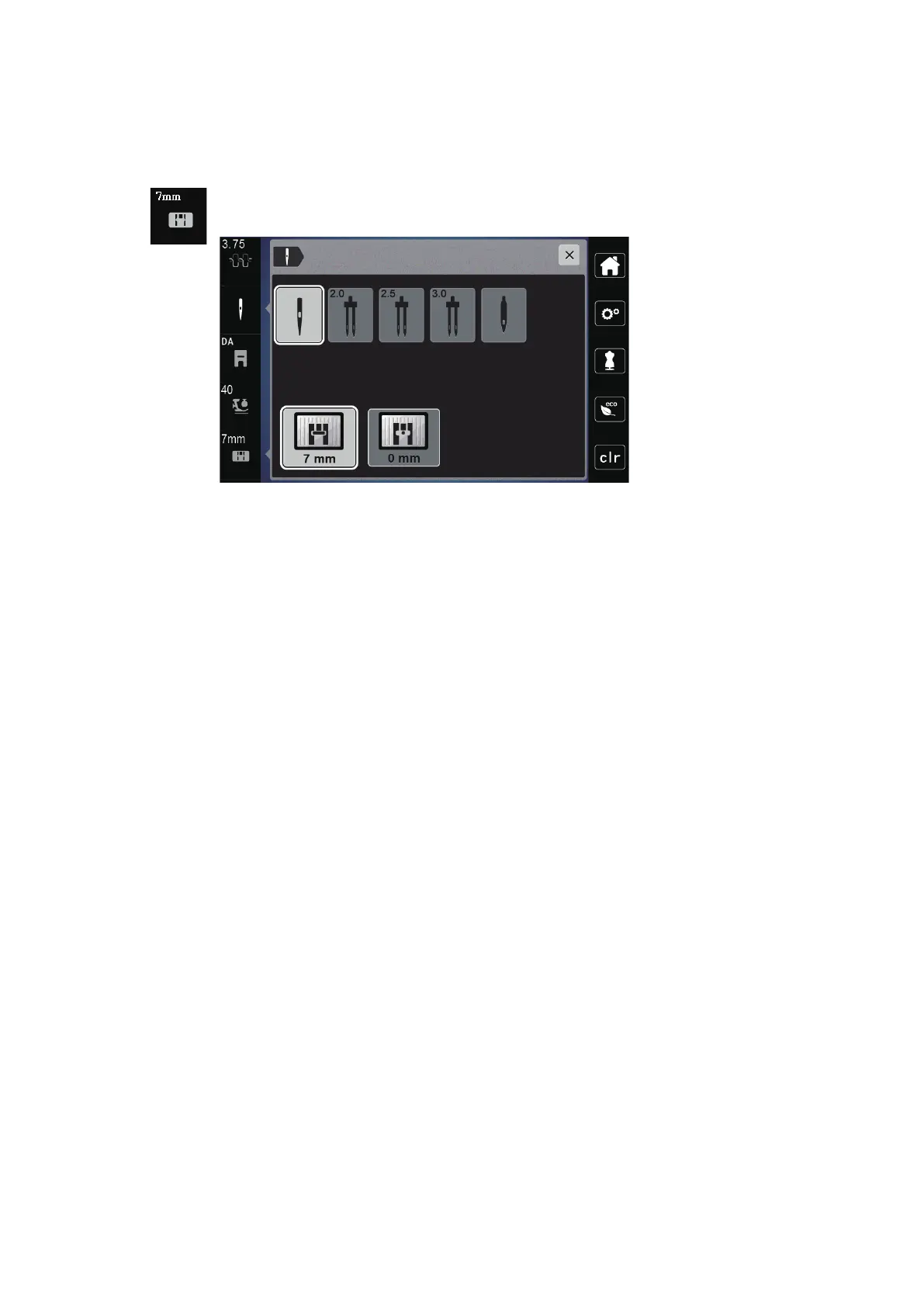
Checking the stitch plate in the user interface
After changing the stitch plate, you can check whether it can be used with the selected needle.
> Press the Icon «Needle selection» or «Stitch plate selection».
– The mounted needle plate is automatically detected and shown in the display.
– If the selected stitch plate is suitable for use with the needle, sewing may begin.
– The stitch width is automatically set to the permissible value.
– If the selected throat plate is unsuitable for use with the needle, a red exclamation mark appears.



 To Next Page