Setup Program
45
2020-02 EN 5020077.20A.04
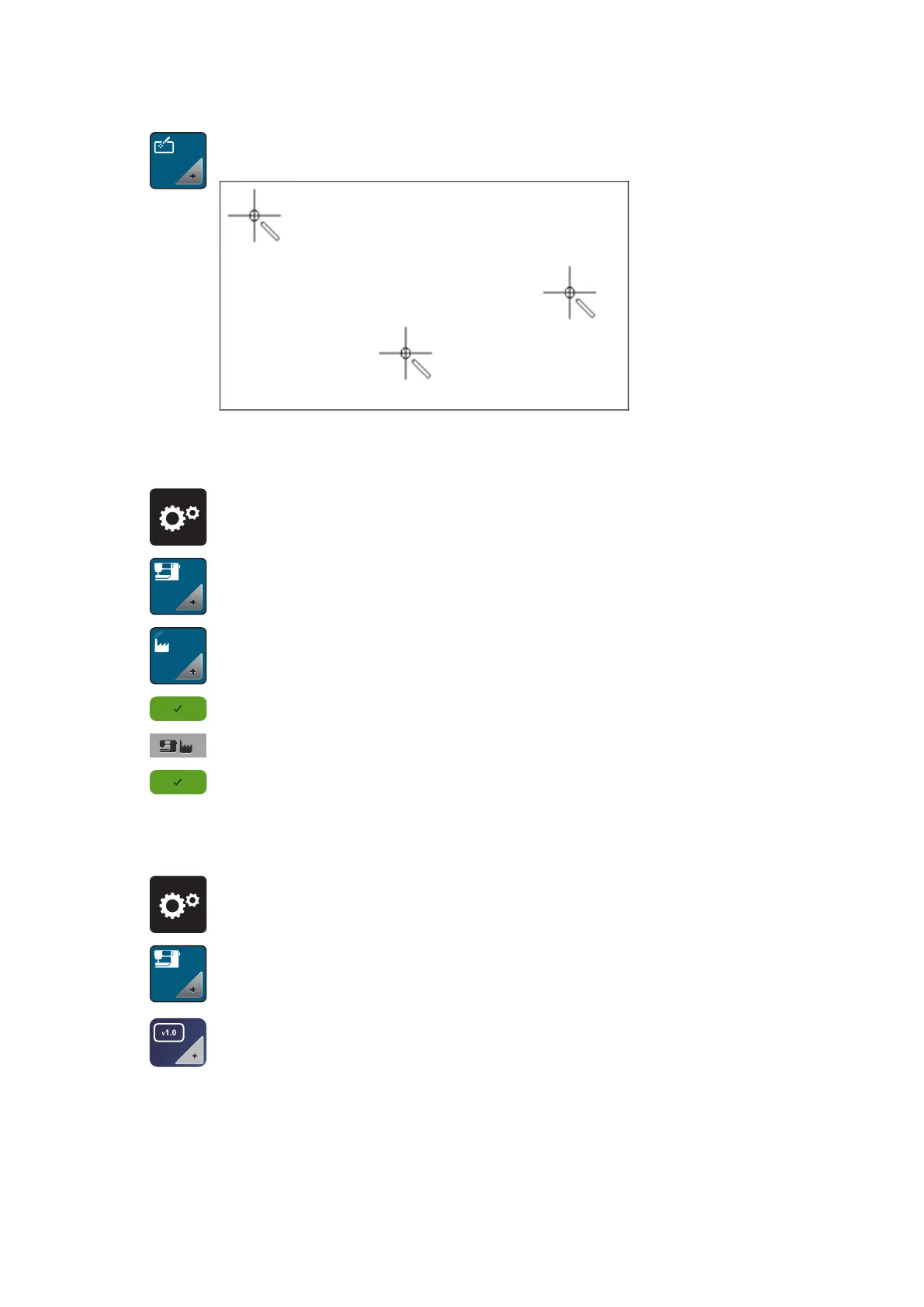
> Touch the icon «Calibrate the display».
> Touch the crosses in sequence using the touchscreen pen.
Back to basic settings
WARNING: Using this function will delete all individually made settings.
> Touch the icon «Setup Program».
> Touch the icon «Machine settings».
> Touch the icon «Default settings».
> Touch the icon «Confirm» to restore the default settings for sewing.
> Touch the icon «Default setting all».
> Touch the icon «Confirm» and restart the machine to restore all default settings.
Checking the firmware version
The firmware version of the machine is displayed.
> Touch the icon «Setup Program».
> Touch the icon «Machine settings».
> Touch the icon «Firmware version».



 To Next Page