Creative sewing
54
2020-02 EN 5020077.20A.04
Permanent Quick reverse
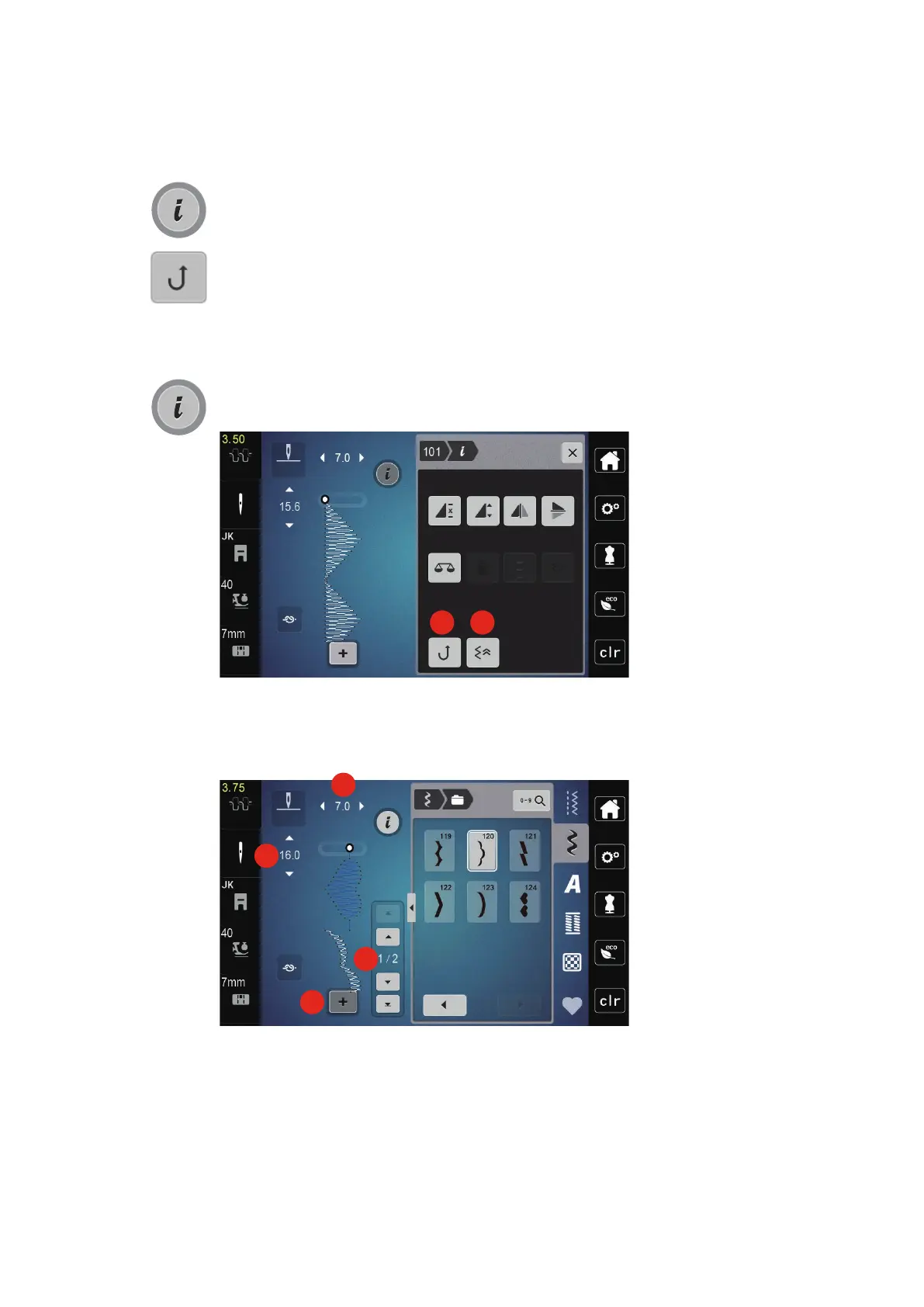
> Select a stitch pattern or alphabet.
> Touch the icon «i»-Dialog.
> Touch the icon «Permanent reverse sewing» (1) to sew permanently in reverse.
Backstepping
> Select a stitch pattern, alphabet or buttonhole.
> Touch the icon «i»-Dialog.
> Touch the icon «Backstepping» (2) to backstep the stitches.
5.6 Combining stitch patterns
Overview Combi mode
1 Stitch width of the active stitch pattern 3 Combination mode/single mode
2 Stitch length of the active stitch pattern 4 Individual stitch pattern within the combination



 To Next Page