Creative sewing
56
2020-02 EN 5020077.20A.04
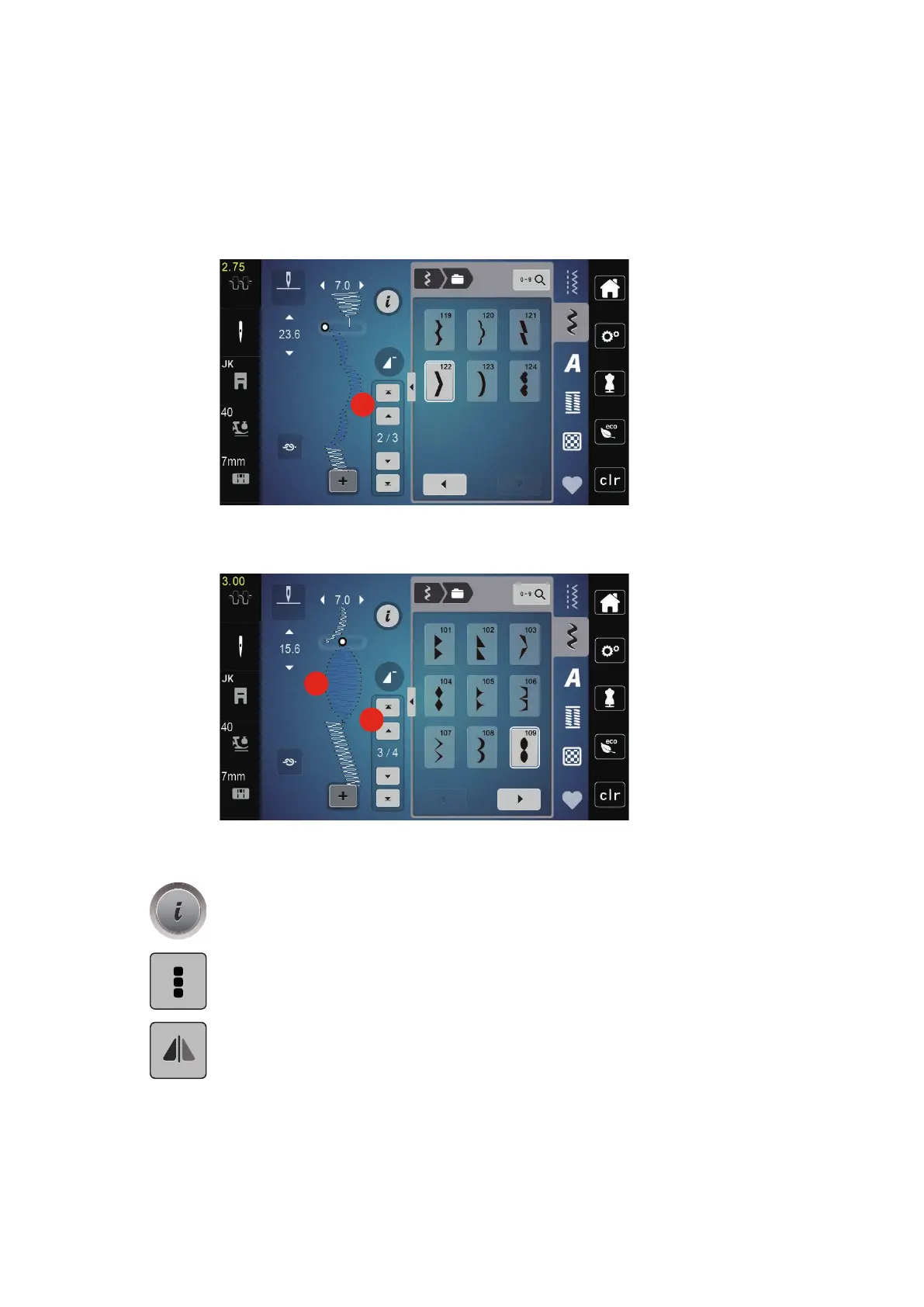
Adding a single stitch pattern
> In order to add a stitch pattern at the beginning, move to the very front of the stitch pattern group and
press the second upper arrow (1).
– Both upper arrows are inactive.
> Add a new stitch pattern.
> Create a stitch pattern combination.
> Touch the desired position (2) within the stitch pattern combination or touch the scroll arrow (3) to select
a single stitch pattern.
Mirroring a stitch pattern combination
> Create a stitch pattern combination.
> Touch the icon «i»-Dialog.
> Touch the icon «Edit the complete combination».
> Touch the icon «Mirror image left/right» to mirror the whole stitch pattern combination from the left to
the right.
> Touch the icon «Mirror image left/right» again to reset the alterations to default setting.



 To Next Page