Alphabets
76
2020-02 EN 5020077.20A.04
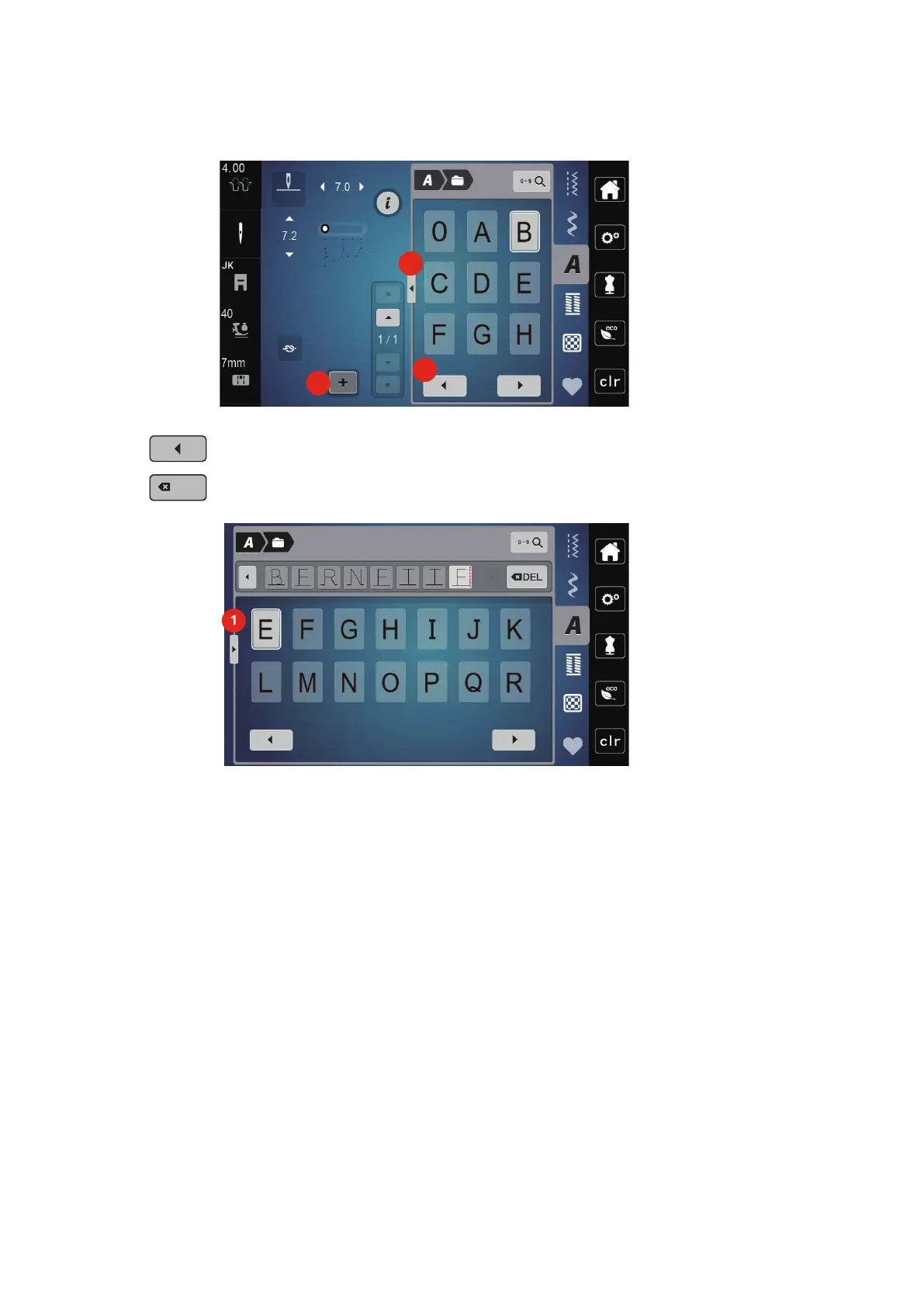
> To open the extended entry mode, touch the icon «Display alphabets» (2).
> Select the letter.
> To have more letters displayed, touch the icon «Scroll left» (3).
> To delete individual letters of the entered text, touch the icon «DEL».
> To close the extended entry mode, touch the icon «Display alphabets» (1) again.



 To Next Page