134 Embroidery
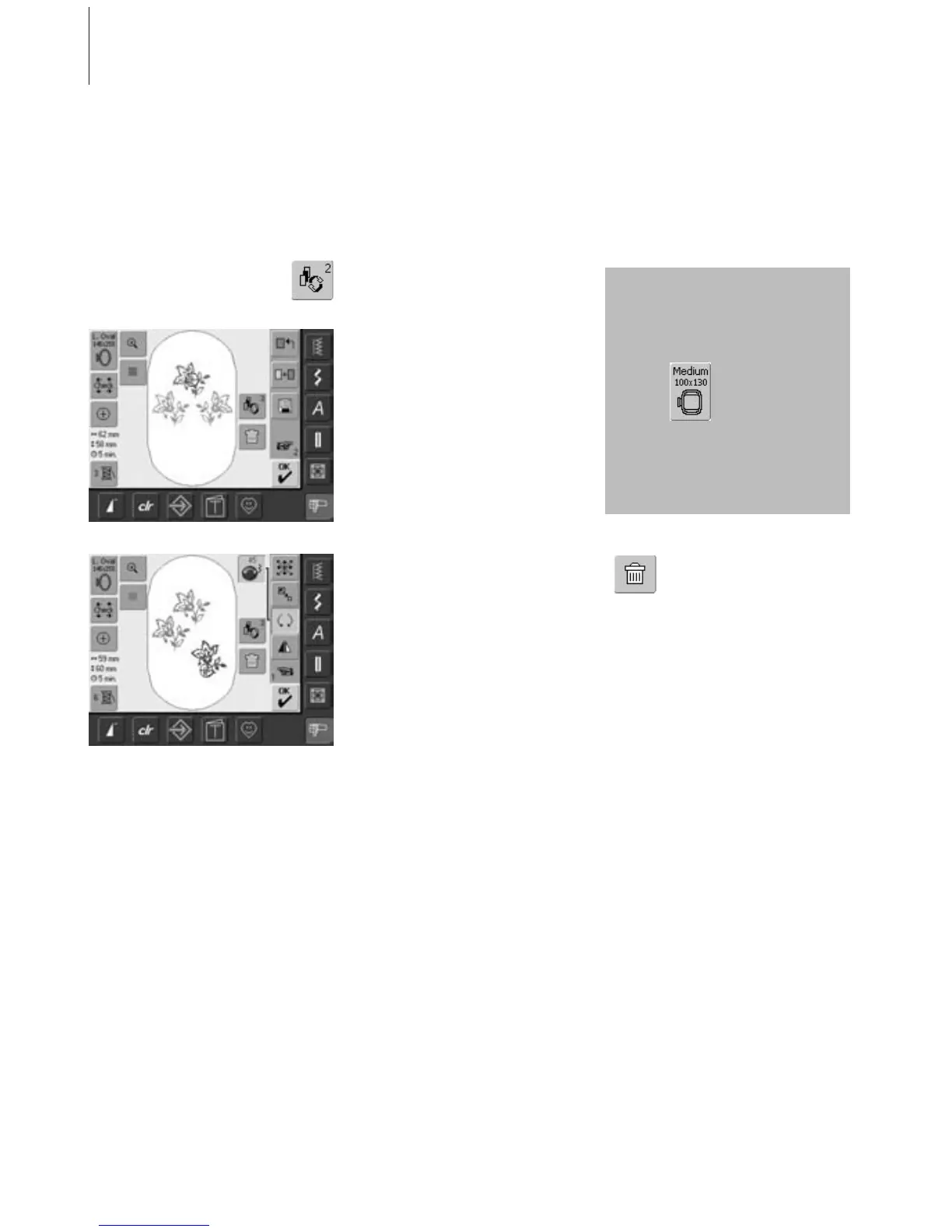
• touch the symbol «Retrieve» once or more
• switches between different motifs when
combining designs
• active motif is shown in color
• touch «Retrieve» until the desired motif is
activated
Creating / Altering Motif Combination
• use the «To Next Page» symbol to change
to the Edit 2 screen and create combination
by altering the active motif (= in color):
• with «Move Motif» move the motif to the
desired position
• in addition other alterations are possible:
scaling, rotating, mirroring, etc.
• the screen displays all changes directly
•to alter another motif of the motif
combination, activate the desired motif
with «Retrieve»
• alter selected motif as desired
With functions such as «Move Motif»,
«Rotate Motif» «Mirror Image», etc. the motif
combination can be created as desired.
Deleting Motifs
• touch the symbol «Retrieve» in
the Edit 1 or Edit 2 screen
once or more until the desired
motif is activated (in color)
• touch «Delete» and the
activated motif will be
automatically deleted
Creating Motif Combination
Selecting Motif Within the Motif
Combination
Depending on how many times
the symbol was touched, one
motif or the complete motif
combination is active.
If the indicated hoop
offers too little space,
select a larger one with
the function «Select
Hoop».



 To Next Page