143Saving Motifs
Overwriting Motifs
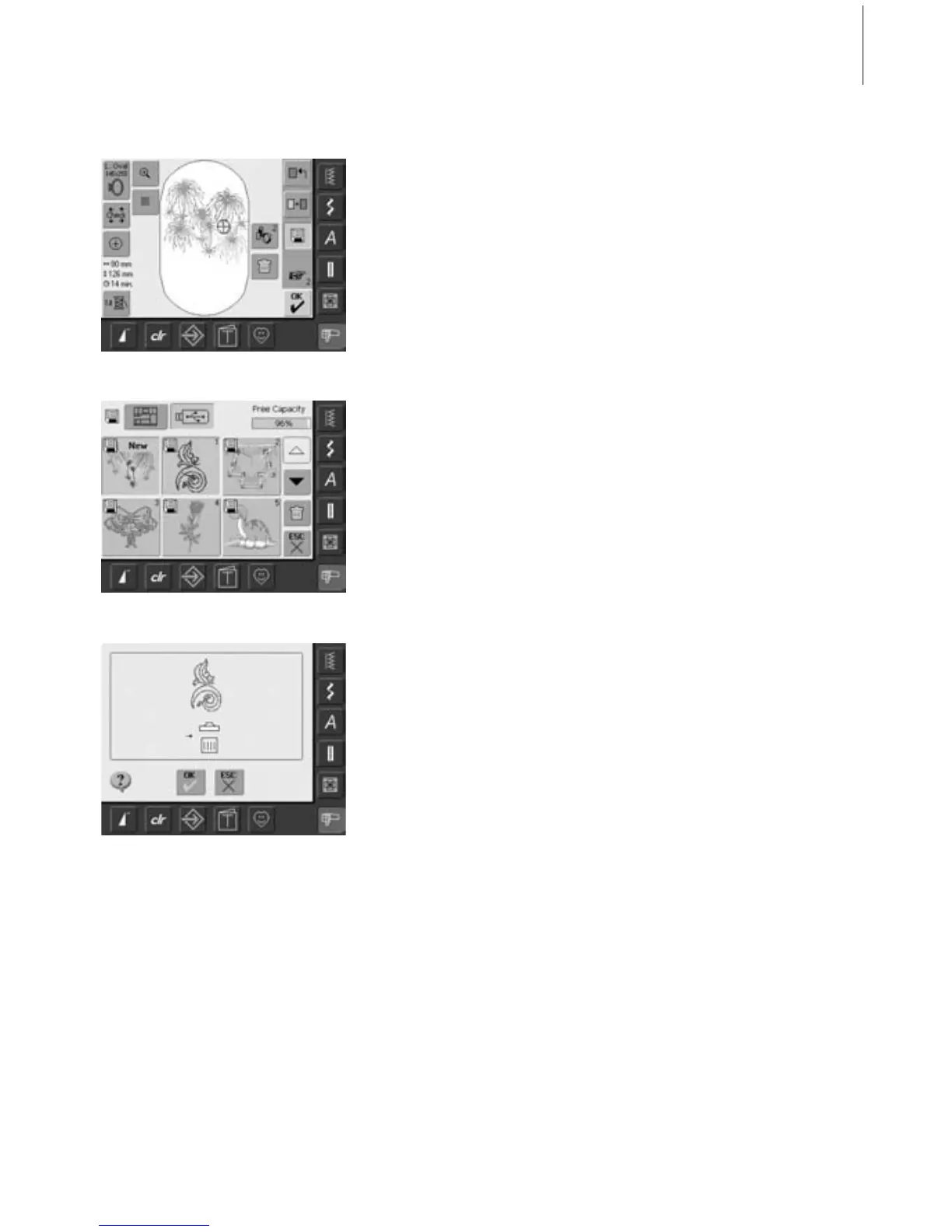
• motifs saved in «My Designs» or on a
personal design stick can be directly
overwritten with a new motif
• open desired motif from embroidery
computer, personal design stick or
peripheral source
• alter or combine motif if desired
• touch «Save» in the Edit 1 screen
• motif to be saved is displayed as «New»
on left of screen
• select the Stick button (personal design
stick inserted) or Embroidery Computer
button from the Selection menu
• touch the motif you wish to overwrite
• confirm the appearing animation with
«OK»
• the motif is now saved in the place
selected before



 To Next Page