133Embroidery
Display of the Motif Size
The motif width and height is displayed in
millimeters (mm).
Selecting the Most Appropriate Hoop for Adjusted Motif Size
The most appropriate hoop should be chosen
for the motif size:
• touch «Select Hoop»
•a special screen appears with possible
choices of hoops
• by selecting a hoop (Small, Middle, Large
Oval or Mega) the motif is shown in the
appropriate hoop after the special screen
closes
Combining Motifs
Motifs can be combined as desired with the
embroidery computer to create completely
new designs. A combination can consist of
several identical motifs or of different ones. It
is also possible to combine motifs with
lettering.
Application
• combining motif variations
•creating new designs
• embroidering borders
•creating logos, crests, badges, labels, etc.
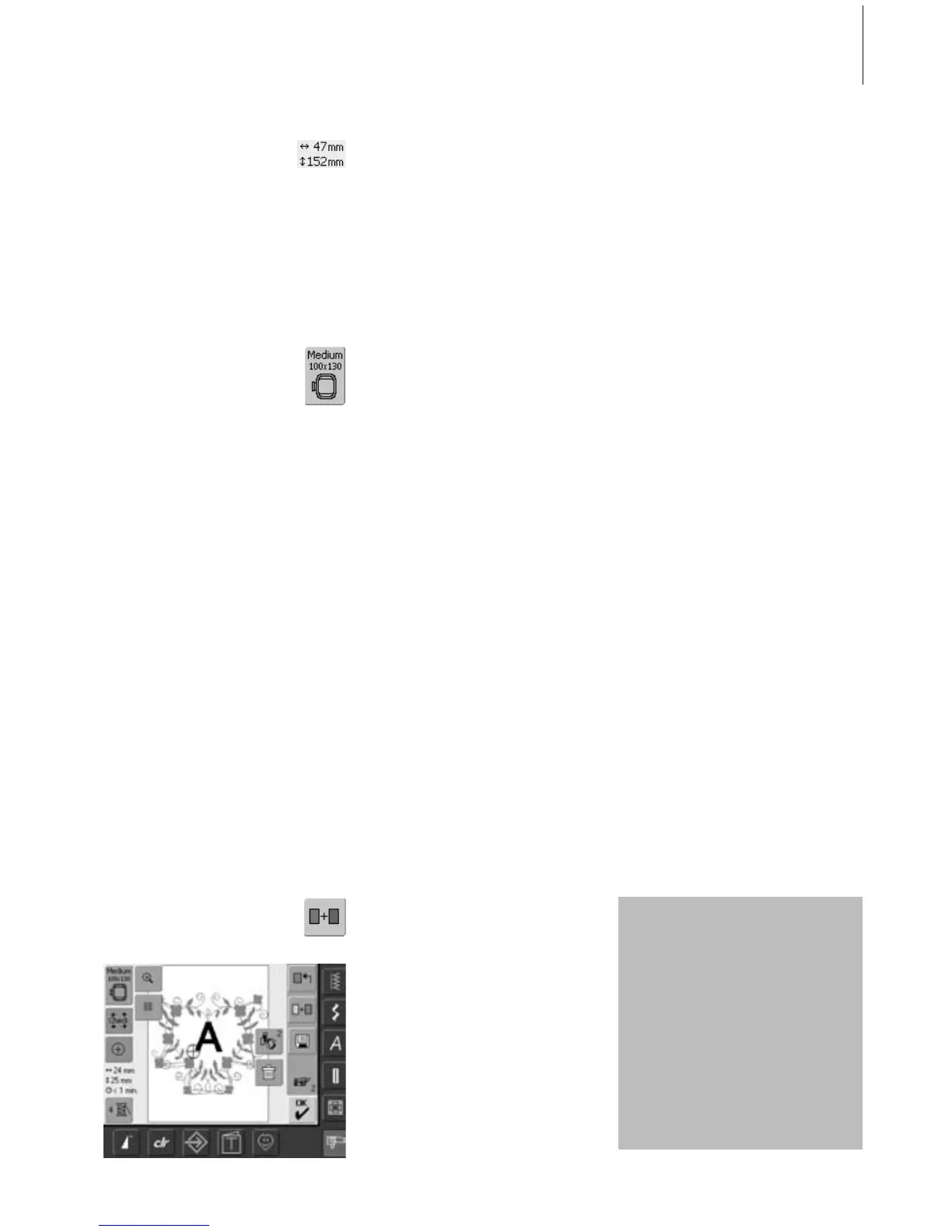
Adding Another Motif
With the function «Add Motif» another motif
or letter from the selection menu is added to
the existing one:
• touch «Add Motif»
•the summary of the last opened on-screen
button («Alphabets», «Motifs» and «My
Designs») appears
• select desired embroidery motif or change
to the Selection menu with the arrow
«Return to Selection menu»
• select desired field, e.g. lettering, in the
Selection menu
Creating Combinations
Preparation
• select desired motif from the Selection
menu
• the motif appears in the Edit 1 screen
•when rescaling, in order to
obtain an optimal
embroidery result, all motifs
in a combination should be
the same size in percentage
•when rescaling within a
90% to 120% range, the
size will be adjusted
accordingly (without
recalculation of stitches)
•when rescaling under 90%
or over 120%, the stitches
will be recalculated



 To Next Page