25Displays on Screen
Stitch Selection
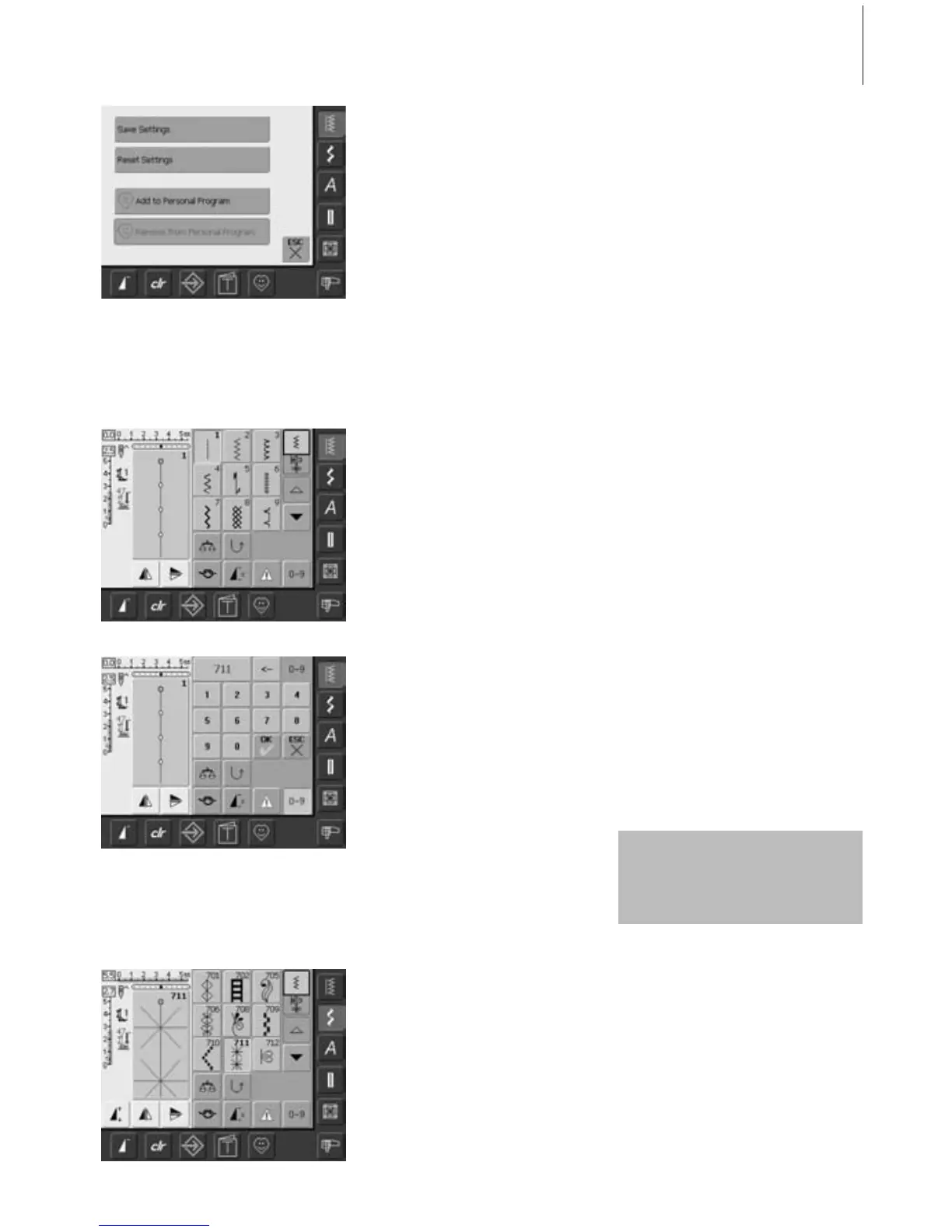
Saving Changes
•a special screen opens
• touch «Save Settings» = all changes are
saved
• touch «Reset Settings» to return to basic
settings
• touch «ESC» and the screen closes without
anything being saved or altered
Direct Selection by Scrolling up/down
Within a Stitch Category
• touch the arrow (down)
• the top row disappears
• the next two rows move up
•a new row appears at the bottom
Confirm Number and Go to Next Screen
• touch «OK» to confirm
• the selected stitch is displayed in the Stitch
Altering Area
• touch «ESC»
• the screen displays the selected stitch
• the selected stitch is active (highlighted in
blue)
If an unavailable number is
entered, it will be indicated with
three question marks in the field
above the numeric pad.
Stitches can be selected using one of the two
methods listed below.
• touch the arrow (up)
• the first row of stitches appears again
• the Scroll function (up/down) is used to
find and view all the sewing computer’s
stitches
Correcting Mistakes
• to correct mistakes or deselect, touch
function top right (arrow)
• the number is deleted from right to left
•touch the broad field above the numeric
pad
• the entire number is deleted
• enter new number
Stitch Selection by Number
• touch the function «0–9»
• the screen changes to a numeric pad
• touch numbers to select the stitch of your
choice
• the number of the selected stitch appears
in the upper screen
Back to Previous Screen
• do not confirm the entered stitch number
with «OK»
• touch «ESC» or «0-9»
• the previous screen appears
• the stitch selected by number will be
ignored



 To Next Page