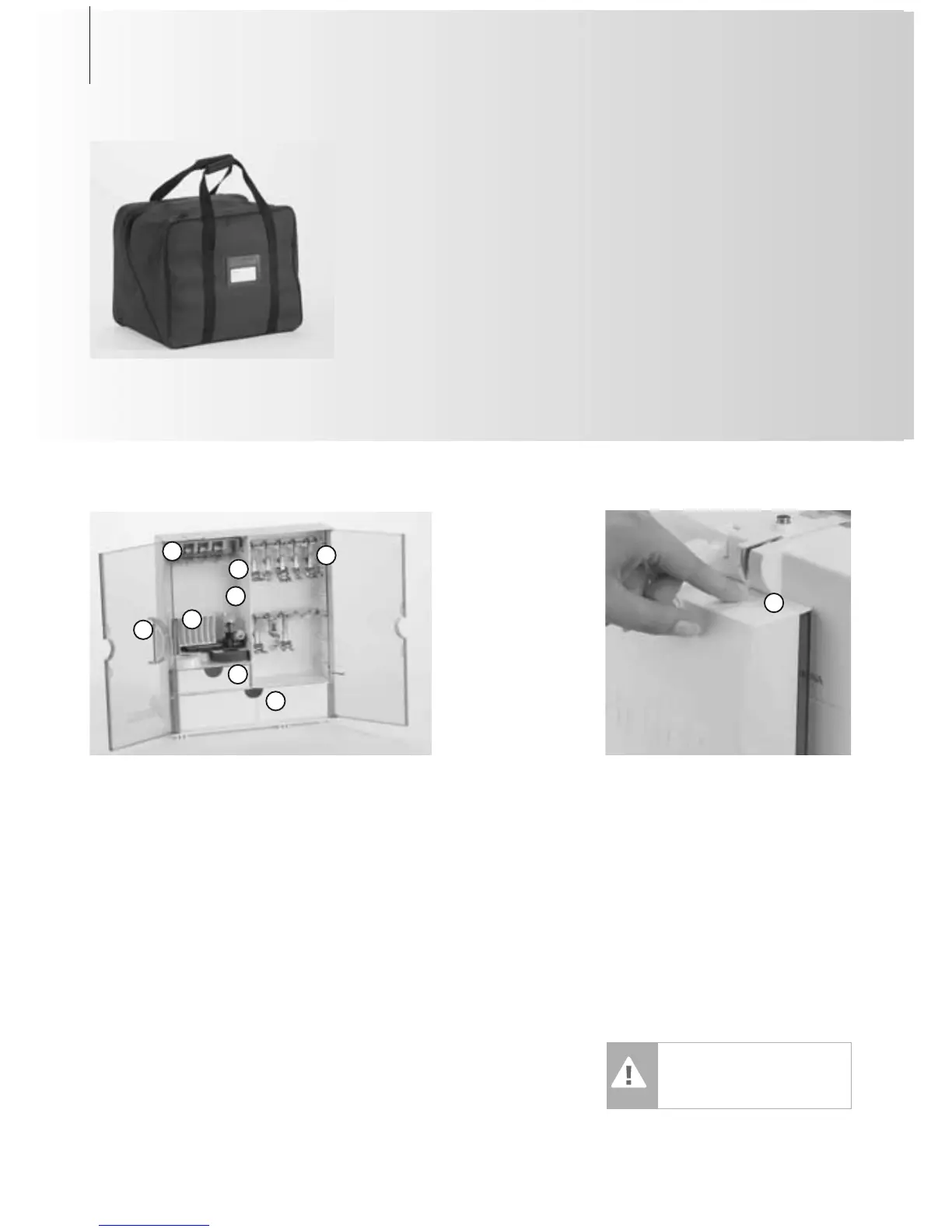
Carrier Bag
•protects from dust and dirt
• this bag can be used to transport the
sewing computer. The accessories can be
stored in the corresponding compartments
Accessories*
Free Standing Accessory Box
• on the back side of the box, pull both feet
out until they click into place
• stand box in chosen position
Storing Accessories
Standard accessories are supplied in a plastic
bag. The box is equipped with one small and
one large drawer (B and C) as well as com-
partments for bobbin holders D and presser
feet E. (Additional compartments and drawers
are available as optional extras.)
• push the bobbins into the compartments
provided
• to remove a bobbin, press the
compartment holder F lightly
• insert the presser feet into the slot
• Buttonhole foot with slide No. 3A can be
stored in the left compartment G
• the needle selection box can be stored in
compartment H
Accessory Box
Attaching the Accessory Box to the
Sewing Computer
• close the doors
• push feet back into position
• attach the box to the sewing computer
(catch A must engage); inserting the
presser foot lifter into the opening J
C
E
H
A
G
Removing the Accessory Box
•press catch A on the top of the box
•remove box to the rear
Caution:
First lower the presser foot
lifter!
4 Accessories
Accessories
The following accessories are arranged in the
styrofoam packing:
• foot control
• instruction manual
• power cable
• warranty card
• FHS presser foot lifter (Free Hand System)
• slide-on table
• seam guide for slide-on table
• Instructional / Presentation CD-ROM
• carrier bag
•Touch Screen Stylo
*can vary from country to country
J
B
D
F



 To Next Page