29External Functions
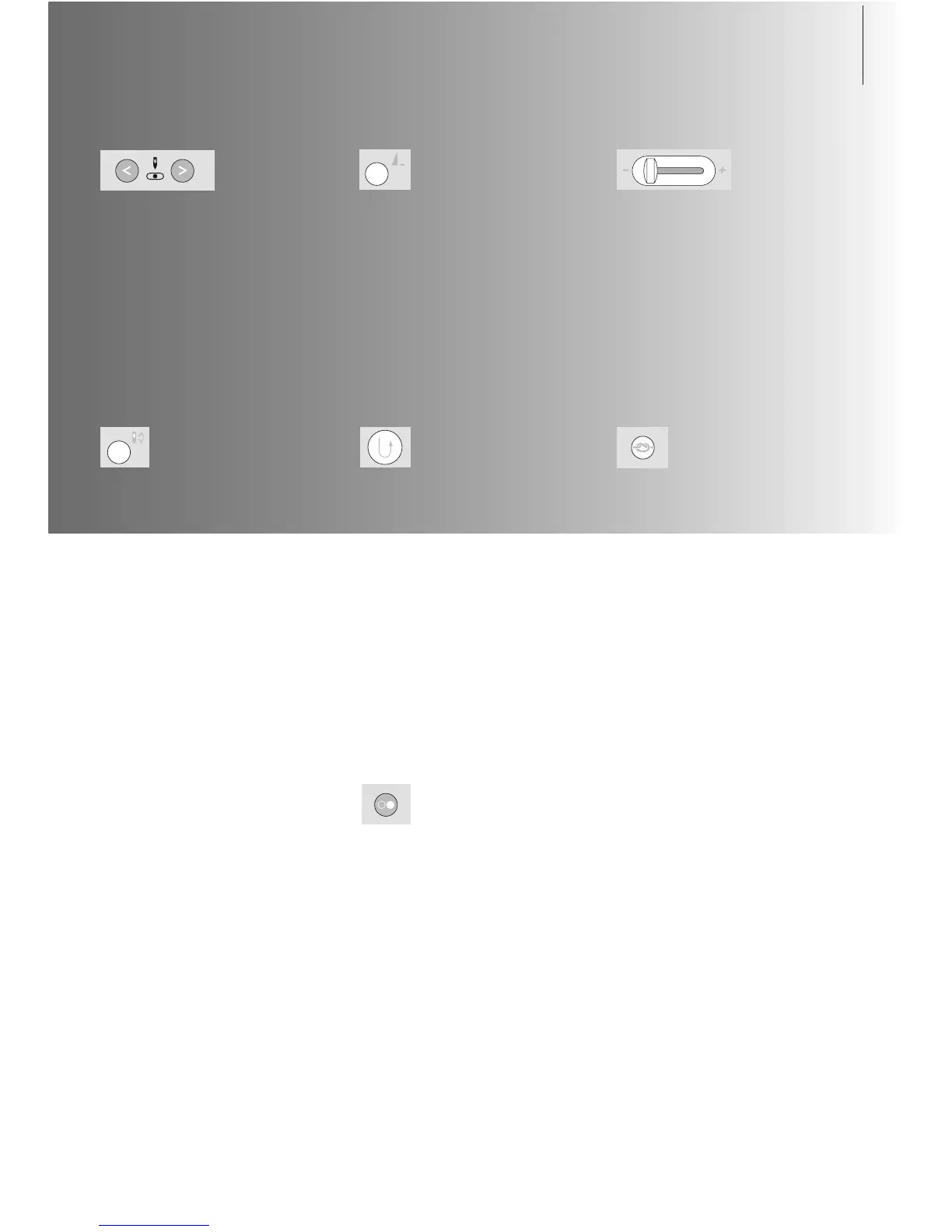
Quick Reverse Button on Head Frame
•press the Quick Reverse button on head
frame
• secure the seam beginning and end: sews
in reverse as long as button is depressed
• used to program buttonhole length
• used to program darning length
• used to designate end of stitching in
straight stitch Securing stitch No. 5
• securing with Quilters Securing Program
No. 324
Start-Stop Button
• starts and stops the sewing computer when
operating it without foot control
• starts and stops the sewing/ embroidery
computer in the embroidery mode with
attached embroidery module
• starts and stops the BSR function (optional)
when BSR foot is attached and plugged in
External Function Buttons
Altering Needle Position
• left button = needle to the left
• right button = needle to the right
• keep button pressed to quickly change
needle positions
• total of 11 needle positions: 5 left, 5 right
and 1 center
Needle Up/Down
• basic setting needle stop up
• touch the symbol briefly:
• the needle is raised or lowered (as
when tapping on the foot control
with your heel)
• touch the symbol longer:
• the needle is lowered
• the arrow on the screen points down
• the sewing computer stops with the
needle down
• touch the symbol again (also longer):
• the needle is raised
• the arrow on the screen points up
• the sewing computer stops with the
needle up
Slide Speed Control
• the motor speed can be freely adjusted
with the slide
Pattern End
•press the Pattern End button
•a stop symbol in the right part of the
screen indicates that the function was
activated
• sewing computer stops at the end of the
active single pattern or the active pattern of
a combination
Securing Function (with 4 stitches)
•press the button before starting to sew =
individual stitches will be secured at the
beginning
•press the button during an individual stitch
= the stitch will be secured at the end. The
sewing computer stops
•programming the function within a stitch
combination = each individual stitch of the
stitch combination can be secured at the
beginning or at the end



 To Next Page