88 Saving and Deleting Stitches and Stitch Combinations - Programming and Saving
• select Combi Mode
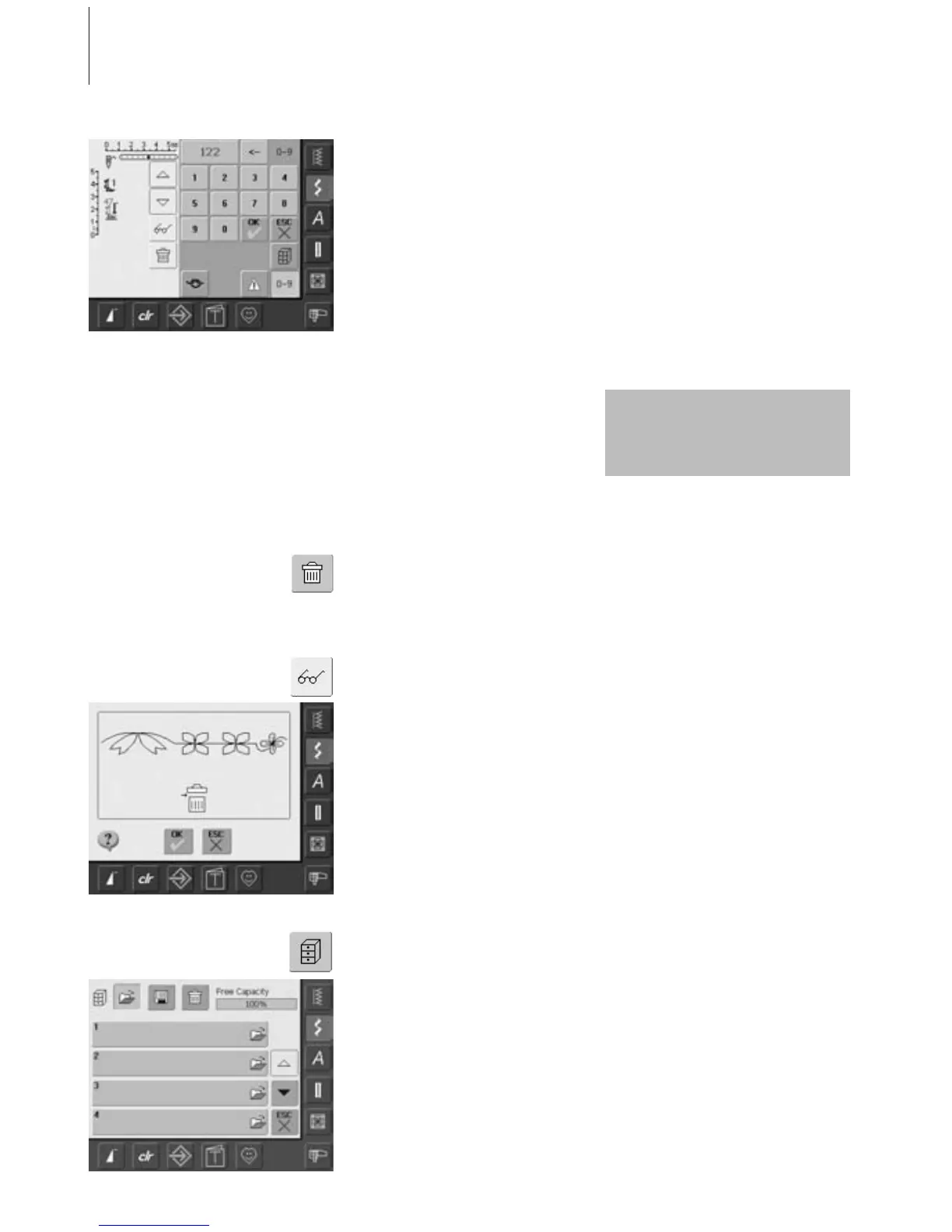
• touch «0–9» button
• enter number of desired stitch
•touch arrow to delete individual numbers
• touch field above the numeric pad to
delete all numbers
• to confirm and to select further stitches by
number touch «OK»
• if the Combi Mode has already been in use
and the sewing computer has not been
switched off («0») since, the last
programmed or selected stitch combination
appears in the Stitch Altering Area
• empty the Stitch Altering Area by deleting
the combination or open an empty Drawer
to program a new combination
Emptying the Stitch Altering Area in
Steps
• the stitch above the cursor is deleted
• touch the Delete function until the Stitch
Altering Area is empty
Emptying the Stitch Altering Area in a
Single Step
• touch the Multifunction button
• touch «Delete»
•touch «OK» to confirm the message
• the Stitch Altering Area is now empty, and
a new stitch combination can be
programmed
Programming and Saving Stitches by Number
Empty Stitch Altering Area
This procedure does not affect
stitch combinations already
saved, which remain intact.
• touch «ESC» if selection is complete
• touch the blinking File Drawers button
• select the Drawer where you wish to save
the stitch combination
Opening Empty Drawer
• touch the «File Drawers»
• Drawers screen appears
• touch «Open» in the top row
• select an empty Drawer
• the System Memory Capacity (Free
Capacity) is shown in percentage (%) in a
bar top right



 To Next Page