87Saving and Deleting Stitches and Stitch Combinations - Programming and Saving
Saving and Deleting Stitches and Stitch Combinations
In General
Stitches, letters, and numbers can be
combined and stored in the memory system.
The sewing computer has a memory system,
in which the two memories – sewing and
embroidery – can be stored. In the sewing
memory stitch combinations with maximum
50 stitches can be stored in the Drawers as
long as there is free storage space (capacity)
available. It may well be, however, that not all
Drawers can be filled, due to the saving of
many stitches or stitch combinations.
The memory is a long term memory, i.e. the
contents remain in it until deliberately
deleted. A power cut, or switching off («0»)
the sewing computer do not affect the saved
program.
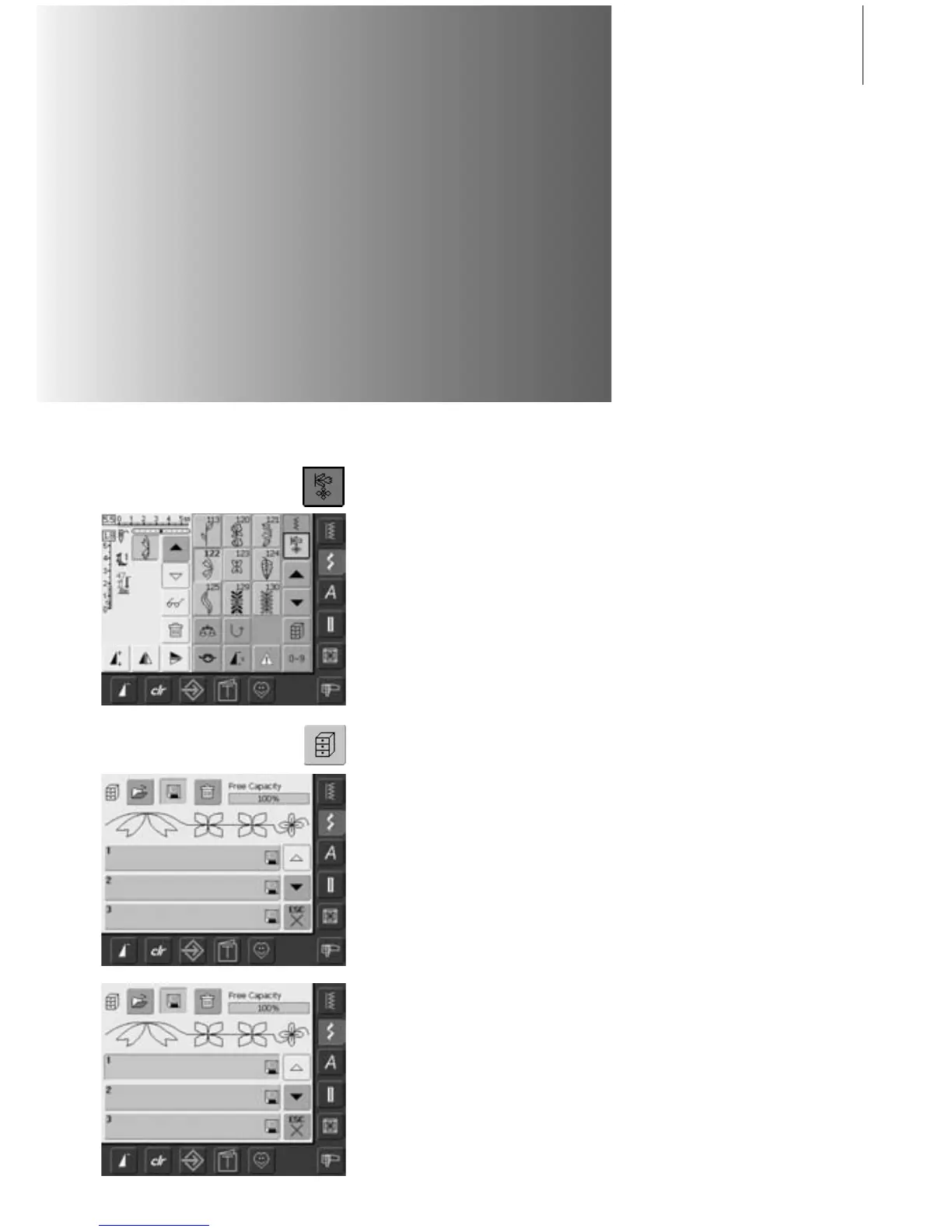
• select Combi Mode
• the Stitch Altering Area appears with its
functions
• select desired stitch
• alter stitch length, stitch width, needle
position or functions such as mirroring, etc.
if necessary
• select further stitches
• touch the blinking File Drawers button
• the function «Save» is activated (light blue)
• the System Memory Capacity (Free
Capacity) is shown in percentage (%) in a
bar top right
• select the Drawer where you wish to save
the stitch combination
Programming and Saving Stitch Combinations



 To Next Page