142 Saving Motifs
• personal design sticks are available as
optional accessories from your BERNINA
dealer
• open desired motif from embroidery
computer, personal design stick or
peripheral source
• alter or combine motif if desired
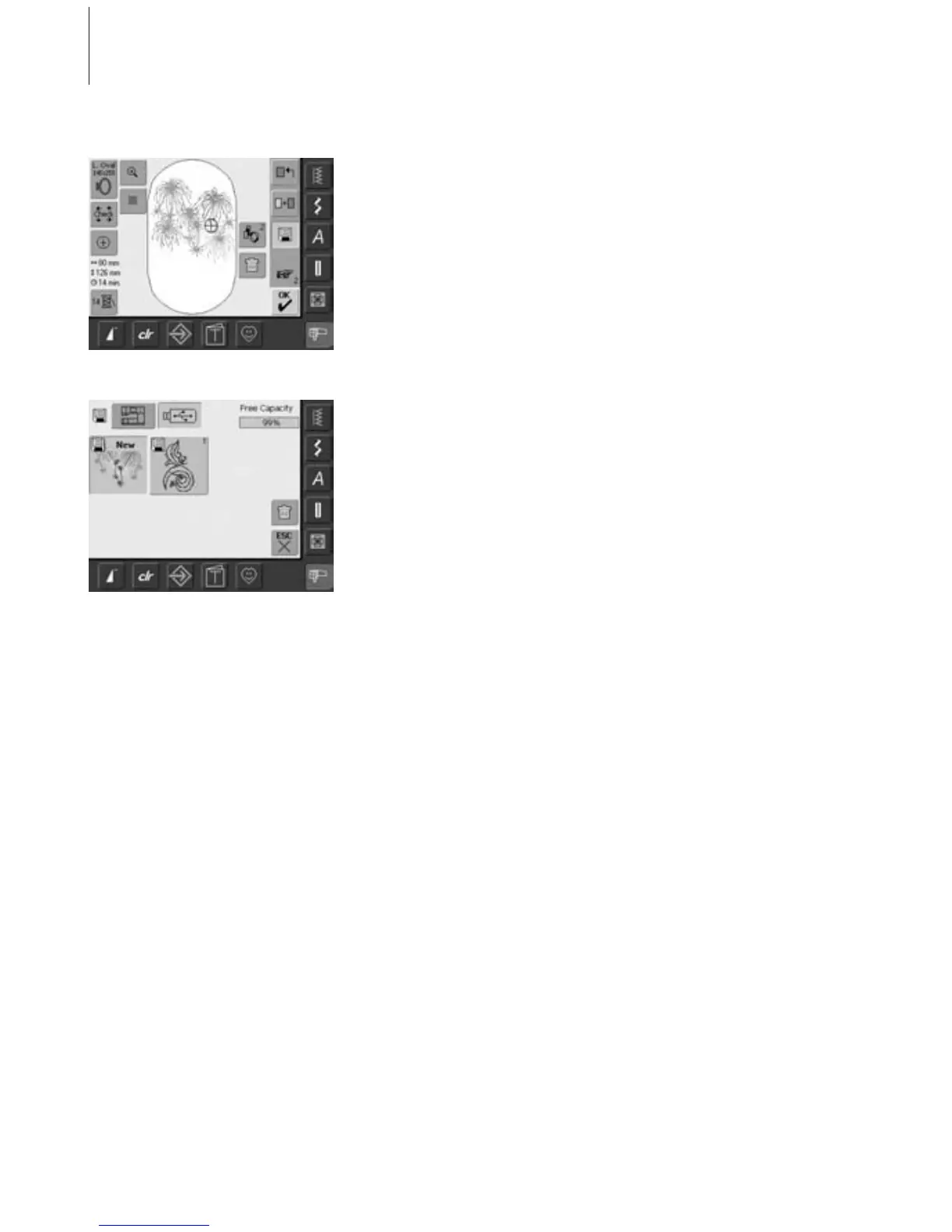
• touch «Save» in the Edit 1 screen
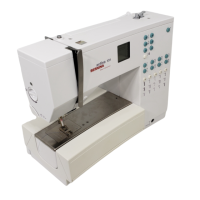
• motif to be saved is displayed as «New»
on left side of screen
• insert personal design stick
• select the Stick button from the Selection
menu
• the System Memory Capacity (Free
Capacity) is shown in percentage (%) in
the top right bar
• select the motif to be saved
• the motif is now saved on the personal
design stick
Saving to a BERNINA USB Stick


 To Next Page