146 Tutorial
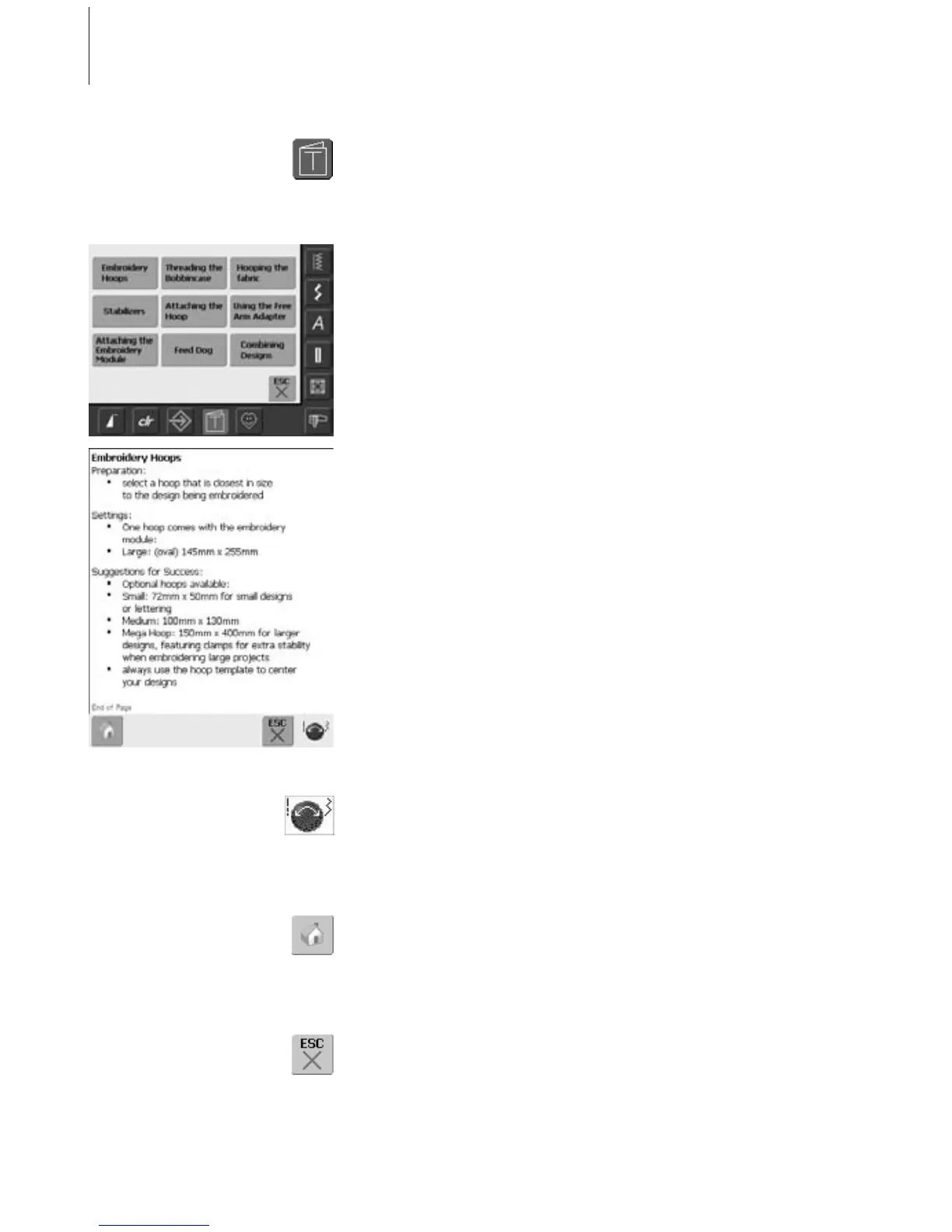
Opening Tutorial
• touch «Tutorial»
•a screen with subjects appears
Subjects
• select the desired subject, e.g. Embroidery
Hoops
• Information on the desired subject appears
Text Scrolling
• this symbol indicates that text scrolling on
screen can be activated with the stitch
width or stitch length knob
Back to Subjects
• touch the «Home» symbol
• the first screen (Subjects) of Tutorial
appears
Back to Previous Screen
• touch «ESC»
•Tutorial is closed
• the previous screen appears
Tutorial



 To Next Page