33Functions
Balance
• touch symbol
• Balance screen appears
• balance forwards and reverse
stitches
• balance sideways motion
stitches
Applications:
• adapting practical and
decorative stitches to various
types of fabrics (e.g.
Honeycomb stitch)
• altering decorative stitches for
a new look
• balancing buttonholes to
different fabrics
Continuous Reverse Sewing
• touch symbol
• sews the selected stitch in
reverse
Applications:
• darning with straight or
running stitch
• decorative stitching on sleeves
or trouser legs
• quilting
Stitch Selection by Number
• touch symbol
• special screen appears
• select individual stitch by
touching the appropriate
number combination
Applications:
• easy selection of individual
stitch
• easy selection for stitch combi-
nation in Combi Mode
File Drawers
• touch symbol
• the Drawers screen appears
Upper Case / Lower Case
• Upper Case is activated when
Block is selected
• touch symbol
• Lower Case is activated
• once a feature is active the
symbol turns red
• selected functions remain
active even after sewing
computer is turned off
(«0»)/on
• touch «OK» to activate
selected Security Program
function
• Security Program functions
must be removed within
Security Program by selecting
desired needle and stitch plate
Applications:
• to stitch pintucks and for
hemstitching
• hemming knits
• decorative stitches
• sewing special fabrics
• piecing
• quilting
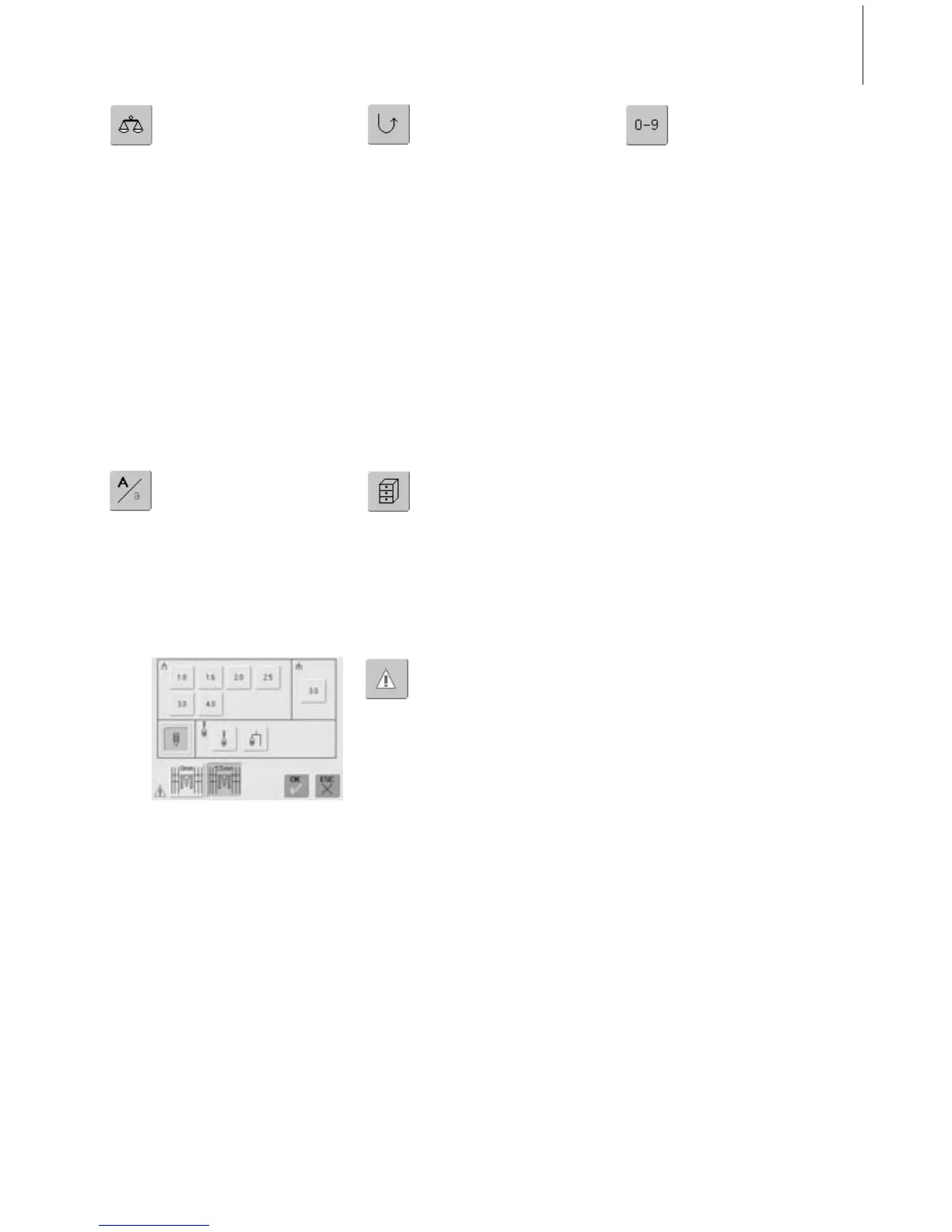
Security Program
• touch symbol
•a special screen appears
• by selecting the respective
needle symbol the stitch width
will be limited automatically
• this prevents the inserted
special needle (double needle,
etc.) from hitting the presser
foot or the stitch plate =
avoiding needle breakage
• the numbers represent the
distance in mm between the
needles of the double and
triple needle
• touch the needle symbol
framed in green. The standard
needle is active again and the
stitch width limitation is
turned off
• by selecting the respective
stitch plate icon the stitch
width is limited automatically
so that the inserted standard
needle cannot hit the stitch
plate



 To Next Page