37Practical Stitches - Summary
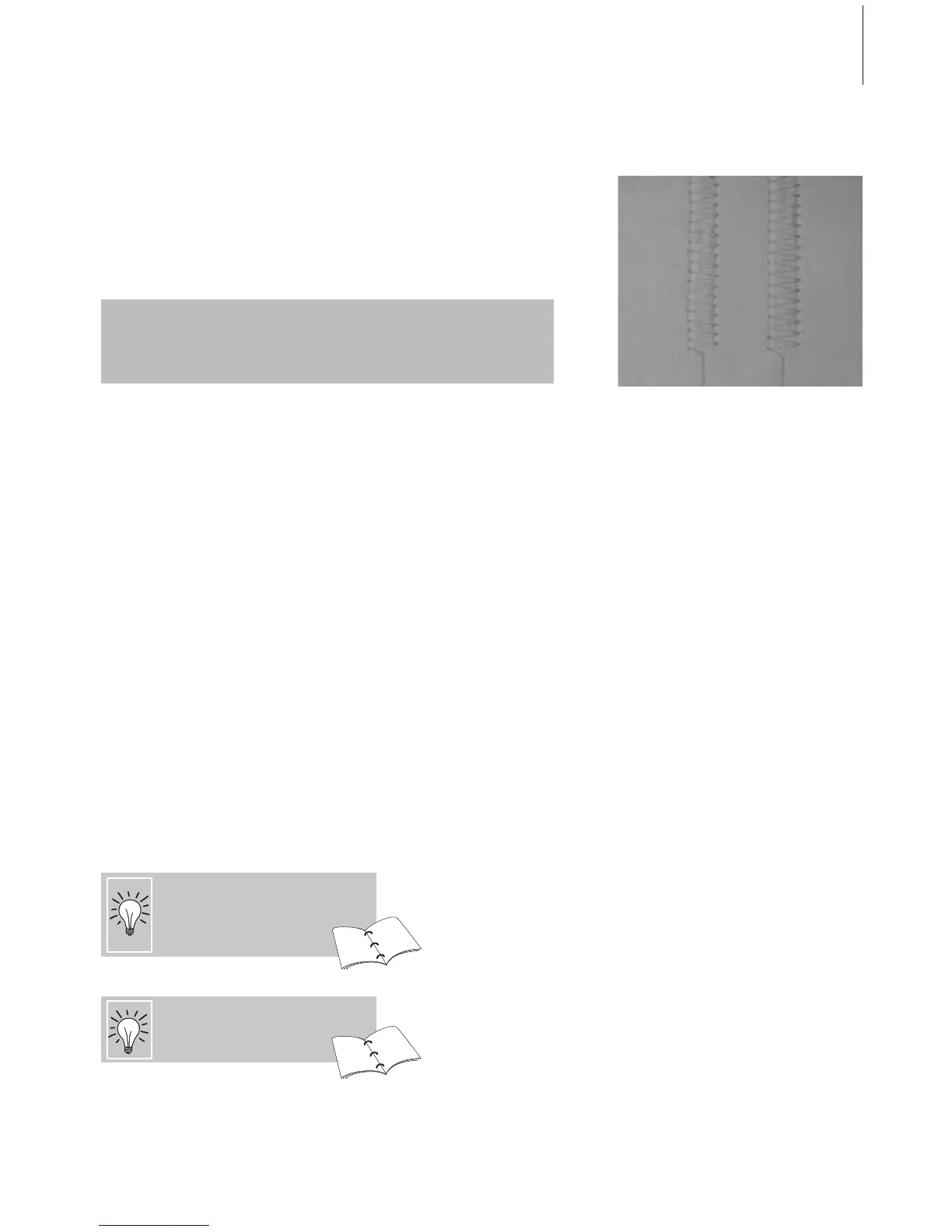
Temporary Altered Stitch Memory
any selected stitchStitch:
Example:
• select Zig-zag stitch No. 2 and alter stitch
width to 5.5mm (e.g. overcasting an edge)
• select straight stitch and sew seam
• overcasting another edge: select the
Zig-zag stitch No. 2 again
• the altered setting of the stitch width to
5.5mm stays saved
Return to Basic Settings –
Delete Altered Stitch Memory
• Method 1: press the «clr» button (active
stitch in basic setting)
•Method 2: revert to the stitch width and
length by touching the stitch width/stitch
length bar (or manually by turning the
external knob) revert to other functions
manually
•Method 3: turn sewing computer off («0»)
– altered settings will not be saved
The altered memory can hold as many stitch alterations as needed
(these are stitch length, stitch width, Needle Position, Pattern Extend,
Mirror Images, Balance and Pattern Repeat function 1-9x).
Save the stitch with altered basic
settings in the Personal Program.
Save the settings permanently.
84
84
24
25
Temporary Altered Stitch Memory
• stitch length, stitch width, needle position,
etc. are automatically saved
• by altering the stitch width and stitch
length, all stitches can suit both the fabric
and sewing
• the Temporary Altered Stitch Memory is
particularly useful when alternating
between two applications, such as
overcasting edges, zig-zag, vari-overlock to
suit the fabric
• the stitches can be changed as needed
• when changing back to the altered stitch,
the previous individually altered setting will
stay saved



 To Next Page