55Decorative Stitches - Applications
Applications
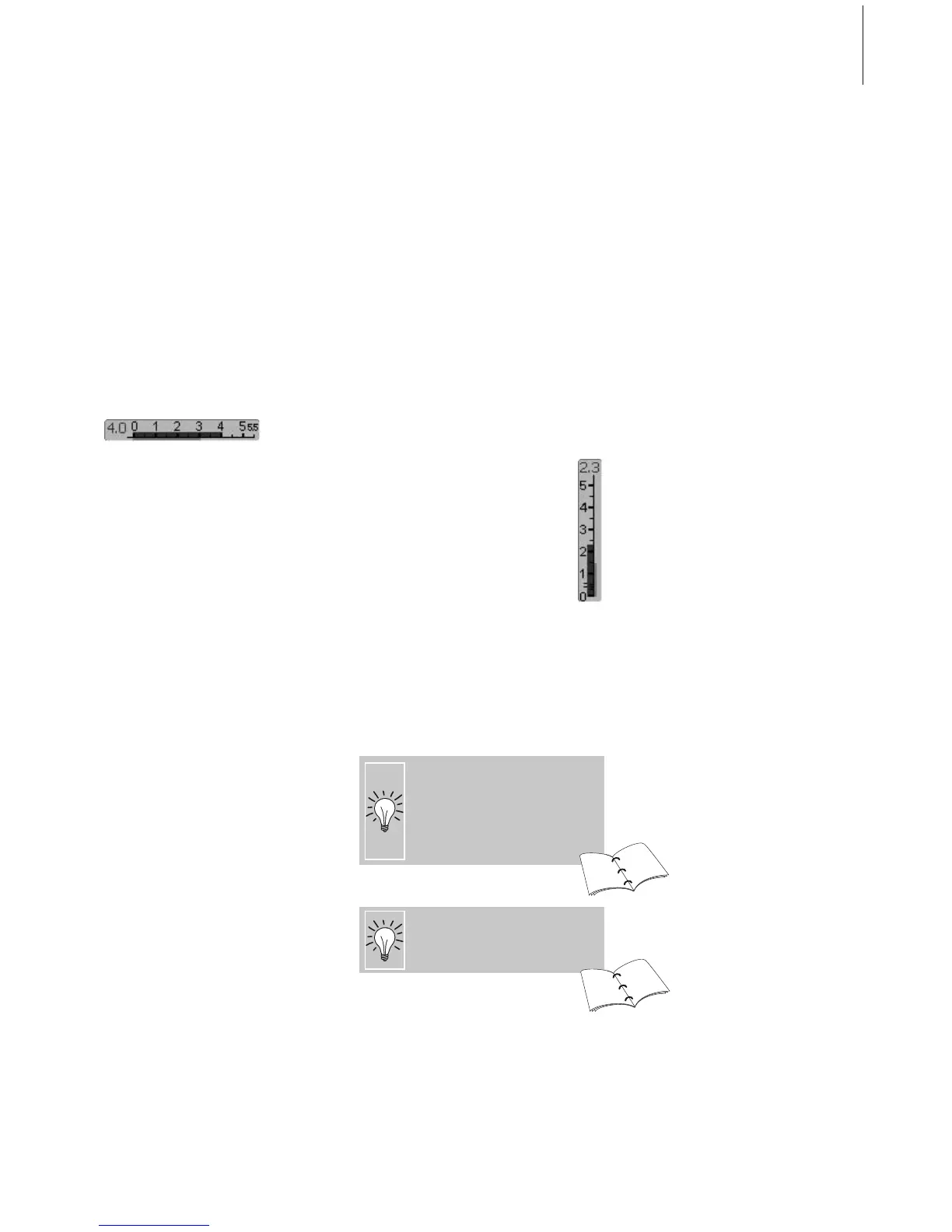
Altering the Stitch Width
• for decorative effects and stitch
adjustments (e.g. in bulky places)
• wider = turn the external stitch width knob
clockwise
• narrower = turn the external stitch width
knob counter clockwise
• basic settings and the alterations made will
be displayed on screen
•reset basic settings = touch the stitch width
bar or press the «clr» button, or turn the
external knob
Altering the Stitch Length
• for decorative effects and stitch
adjustments (e.g. in bulky places)
• longer = turn the external stitch length
knob clockwise
• shorter = turn the external stitch length
knob counter clockwise
• basic settings and the alterations made will
be displayed on screen
•reset basic settings = touch the stitch
length bar or press the «clr» button, or
turn the external knob
Decorative stitches
size and type suitable for the fabric selected
cotton, decorative
up (sewing position)
Reverse pattern foot No. 1,
Open embroidery foot No. 20,
Embroidery foot No. 6 (optional accessory),
Clear foot No. 34 (optional accessory)
Stitch:
Needle:
Thread:
Feed dog:
Presser foot:
Saving altered basic settings
• save the stitch with its altered
settings in your Personal Program
Change the factory settings of the
stitch permanently
84
84
24
25



 To Next Page